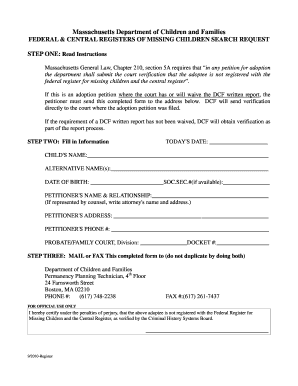
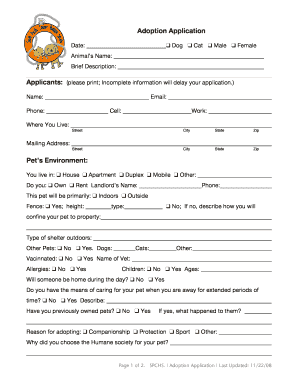
Type text, add images, blackout confidential details, add comments, highlights and more.

02. Sign it in a few clicks
Draw your signature, type it, upload its image, or use your mobile device as a signature pad.

03. Share your form with others
Send co branding agreement sample via email, link, or fax. You can also download it, export it or print it out.

How to use or fill out co branding agreement with our platform
Ease of Setup
DocHub User Ratings on G2
Ease of Use
DocHub User Ratings on G2
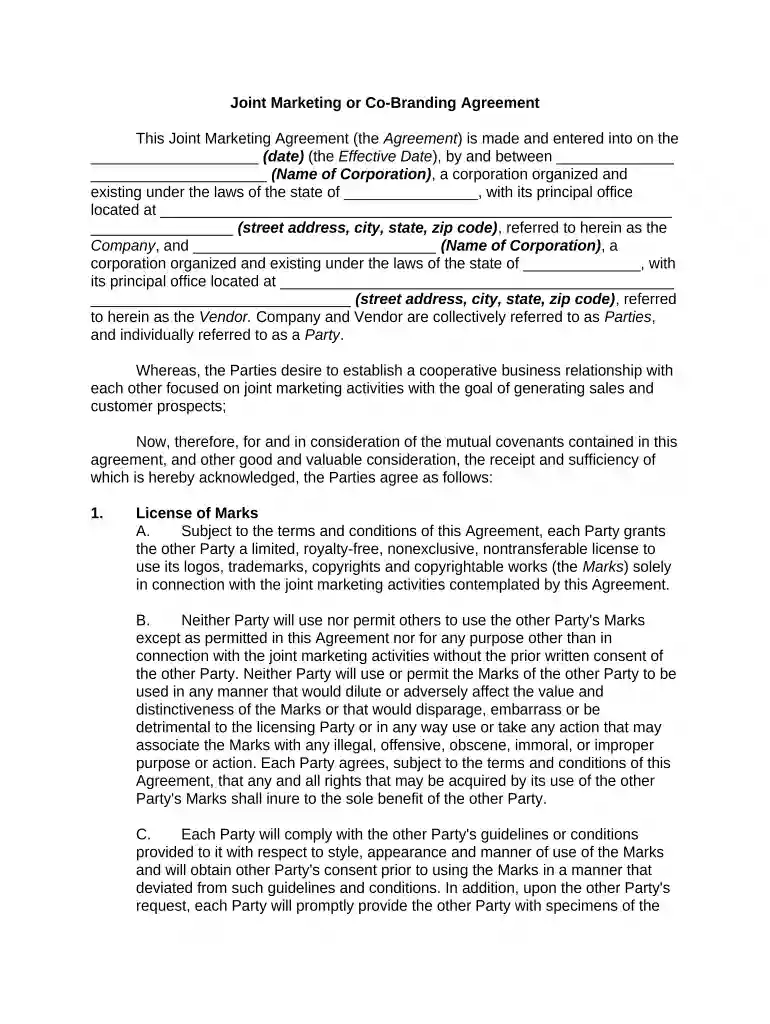
Click ‘Get Form’ to open the co branding agreement in the editor.
Begin by entering the effective date of the agreement in the designated field. This is crucial as it marks the start of your partnership.
Fill in the names and addresses of both parties involved—the Company and the Vendor. Ensure accuracy to avoid any legal complications.
Proceed to complete sections regarding licensing of marks, territory, and marketing channels. Clearly describe how each party will use logos and trademarks.
Incorporate website information by providing necessary logos and descriptions for both parties. This ensures proper representation online.
Complete sections on sales materials, joint event participation, and compensation details. Specify commission percentages and reporting requirements.
Review all entries for accuracy before finalizing. Utilize our platform’s features to save your progress or make edits as needed.
Start using our platform today to streamline your co branding agreement process for free!
Co-branding represents the use of the University and third-party brand elements as defined in an Affiliation Agreement or MOU. Please note: University BrandRead more
Cookie consent notice
This site uses cookies to enhance site navigation and personalize your experience.
By using this site you agree to our use of cookies as described in our Privacy Notice.
You can modify your selections by visiting our Cookie and Advertising Notice.