




01. Edit your t1036 online
Type text, add images, blackout confidential details, add comments, highlights and more.

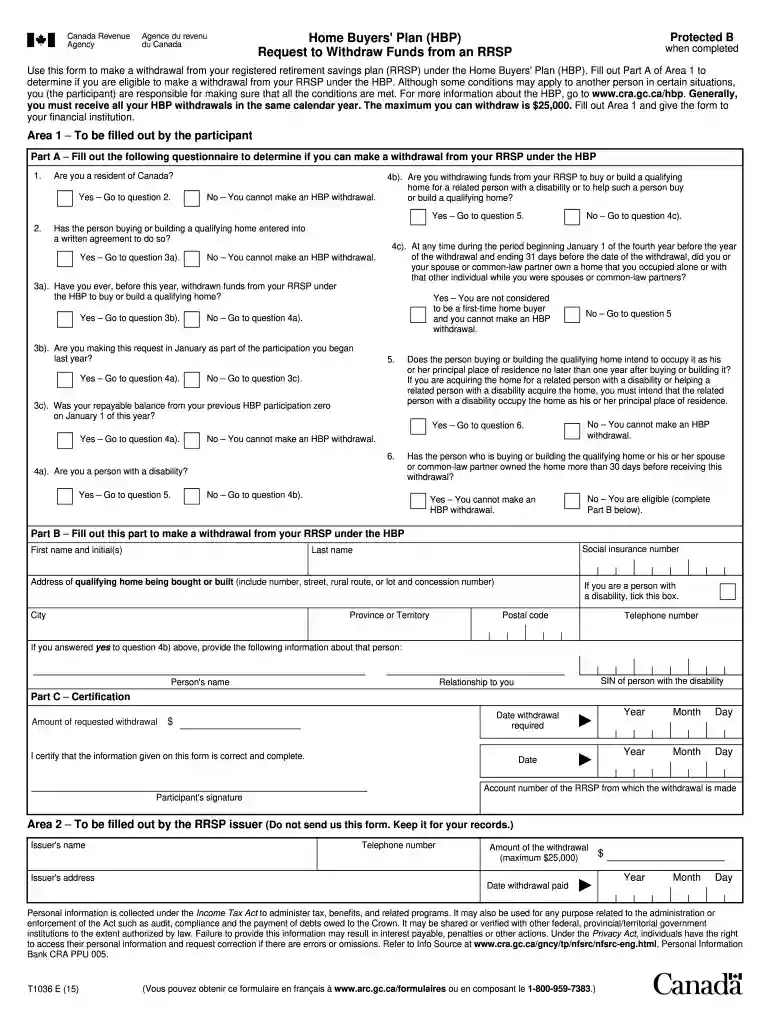
Type text, add images, blackout confidential details, add comments, highlights and more.

Draw your signature, type it, upload its image, or use your mobile device as a signature pad.

Send hbp application form via email, link, or fax. You can also download it, export it or print it out.

Start using our platform today for free to streamline your t1036 form completion!
We've got more versions of the t1036 form. Select the right t1036 version from the list and start editing it straight away!
At DocHub, your data security is our priority. We follow HIPAA, SOC2, GDPR, and other standards, so you can work on your documents with confidence.
Dec 4, 2025 What initially appeared to be a simple, but successful SSH brute force attempt quickly revealed itself as something far more concerning, aRead more
The data points do not represent a perfect curve because there are some outlier (e.g. for the spectrum measured at t = 1036 min), there are two possibleRead more
Aug 4, 2021 Description. Adversaries may abuse a double extension in the filename as a means of masquerading the true file type. A file name may includeRead more


