




01. Edit your form online
Type text, add images, blackout confidential details, add comments, highlights and more.

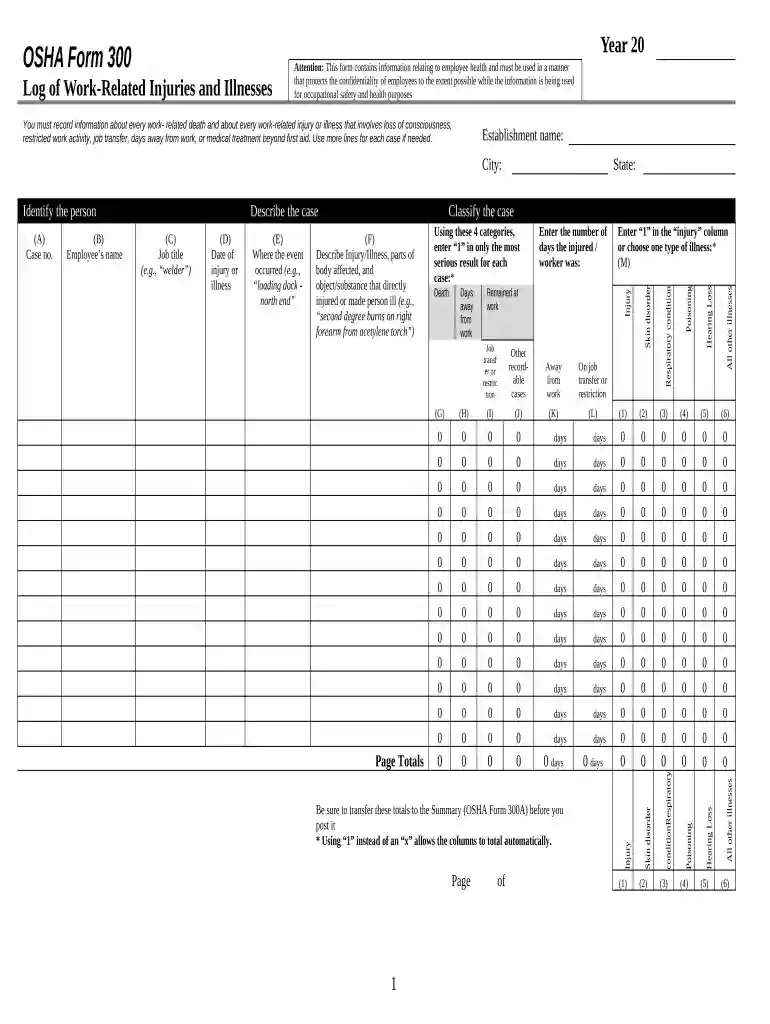
Type text, add images, blackout confidential details, add comments, highlights and more.

Draw your signature, type it, upload its image, or use your mobile device as a signature pad.

Send it via email, link, or fax. You can also download it, export it or print it out.

Start using our platform today to streamline your work-related injury documentation for free!
At DocHub, your data security is our priority. We follow HIPAA, SOC2, GDPR, and other standards, so you can work on your documents with confidence.
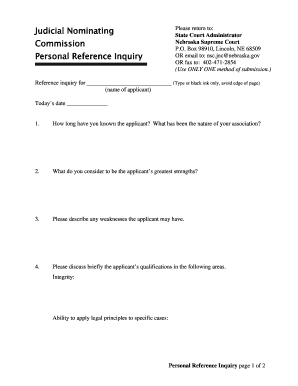





For example, if an employee drops a box of work documents and injures his or her foot, the case is considered work-related. If an employees fingernail isRead more
Nov 15, 2024 Workplace Injury Types and How to Prevent Them 1. Slips, Trips, and Falls 2. Overexertion and Repetitive Motion Injuries 3. Falling Objects.Read more
A work-related injury for the purposes of this policy is an injury which is considered to be compensable under the workers compensation laws as determined byRead more


