Type text, add images, blackout confidential details, add comments, highlights and more.
02. Sign it in a few clicks
Draw your signature, type it, upload its image, or use your mobile device as a signature pad.
03. Share your form with others
Send it via email, link, or fax. You can also download it, export it or print it out.
How to Use or Fill Out Accident Claims with Our Platform
Ease of Setup
DocHub User Ratings on G2
Ease of Use
DocHub User Ratings on G2
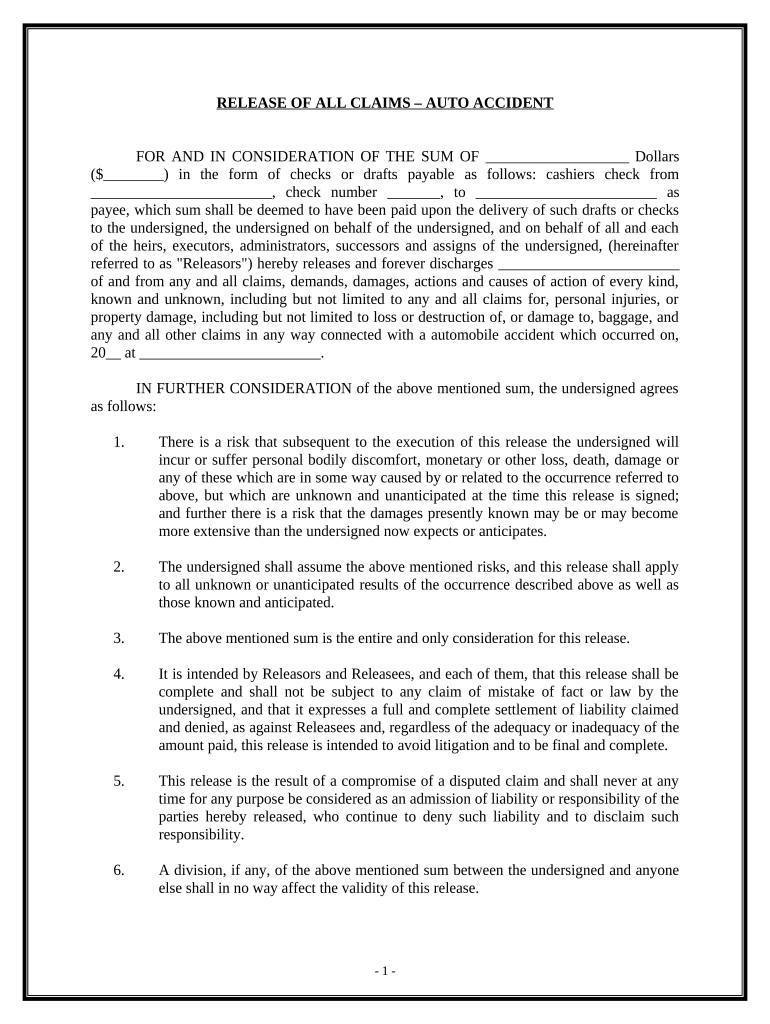
Click ‘Get Form’ to open the accident claims document in the editor.
Begin by entering the total amount of compensation in the designated field. This should reflect the sum agreed upon for the release of claims.
Fill in the details of the payee, including their name and check number, ensuring accuracy to avoid any issues during payment processing.
In the section regarding the accident date and location, provide specific information about when and where the incident occurred.
Review each clause carefully, especially those outlining risks and assumptions. Ensure you understand that signing this release means you are waiving future claims related to this incident.
Finally, sign and date the document at the bottom. If required, have a notary public witness your signature for added legal validity.
Start using our platform today to fill out your accident claims easily and for free!
What to do after a car accident not your faultHow to file insurance claim against other driverIf I am at fault in a car accident will my insurance cover itWhat happens after a car accident that is your faultWhat to do after a minor car accidentWhat is Progressive claims phone numberCar accident Checklist pdfWhat happens after a car accident with insurance
Security and compliance
At DocHub, your data security is our priority. We follow HIPAA, SOC2, GDPR, and other standards, so you can work on your documents with confidence.
The Ultimate Guide to Protecting Your Rights After a Car
A complete car accident claim may involve several types of damages: Medical Expenses. Emergency room visits; Hospital stays; Surgical procedures; PhysicalRead more
Were you in a wreck? Tips for auto insurance claims
Sep 24, 2025 It helps to know what will happen with your insurance claim after youre in a wreck. Use these tips to learn what to do and what to expect.Read more
Cookie consent notice
This site uses cookies to enhance site navigation and personalize your experience.
By using this site you agree to our use of cookies as described in our Privacy Notice.
You can modify your selections by visiting our Cookie and Advertising Notice.