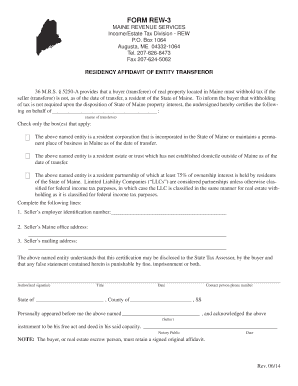
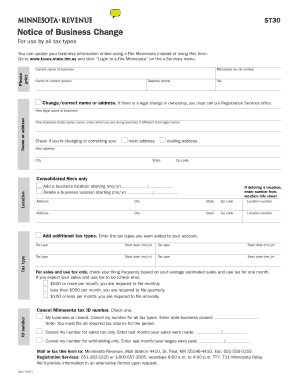
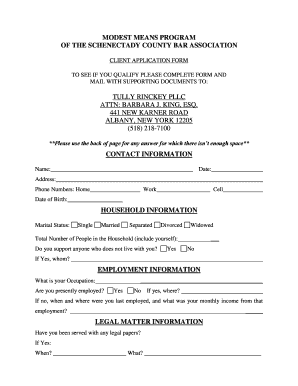
Ny commercial lease form 2026

Get Form
commercial lease application Preview on Page 1

Here's how it works

01. Edit your commercial lease application online
Type text, add images, blackout confidential details, add comments, highlights and more.
02. Sign it in a few clicks
Draw your signature, type it, upload its image, or use your mobile device as a signature pad.
03. Share your form with others
Send commercial lease application form via email, link, or fax. You can also download it, export it or print it out.

How to use or fill out NY Commercial Lease Form with Our Platform

Form edit decoration
9.5
Ease of Setup
DocHub User Ratings on G2
9.0
Ease of Use
DocHub User Ratings on G2
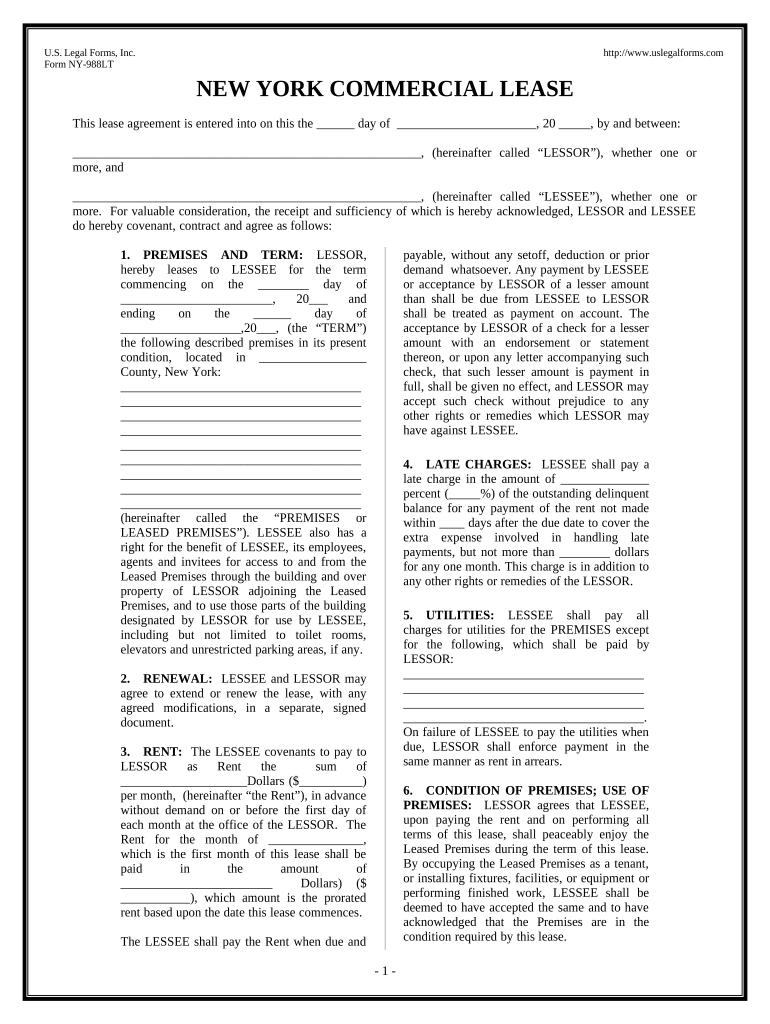
  1. Click ‘Get Form’ to open the NY Commercial Lease Form in the editor.
  2. Begin by entering the date of the agreement at the top of the form. This is crucial for establishing the lease's timeline.
  3. Fill in the names of both parties involved: the LESSOR and LESSEE. Ensure that all parties are clearly identified to avoid any confusion.
  4. Specify the premises being leased, including its location and any specific details about the property. This section is vital for clarity on what is being rented.
  5. Indicate the term of the lease by filling in both start and end dates. This defines how long the lease will be in effect.
  6. Complete sections regarding rent payment details, including amounts and due dates. Be precise to ensure compliance with payment terms.
  7. Review additional clauses related to utilities, maintenance responsibilities, and default conditions. Make sure you understand your obligations as a tenant or landlord.
  8. Finally, sign and date the document electronically using our platform’s signature feature for a legally binding agreement.

Start filling out your NY Commercial Lease Form today for free using our platform!

be ready to get more

Complete this form in 5 minutes or less

Get form

Got questions?

We have answers to the most popular questions from our customers. If you can't find an answer to your question, please contact us.
Contact us

Yes, it is possible with DocHub. This reliable and compliant online service features a phone-based signing option. Once you log in to your DocHub account and add your commercial lease application pdf to our editor, complete all required areas and use the Sign feature on the top barf. Click on Create your signature and select Phone from the available choices. Here, you scan a QR code using your smartphone and draw your signature on your phone screen, as you normally do when signing hard copies. If you access DocHub right from your mobile device, you can electronically sign your document by drawing your eSignature, adding its picture, or simply with a typed name.

It is a no-brainer on a computer or via a mobile device to complete a commercial rental application with DocHub. All you need to do is open any installed browser on your smartphone and go to the DocHub site. Once authenticated, add your file and open it in editing mode. Use our toolbar to make your edits and save adjustments. Optionally, keep your document in your files or send it to a recipient on the spot.

The lease forms are on sale at offices of the Tribunal administratif du logement, in bookstores and through Publications du Qubec (1 800 463-2100). The lease form can also be purchased online on the website of Publications du QubecThis hyperlink will open in a new window.
Tenants can legally break their lease for any of the following reasons, according to New York State Law Section 227: If the tenant or another member of the household is a victim of domestic violence. The tenant or their spouse is over 62 years old and is moving to a residential facility for seniors.
Here are some of the most important items to cover in your lease or rental agreement. Names of all tenants. Limits on occupancy. Term of the tenancy. Rent. Deposits and fees. Repairs and maintenance. Entry to rental property. Restrictions on tenant illegal activity.

Security and compliance

At DocHub, your data security is our priority. We follow HIPAA, SOC2, GDPR, and other standards, so you can work on your documents with confidence.

Learn more
ccpa2
pci-dss
gdpr-compliance
hipaa
soc-compliance

People also ask

An oral lease or rental agreement is legally construed to be a tenancy at will, having no specified term. Further, an oral lease terminates on the death of either principal party. and tenant. The most important and basic clauses are the following.
According to the new law, the landlord must give prior notice of 30-days if he/she wants to increase rent by more than 5%. And the period of notice increases with the length of the lease. For example, if the tenant is living for more than a year, a prior notice of 60-days will be valid.
No, they are not. They are private transaction; if you want to know who owns a building, you look at county property tax records, and if you want to know who is renting that commercial property, you call up the owner of the building, according to the property tax records.
Short-term rentals are on the rise in the Big Apple. And the shortest option may be the least understood and hardest to come by: a month-to-month lease. This is an arrangement between a landlord and tenant in which the lease can be altered or terminated by either party on a month-by-month basis.
A New York standard residential lease agreement is a form that allows a landlord and tenant to enter into a legally binding arrangement for leasing residential space. The term standard means a fixed term that usually lasts for a one (1) year period but can be for any time period agreed by the parties.

Related links