




01. Edit your form online
Type text, add images, blackout confidential details, add comments, highlights and more.

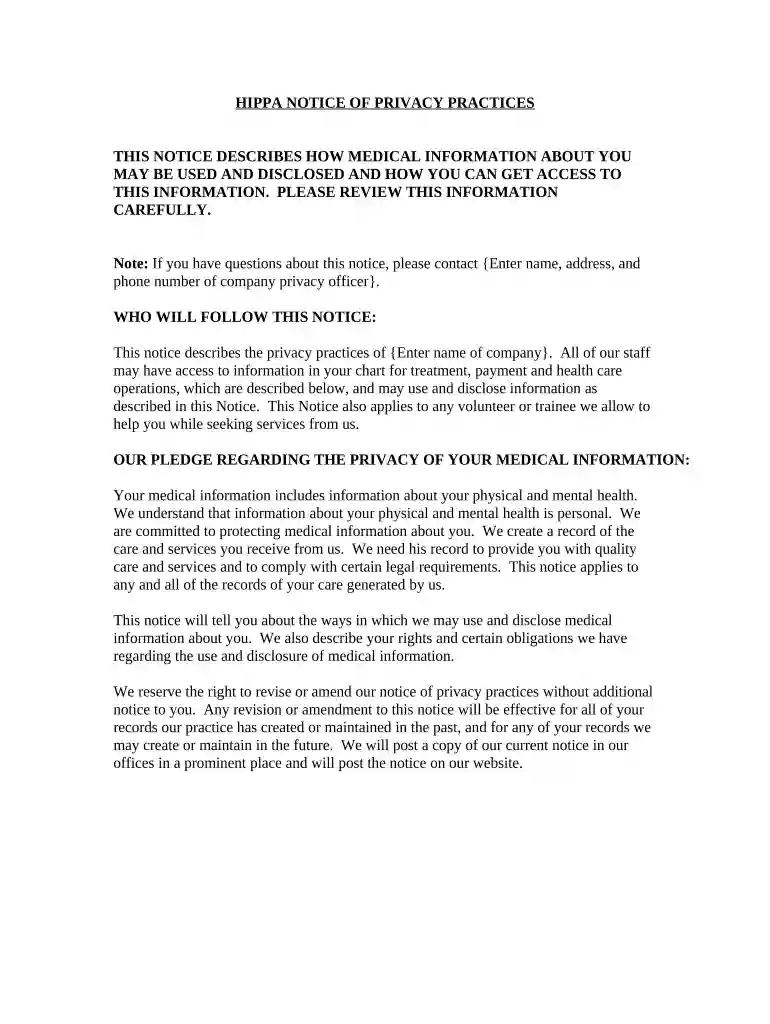
Type text, add images, blackout confidential details, add comments, highlights and more.

Draw your signature, type it, upload its image, or use your mobile device as a signature pad.

Send it via email, link, or fax. You can also download it, export it or print it out.

Start using our platform today to easily fill out your notice of privacy practices for free!
At DocHub, your data security is our priority. We follow HIPAA, SOC2, GDPR, and other standards, so you can work on your documents with confidence.

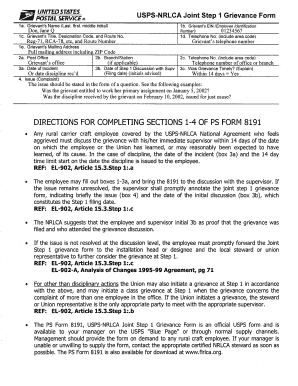
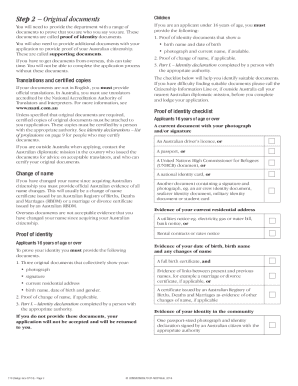


We process personal data consistent with our disclosures in this Notice on the following legal bases: (1) as necessary to perform our agreement to provideRead more
Feb 10, 2026 The rule became effective on June 25, 2024, with a 22-month compliance period for updating Notice of Privacy Practices documents. ThatRead more


