Type text, add images, blackout confidential details, add comments, highlights and more.
02. Sign it in a few clicks
Draw your signature, type it, upload its image, or use your mobile device as a signature pad.
03. Share your form with others
Send it via email, link, or fax. You can also download it, export it or print it out.
How to use or fill out sale covenants with our platform
Ease of Setup
DocHub User Ratings on G2
Ease of Use
DocHub User Ratings on G2
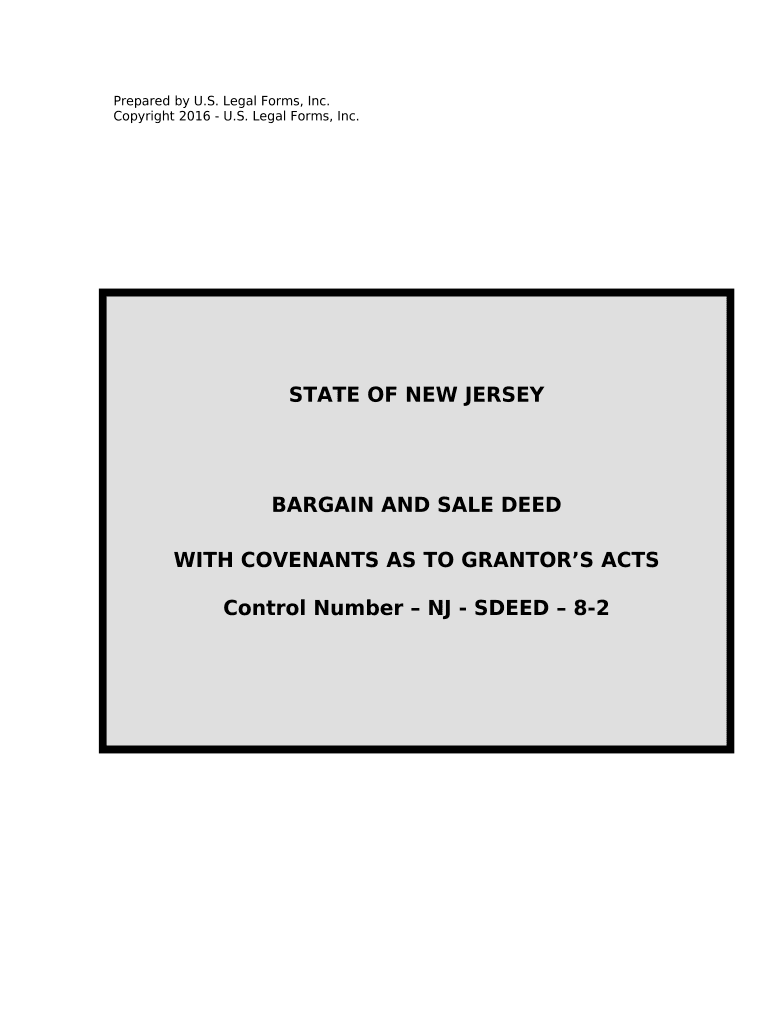
Click ‘Get Form’ to open the sale covenants document in the editor.
Begin by entering the date at the top of the first page where indicated. This is essential for establishing the timeline of the transaction.
Fill in the Grantor's name and address in the designated fields. Ensure accuracy as this identifies who is transferring ownership.
Next, enter the Grantee's name and address. This identifies who will receive ownership of the property.
In the 'TRANSFER OF TITLE' section, specify the amount being exchanged for the property. This should reflect any agreed-upon purchase price.
Complete the 'TAX MAP REFERENCE' section by providing details about the property’s location, including Lot and Block numbers.
Describe the property in detail under 'PROPERTY DESCRIPTION', ensuring all relevant information is included for clarity.
Review and confirm that all promises made by Grantor are accurately reflected before signing. The Grantor must sign and print their name at the bottom of the document.
Start using our platform today to easily complete your sale covenants online for free!
How to find covenants on propertyTypes of covenants in real estateExamples of restrictive covenants real estateRestrictive covenants examplesWhat is a restrictive covenant in employmentRestrictive covenants employment examplesProperty covenantsRestrictive covenants vs deed restrictions
Security and compliance
At DocHub, your data security is our priority. We follow HIPAA, SOC2, GDPR, and other standards, so you can work on your documents with confidence.
Restrictions on Sale, Encumbrance, and Other Acts. a. Owner shall not, except with the Departments prior written consent, make any sale, encumbrance,Read more
Cookie consent notice
This site uses cookies to enhance site navigation and personalize your experience.
By using this site you agree to our use of cookies as described in our Privacy Notice.
You can modify your selections by visiting our Cookie and Advertising Notice.