Type text, add images, blackout confidential details, add comments, highlights and more.
02. Sign it in a few clicks
Draw your signature, type it, upload its image, or use your mobile device as a signature pad.
03. Share your form with others
Send it via email, link, or fax. You can also download it, export it or print it out.
How to use or fill out ca tenant with our platform
Ease of Setup
DocHub User Ratings on G2
Ease of Use
DocHub User Ratings on G2
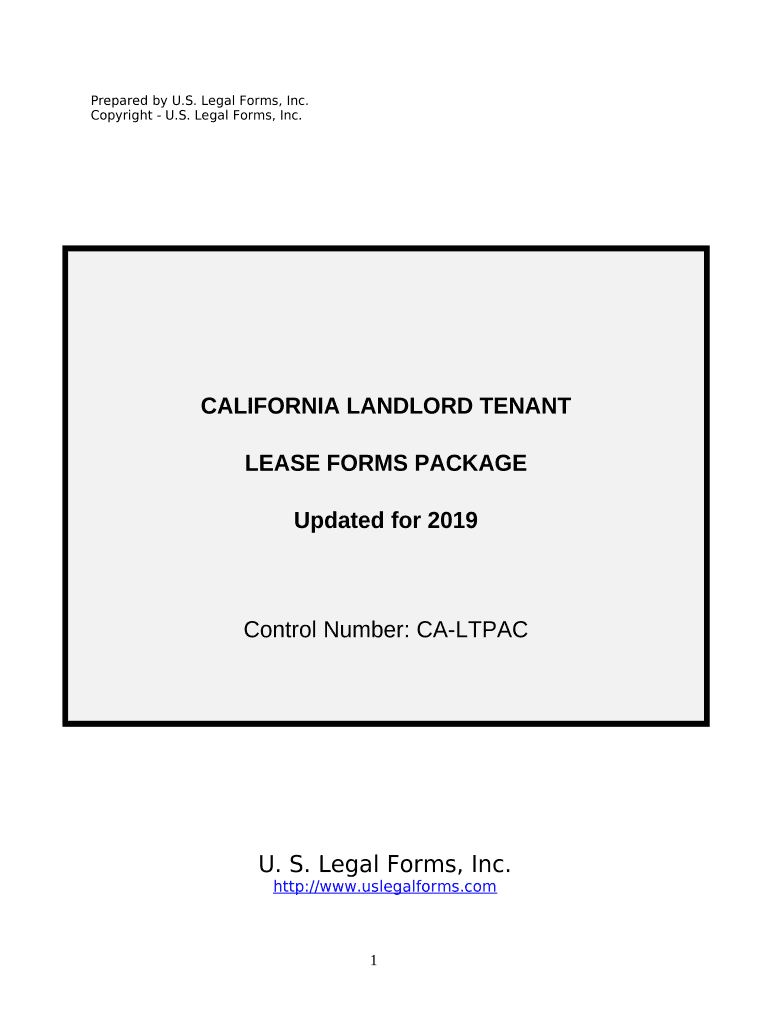
Click ‘Get Form’ to open the ca tenant document in the editor.
Begin with the Residential Lease Application section. Fill in your personal details, including your name, address, and contact information. Ensure accuracy for a smooth application process.
Next, move to the Consent to Background and Reference Check. Here, you will need to provide consent by checking the appropriate box and signing electronically.
Continue with the Salary Verification section. Input your income details as required; this may include pay stubs or other proof of income.
For the Residential Lease Agreement, select either Term Lease or Month-to-Month Lease based on your preference. Fill in the lease duration and rental amount.
Complete any additional disclosures such as Lead Based Paint Disclosure by reading carefully and signing where indicated.
Start using our platform today for free to streamline your ca tenant form completion!
Ca tenant lawWhat a landlord cannot do CaliforniaCA tenant rights 2026Ca Tenant Protection ActCalifornia renters rights moving outCa tenant Rights handbookWho is exempt from Tenant Protection Act of 2019Free landlord legal advice california
Security and compliance
At DocHub, your data security is our priority. We follow HIPAA, SOC2, GDPR, and other standards, so you can work on your documents with confidence.
Create a modern CA (with proper Key Usage). Make Burp use it to sign intercepted certs. Trust that CA in macOS. Point Azure CLI / Requests to that CA bundle.Read more
A Guide to Residential Tenants and Landlords Rights and
California Tenants A Guide to Residential Tenants and Landlords Rights and. Responsibilities was written initially by the Department of Consumer AffairsRead more
Cookie consent notice
This site uses cookies to enhance site navigation and personalize your experience.
By using this site you agree to our use of cookies as described in our Privacy Notice.
You can modify your selections by visiting our Cookie and Advertising Notice.