Type text, add images, blackout confidential details, add comments, highlights and more.
02. Sign it in a few clicks
Draw your signature, type it, upload its image, or use your mobile device as a signature pad.
03. Share your form with others
Send it via email, link, or fax. You can also download it, export it or print it out.
How to use or fill out finding juvenile with our platform
Ease of Setup
DocHub User Ratings on G2
Ease of Use
DocHub User Ratings on G2
Click ‘Get Form’ to open the finding juvenile document in the editor.
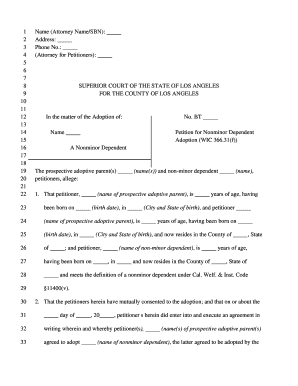
Begin by entering the attorney or party's name, State Bar number, and address in the designated fields at the top of the form.
Fill in the case information, including the case name and case number, ensuring accuracy for court processing.
In section one, declare the legal parent by entering their name and listing all children’s names along with their dates of birth.
Complete section two by indicating how a copy of this order was transmitted to the local child support agency. Choose from first-class mail, county mail or courier, or fax.
Finally, ensure that you sign and date where indicated before submitting your completed form.
Start using our platform today to easily fill out your finding juvenile form for free!
How to look up juvenile mugshotsJacksonville Juvenile Detention Center inmate searchJuvenile recordsPinellas Juvenile Detention Center inmate searchJuvenile Assessment CenterFlorida Juvenile Detention Center Inmate SearchTampa Juvenile Detention Center inmate searchJuvenile rights in the criminal justice system
Security and compliance
At DocHub, your data security is our priority. We follow HIPAA, SOC2, GDPR, and other standards, so you can work on your documents with confidence.
Juvenile Delinquency Research Guide: Finding Books
May 5, 2026 Juvenile delinquency : a sociological approach by William E. Thompson, Jack E. Bynum, Mica L. Thompson. Call Number: Ebook. ISBN: 9781538130308.Read more
New funerary behaviors of the Neolithic Iberian populations
Sep 28, 2020 Specifically, two human skulls and a juvenile goat were discovered along with various archaeological structures and materials from a funeraryRead more
Cookie consent notice
This site uses cookies to enhance site navigation and personalize your experience.
By using this site you agree to our use of cookies as described in our Privacy Notice.
You can modify your selections by visiting our Cookie and Advertising Notice.