




01. Edit your form online
Type text, add images, blackout confidential details, add comments, highlights and more.

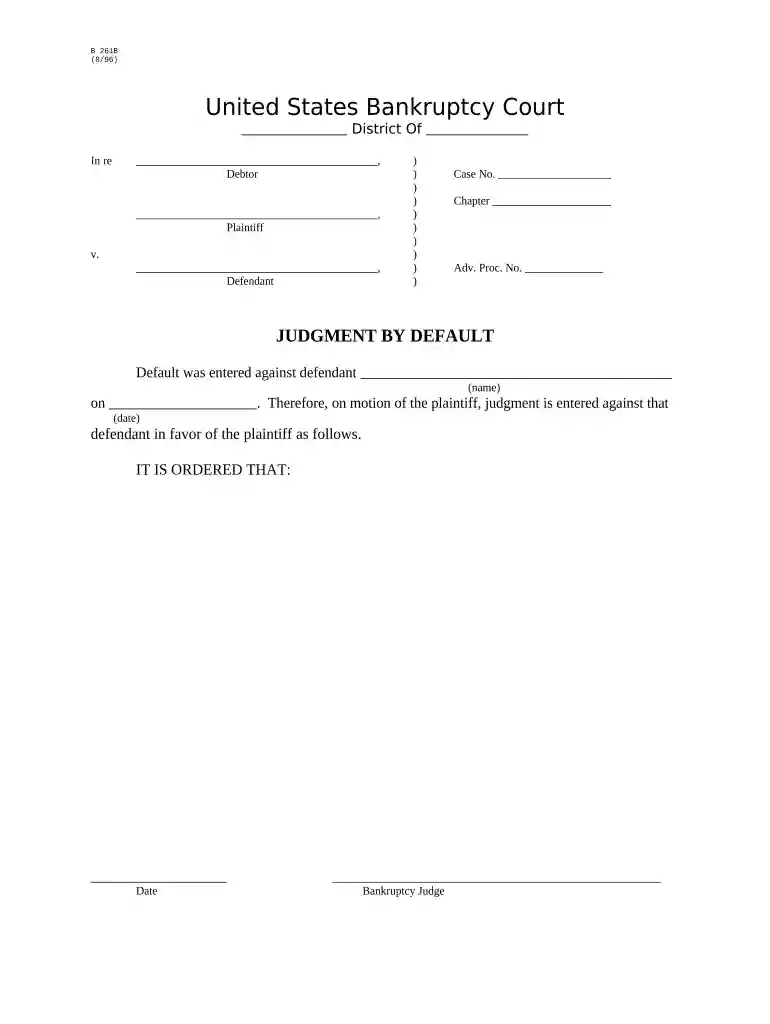
Type text, add images, blackout confidential details, add comments, highlights and more.

Draw your signature, type it, upload its image, or use your mobile device as a signature pad.

Send it via email, link, or fax. You can also download it, export it or print it out.

Start using our platform today to easily complete your judgment default form online for free!
At DocHub, your data security is our priority. We follow HIPAA, SOC2, GDPR, and other standards, so you can work on your documents with confidence.

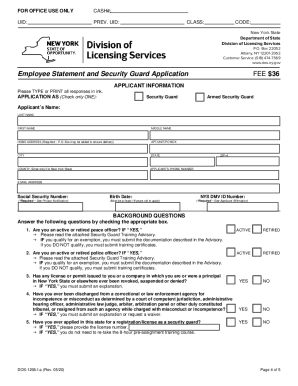


Asks the court to enter a default against the defendant or cross-defendant because they failed to file an Answer or other responsive document in the case.Read more
default judgment, the court must find proof that the complaint and summons were properly served on the defaulting defendant pursuant to Rule of Civil ProcedureRead more
Prepare a complete Form FDA. 3500A for the device that is most likely to have caused or contributed to the event and a separate Form FDA 3500A with only sectionRead more


