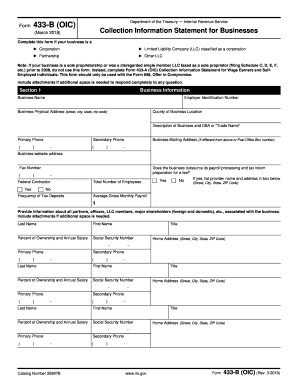
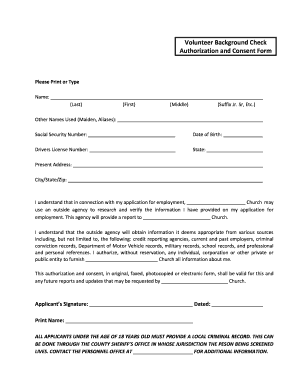
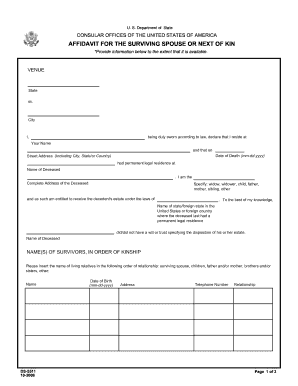
Ca termination paper 2026

Get Form
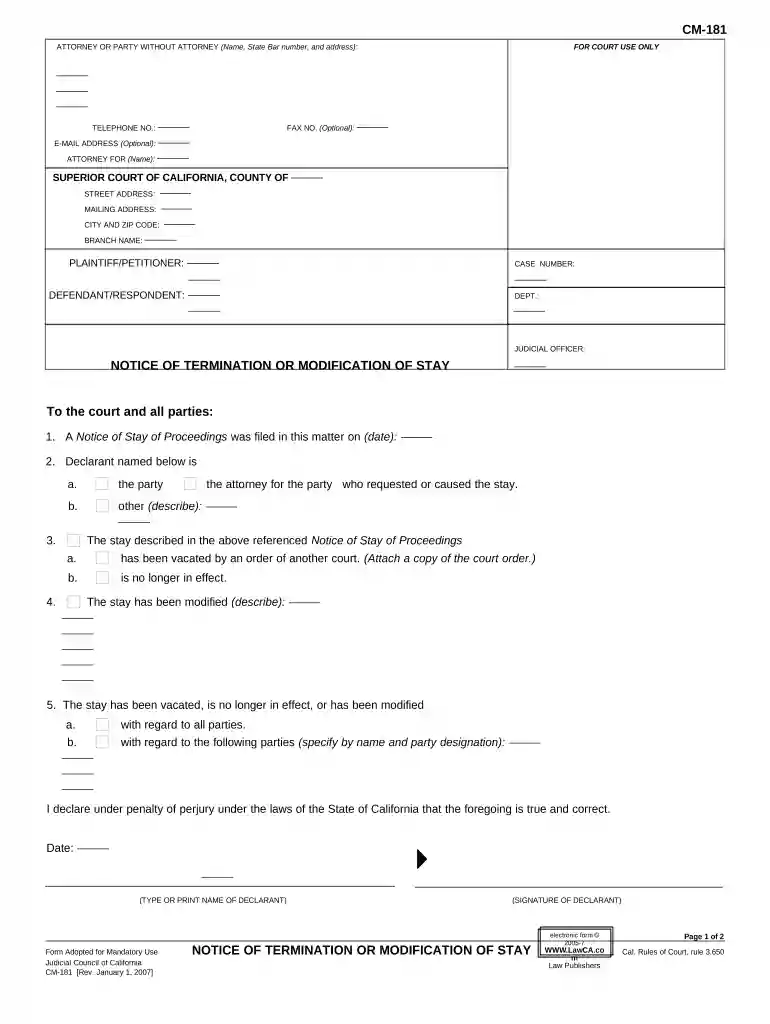
employee termination form california Preview on Page 1

Here's how it works

01. Edit your employee termination form california online
Type text, add images, blackout confidential details, add comments, highlights and more.

02. Sign it in a few clicks
Draw your signature, type it, upload its image, or use your mobile device as a signature pad.

03. Share your form with others
Send termination letter california via email, link, or fax. You can also download it, export it or print it out.

How to use or fill out CA Termination Paper with Our Platform

Form edit decoration
9.5
Ease of Setup
DocHub User Ratings on G2
9.0
Ease of Use
DocHub User Ratings on G2
  1. Click ‘Get Form’ to open the CA termination paper in the editor.
  2. Begin by filling in your name, state bar number, and address in the designated fields for the attorney or party without an attorney.
  3. Enter the case details including the superior court name, city, zip code, and branch name. Ensure accuracy as this information is crucial for court processing.
  4. In the section regarding the Notice of Stay of Proceedings, specify the date when it was filed and indicate whether you are the party or attorney who requested it.
  5. Clearly state if the stay has been vacated, is no longer in effect, or has been modified. Attach any necessary documents as required.
  6. Complete the proof of service section by providing your details and confirming that you are not a party to this action. Follow instructions for mailing and ensure all names and addresses are accurate.
  7. Finally, review all entries for correctness before signing and dating the document at the bottom.

Start using our platform today to streamline your CA termination paper process for free!

be ready to get more

Complete this form in 5 minutes or less

Get form

Got questions?

We have answers to the most popular questions from our customers. If you can't find an answer to your question, please contact us.
Contact us
In states like California, you cannot terminate an employee without written notice. Doing so can lead to legal repercussions. For example, failing to issue a written notice can expose the employer to claims of wrongful termination, discrimination, or unfair treatment.
Yes, in the state of California, employers must provide immediate notice to all terminated employees.
Within the State of California, employment may be terminated at the will of either party. Both the employer and the employee are free to end the employment relationship at any time, with no penalty being assessed to either.
State Laws Some states, including Arizona, California, Illinois and New Jersey, require employers to provide termination letters. In some cases, the content must follow a specific template. Some states may even provide a form that employers must complete and present to the terminated employee.
Proof of termination is a document that serves as evidence that an employee has been dismissed from their position. It should include the name and job title of the employee, the date they were terminated, and any other relevant information, such as reasons for dismissal or any severance pay offered.

Security and compliance

At DocHub, your data security is our priority. We follow HIPAA, SOC2, GDPR, and other standards, so you can work on your documents with confidence.
Learn more
ccpa2
pci-dss
gdpr-compliance
hipaa
soc-compliance
be ready to get more

Complete this form in 5 minutes or less

Get form