




01. Edit your form online
Type text, add images, blackout confidential details, add comments, highlights and more.

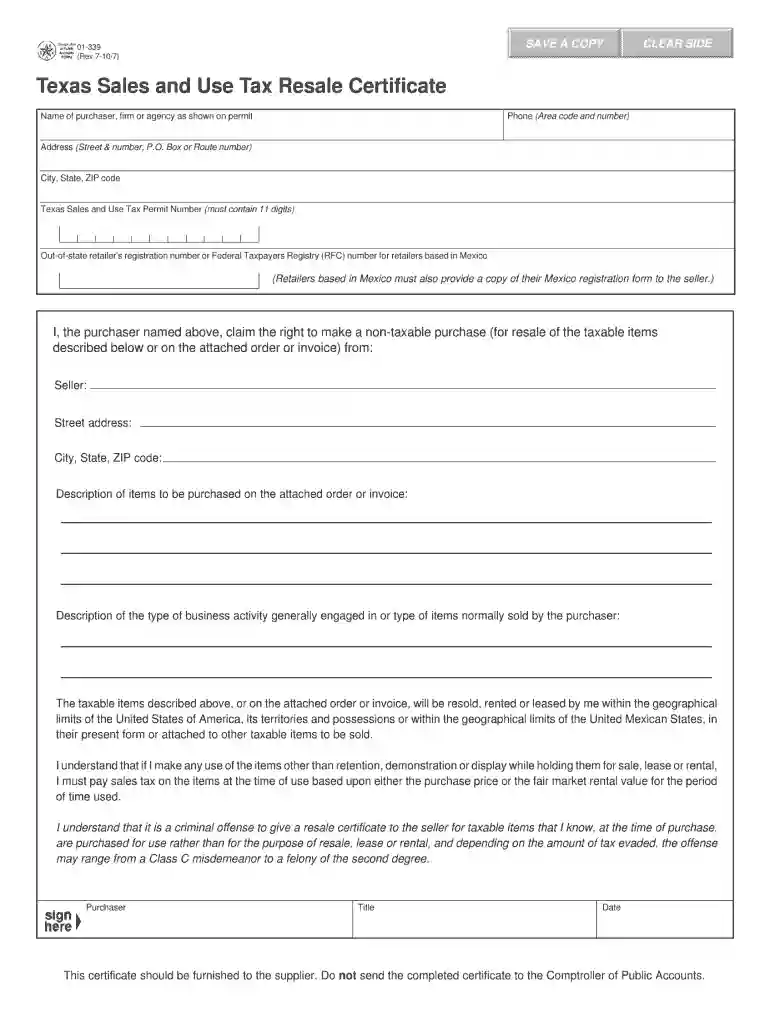
Type text, add images, blackout confidential details, add comments, highlights and more.

Draw your signature, type it, upload its image, or use your mobile device as a signature pad.

Send it via email, link, or fax. You can also download it, export it or print it out.

Start using our platform today to fill out your resale certificate form quickly and efficiently!
We've got more versions of the blank resale certificate form 2010 form. Select the right blank resale certificate form 2010 version from the list and start editing it straight away!
At DocHub, your data security is our priority. We follow HIPAA, SOC2, GDPR, and other standards, so you can work on your documents with confidence.
Feb 17, 2017 Yes ☐ No ☒. The aggregate market value of common stock held by non-affiliates of the registrant as of June 30, 2016, the last business dayRead more
This is a blanket certificate, unless one of the boxes below is checked, and remains in force as long as the purchaser continues making.Read more
You can either print the form out and complete it by hand, or click on the fillable PDF version in order to enter information on the the form itself, and thenRead more


