




01. Edit your form online
Type text, add images, blackout confidential details, add comments, highlights and more.

Type text, add images, blackout confidential details, add comments, highlights and more.

Draw your signature, type it, upload its image, or use your mobile device as a signature pad.

Send it via email, link, or fax. You can also download it, export it or print it out.
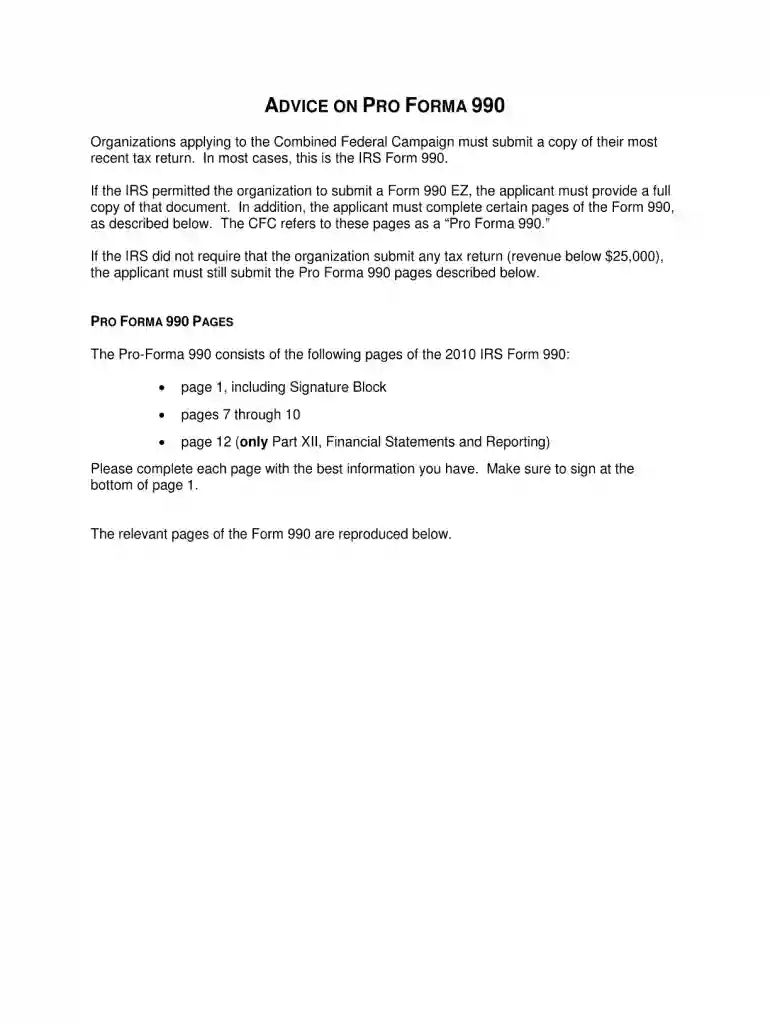
The 2010 990 form is a tax document used by tax-exempt organizations, non-profits, and some governmental entities in the United States to provide the Internal Revenue Service (IRS) with their financial information. It is designed to ensure transparency in financial activities and to maintain the tax-exempt status of these organizations. Completion of this form is an essential component for such organizations to comply with federal regulations and provide a public record of their operations, funds, and activities.
Using the 2010 990 form involves several steps to accurately report an organization’s financial status. Organizations must gather comprehensive financial details from the previous fiscal year, including revenue, expenses, assets, and liabilities. The form asks for specific details on the activities performed by the organization, executive compensation, and any significant donations received or given. Organizations also need to ensure that all provided information is truthful and accurate, as discrepancies can lead to audits or penalties.
The 2010 990 form can be obtained directly from the IRS website, where it is available for download. Non-profits and tax-exempt organizations can also utilize tax software platforms that provide templates for the form, which streamline the process of inputting required financial data. Most tax professionals who specialize in non-profit accounting can provide the form and assist with its completion.
The IRS provides specific guidelines detailing how the 990 form should be filled out and the types of organizations required to file it. These guidelines are crucial for ensuring that the information submitted is complete and compliant with federal requirements. They also outline what constitutes proper signature authority within the organization and provide detailed instructions on the necessary documentation to retain post-filing.
The 2010 990 form must typically be filed by the 15th day of the fifth month after the end of the organization's accounting period. For organizations following the calendar year, this deadline falls on May 15. In cases where the filing date lands on a weekend or holiday, the deadline is extended to the next business day. Extensions can be requested, providing an additional six months for submission.
Non-compliance with 990 form submission can result in significant penalties. Financial penalties accrue daily for each day a form is late, with severe cases leading to loss of tax-exempt status. Additionally, failure to file for three consecutive years results in automatic revocation of the organization's tax-exempt status, requiring reapplication and potential back-payments of taxes.
Organizations can choose between filing a digital or paper version of the 2010 990 form. Digital filing is often more efficient and ensures quicker processing. Many organizations prefer digital filing as it reduces errors with built-in validation checks available in tax software. However, smaller organizations may opt for the paper filing if they lack the infrastructure to support digital submissions.
We've got more versions of the 2010 990 form form. Select the right 2010 990 form version from the list and start editing it straight away!
| Versions | Form popularity | Fillable & printable |
|---|---|---|
| 2025 | 4.6 Satisfied (50 Votes) | |
| 2024 | 4.6 Satisfied (53 Votes) | |
| 2023 | 3.4 Satisfied (37 Votes) | |
| 2022 | 4.3 Satisfied (30 Votes) | |
| 2021 | 4.8 Satisfied (102 Votes) | |
| 2020 | 4.4 Satisfied (60 Votes) | |
| 2019 | 4.3 Satisfied (102 Votes) | |
| 2018 | 4.3 Satisfied (128 Votes) | |
| 2017 | 4.3 Satisfied (133 Votes) | |
| 2016 | 4.4 Satisfied (565 Votes) | |
| 2015 | 4 Satisfied (61 Votes) | |
| 2015 | 4.5 Satisfied (22 Votes) | |
| 2014 | 4 Satisfied (49 Votes) | |
| 2013 | 4.1 Satisfied (45 Votes) | |
| 2012 | 4 Satisfied (27 Votes) |
At DocHub, your data security is our priority. We follow HIPAA, SOC2, GDPR, and other standards, so you can work on your documents with confidence.
List the organizations five current highest compensated employees (other than an officer, director, trustee, or key employee) who received reportableRead more
Schedule I (Form 990) is used by an organization that files Form 990 to provide information on grants and other assistance made by the filing organizationRead more
May 15, 2014 FORM 990, PART VI, SECTION C, LINE 19: AFSPS FINANCIAL REPORTS ARE. PUBLISHED IN THE ANNUAL REPORT, WHICH IS POSTED EACH YEAR ON THE AFSP.Read more


