




Here's how it works
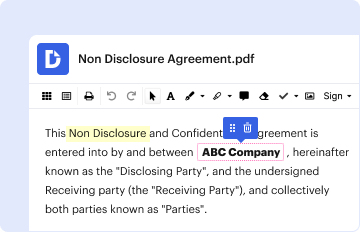
01. Edit your form online
Type text, add images, blackout confidential details, add comments, highlights and more.
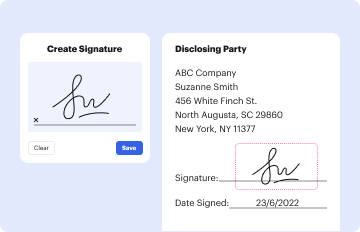
02. Sign it in a few clicks
Draw your signature, type it, upload its image, or use your mobile device as a signature pad.
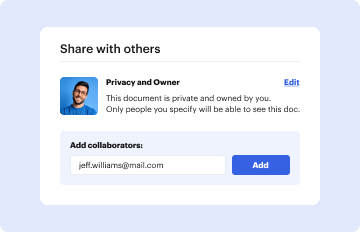
03. Share your form with others
Send it via email, link, or fax. You can also download it, export it or print it out.
How to use or fill out Washington State Form with DocHub

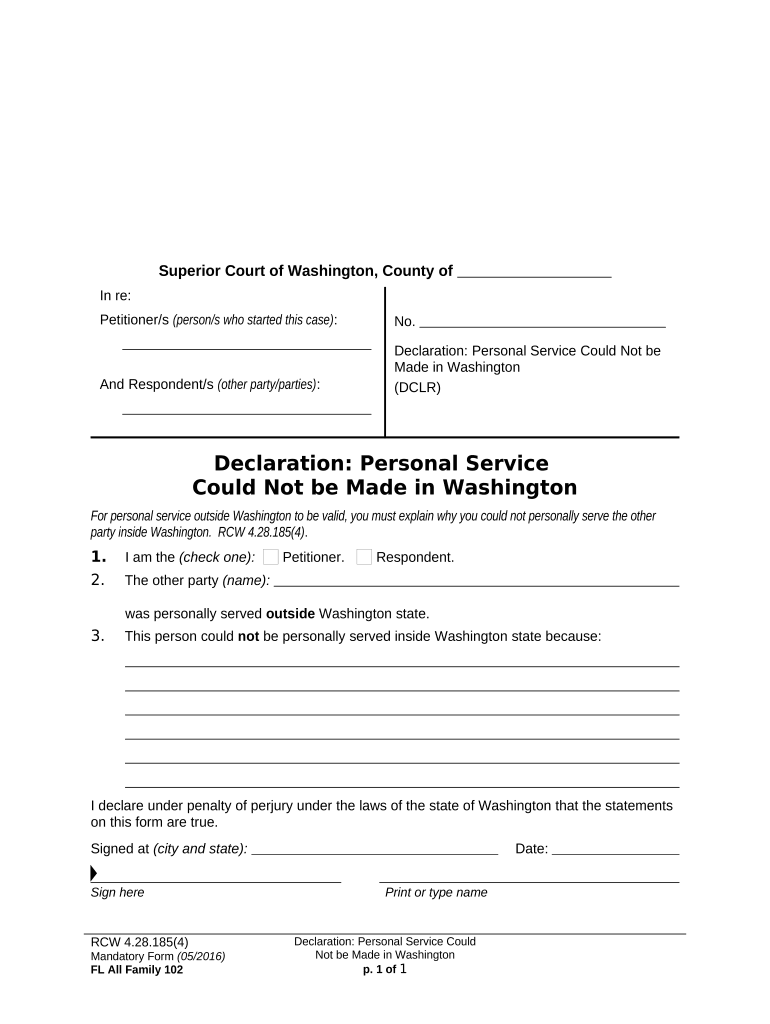
- Click ‘Get Form’ to open the Washington State form in our editor.
- Begin by identifying yourself as either the Petitioner or Respondent by checking the appropriate box.
- In the section labeled 'The other party (name):', enter the name of the individual who was personally served outside Washington State.
- Provide a detailed explanation in the space provided for why personal service could not be made inside Washington State. This is crucial for validating your declaration.
- Sign and date the form at the designated areas, ensuring you print or type your name clearly beneath your signature.
Start using our platform today to easily complete and manage your Washington State forms for free!
Fill out washington state form online
It's free
It's free
Security and compliance
At DocHub, your data security is our priority. We follow HIPAA, SOC2, GDPR, and other standards, so you can work on your documents with confidence.
Learn more




