Nj domicile 2026

Get Form
domicile link Preview on Page 1

Here's how it works

01. Edit your domicile link online
Type text, add images, blackout confidential details, add comments, highlights and more.

02. Sign it in a few clicks
Draw your signature, type it, upload its image, or use your mobile device as a signature pad.

03. Share your form with others
Send domicile form online via email, link, or fax. You can also download it, export it or print it out.

How to use or fill out nj domicile with our platform

Form edit decoration
9.5
Ease of Setup
DocHub User Ratings on G2
9.0
Ease of Use
DocHub User Ratings on G2
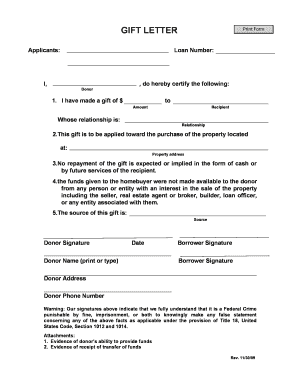
  1. Click ‘Get Form’ to open the nj domicile document in the editor.
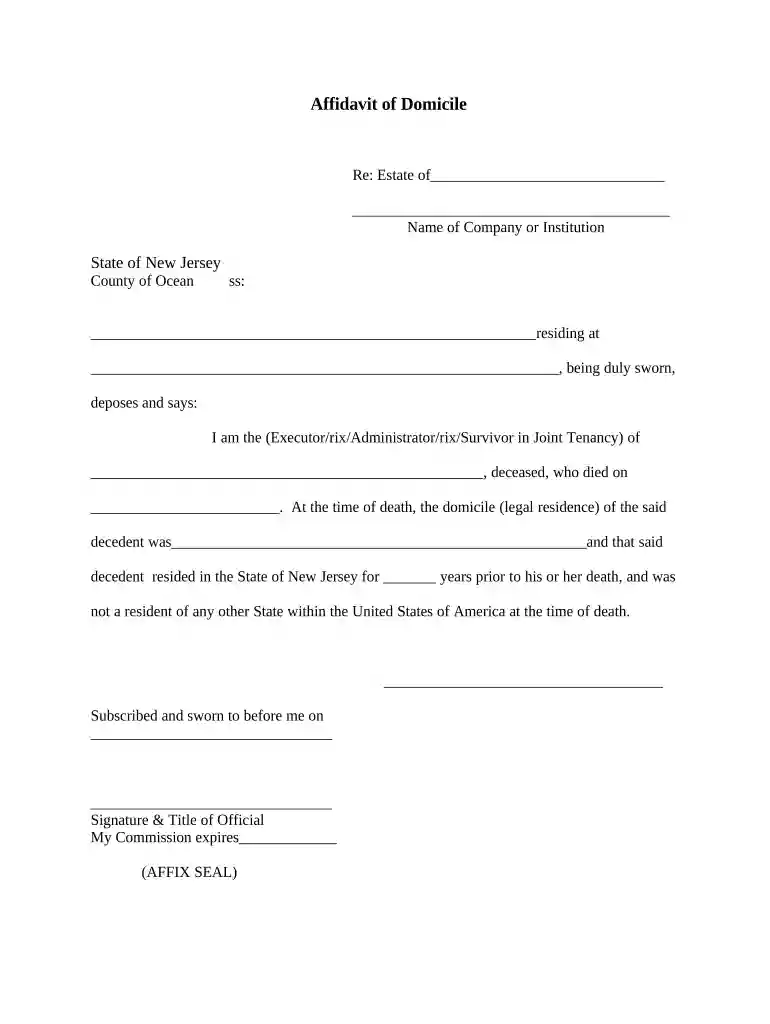
  2. Begin by entering the name of the deceased in the designated field. Ensure accuracy as this is crucial for legal documentation.
  3. Fill in the name of the company or institution related to the estate, if applicable. This helps clarify any affiliations.
  4. In the section regarding residency, specify the complete address where the decedent resided at the time of death. This is essential for establishing domicile.
  5. Indicate your relationship to the deceased by selecting from options such as Executor, Administrator, or Survivor in Joint Tenancy.
  6. Complete the years of residency in New Jersey prior to death. This information supports claims of domicile.
  7. Finally, ensure that you sign and date the affidavit before a notary public, who will also provide their signature and title.

Start using our platform today to fill out your nj domicile form easily and for free!

be ready to get more

Complete this form in 5 minutes or less

Get form

Got questions?

We have answers to the most popular questions from our customers. If you can't find an answer to your question, please contact us.
Contact us
Residency is physically living somewhere. Domicile is physically living somewhere (or lived somewhere) and intent to remain (or intent to return if youre military). You CANNOT have a domicile for a state you have never lived in. You must have physically resided in a certain state to gain its benefits and protections.
Code 9A:5-1.1 - State domicile required. (a) Domicile is defined as the place where a person has their true, fixed, permanent home and principal establishment, and to which, whenever they are absent, they have the intention of returning.
Domicile refers to someones true, principal, and permanent home. In other words, the place where a person has physically lived, regards as home, and intends to return even if currently residing elsewhere. Determining where a party is domiciled is of particular importance in the field of civil procedure.
Establishing Domicile Domicile determination hinges on your intent to make NJ a permanent home. It can be demonstrated through various actions, such as obtaining a New Jersey drivers license, opening a bank account, or registering for a new medical provider.
A Resident of New Jersey is an individual that is domiciled in New Jersey for the tax year or an individual that maintains a permanent home in New Jersey and spends more than 183 days in the state. A Nonresident of New Jersey is an individual that was not domiciled in New Jersey.

Security and compliance

At DocHub, your data security is our priority. We follow HIPAA, SOC2, GDPR, and other standards, so you can work on your documents with confidence.
Learn more
ccpa2
pci-dss
gdpr-compliance
hipaa
soc-compliance

People also ask

Domicile is the place and state you consider your permanent home the place where you intend to return after a period of absence (e.g., vacation, business assignment, educational leave). You have only one domicile, although you may have more than one place to live.

Related links