After detention 2026

Get Form
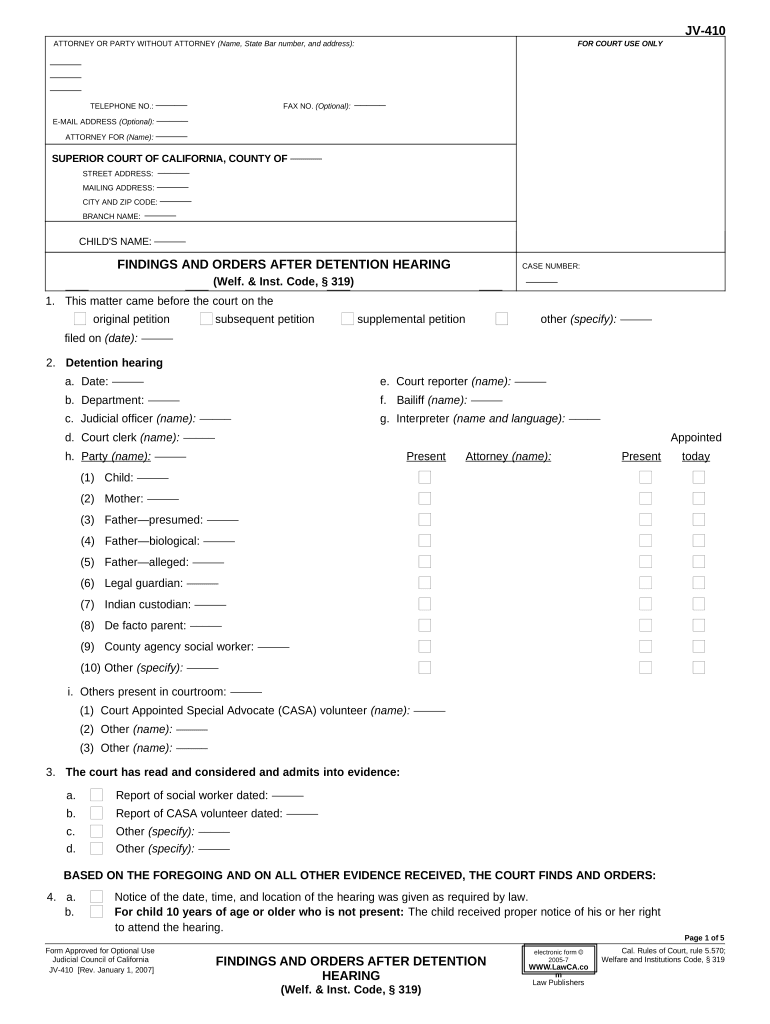
after detention Preview on Page 1

Here's how it works

01. Edit your form online
Type text, add images, blackout confidential details, add comments, highlights and more.
02. Sign it in a few clicks
Draw your signature, type it, upload its image, or use your mobile device as a signature pad.
03. Share your form with others
Send it via email, link, or fax. You can also download it, export it or print it out.

How to use or fill out after detention with our platform

Form edit decoration
9.5
Ease of Setup
DocHub User Ratings on G2
9.0
Ease of Use
DocHub User Ratings on G2
  1. Click ‘Get Form’ to open the after detention document in the editor.
  2. Begin by entering the child's name and case number at the top of the form. This information is crucial for identifying the specific case.
  3. Fill in the details regarding the court hearing, including dates, names of judicial officers, and any parties present. This section ensures that all relevant participants are documented.
  4. In section 4, indicate whether notice was given as required by law. This is important for legal compliance.
  5. Complete sections regarding findings and orders, specifying if the child is detained or not. Provide necessary details about services available to prevent further detention.
  6. Finally, review all entries for accuracy before saving or sharing your completed form. Utilize our platform's features to sign and distribute the document securely.

Start using our platform today to streamline your document editing and ensure a smooth process!

be ready to get more

Complete this form in 5 minutes or less

Get form

Got questions?

We have answers to the most popular questions from our customers. If you can't find an answer to your question, please contact us.
Contact us
After an arrest, a prosecutor will review law enforcement information about the case and decide if formal charges will be filed with the court. If the accused person is not charged, they must be released. People facing low-level charges may be released directly from the precinct following this initial process.
can teachers make you stay after the bell rings? there are no direct laws in keeping people in class. after the bell rings. however, teachers must be careful not to abuse their power. legally, a teacher cannot stop a student from leaving. their classroom, but its not illegal to keep a student late.
There are two types of detentions: After School and Saturday detentions (7). Schools usually implement either of the two and sometimes both, which in that case students usually serve after school detention first followed by Saturday detention as another intervention before a suspension is issued.
Half of those picked up in California, for example, spent less than a day in ICE custody and nearly three quarters (71 percent) spent three days or less in lockup. In contrast, only three percent of the individuals picked up in Alabama or South Carolina were detained for three days or less.
While it may vary from school to school, generally, detention involves spending a set amount of time (usually around 30 minutes to 1 hour) after school or during lunch in a designated room under the supervision of a teacher or staff member.

Security and compliance

At DocHub, your data security is our priority. We follow HIPAA, SOC2, GDPR, and other standards, so you can work on your documents with confidence.

Learn more
ccpa2
pci-dss
gdpr-compliance
hipaa
soc-compliance

People also ask

It is legal if the parents give permission for it. Staying after school for extra-curricular activities and/or tutorials usually presents no problem, but still should be done with the students and parents agreement. The parents need to know where their children are.

Related links