Type text, add images, blackout confidential details, add comments, highlights and more.
02. Sign it in a few clicks
Draw your signature, type it, upload its image, or use your mobile device as a signature pad.
03. Share your form with others
Send it via email, link, or fax. You can also download it, export it or print it out.
How to use or fill out FL Notice Number with our platform
Ease of Setup
DocHub User Ratings on G2
Ease of Use
DocHub User Ratings on G2
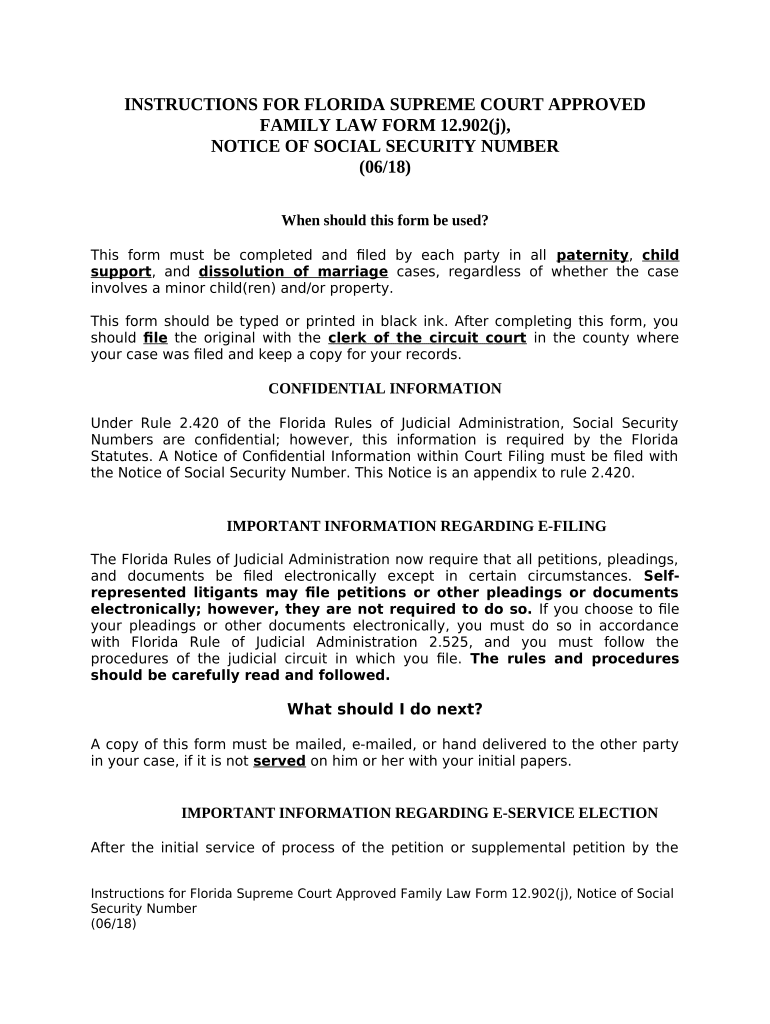
Click ‘Get Form’ to open the FL Notice Number in the editor.
Begin by entering your full legal name in the designated field at the top of the form.
Next, input your social security number and date of birth as required. Ensure accuracy as this information is confidential.
Select one option regarding your case type: either a dissolution of marriage without minor children or a paternity/child support case involving minor children.
If applicable, provide details for any minor or dependent children, including their names, birth dates, and social security numbers. Use additional pages if necessary.
Review all entered information for accuracy before signing. You will need to affirm the truthfulness of your claims under oath.
Finally, ensure you have a notary public or deputy clerk sign and stamp the document where indicated.
Start using our platform today to fill out your FL Notice Number easily and for free!
Hollywood Code Violation SearchCode Violation search Broward CountyHollywood Code ComplianceFl admin Code r fl statute s 65A-1Florida Administrative CodeCity of Hollywood departmentsCity of Hollywood Code Enforcement Phone NumberSm adjudication pending
Security and compliance
At DocHub, your data security is our priority. We follow HIPAA, SOC2, GDPR, and other standards, so you can work on your documents with confidence.
Fla. Admin. Code Ann. R. 1-1.011 - Publication of Notices in
(a) The Florida Administrative Register (FAR) is published each business day of the week except those business days that are observed as official state holidaysRead more
For general questions about your motor vehicle, vessel or mobile home, please contact Customer Service at 850-617-2000 or check your motor vehicle informationRead more
FL-982 ORDER FOR PUBLICATION OR POSTING (Family law)
If no response has been filed by the respondent, the petitioner may file a Request to Enter Default (form FL-165) starting on the. 59th day after the first dayRead more
Cookie consent notice
This site uses cookies to enhance site navigation and personalize your experience.
By using this site you agree to our use of cookies as described in our Privacy Notice.
You can modify your selections by visiting our Cookie and Advertising Notice.