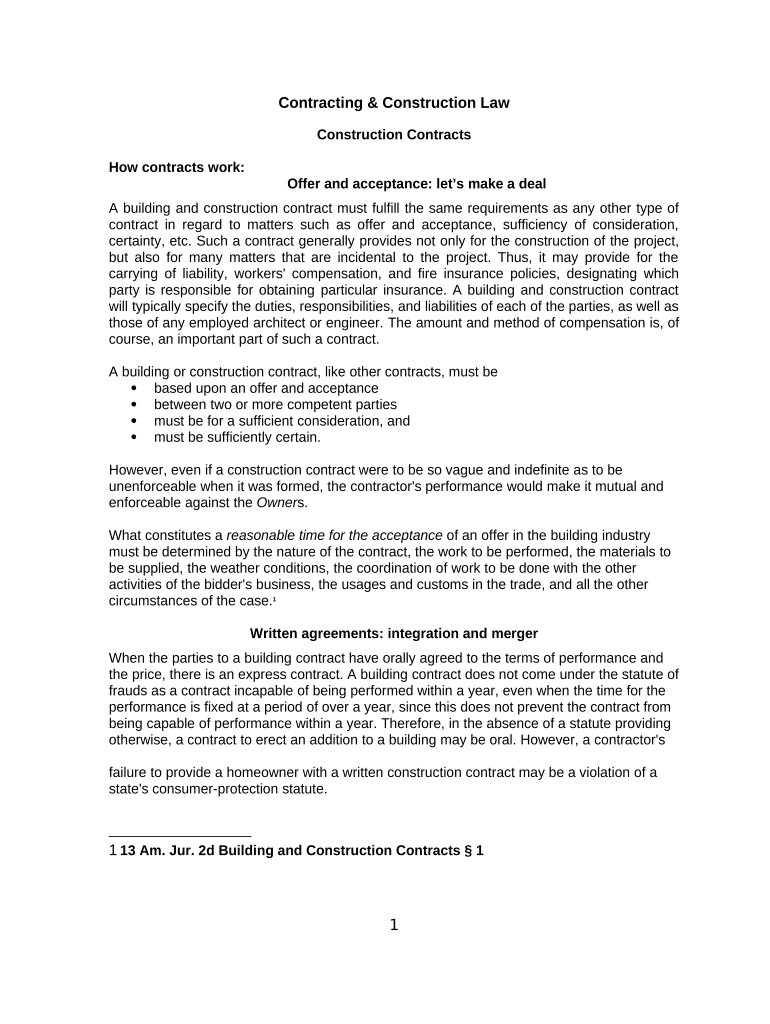
Construction law 2026

Get Form
construction law Preview on Page 1

Here's how it works

01. Edit your form online
Type text, add images, blackout confidential details, add comments, highlights and more.
02. Sign it in a few clicks
Draw your signature, type it, upload its image, or use your mobile device as a signature pad.
03. Share your form with others
Send it via email, link, or fax. You can also download it, export it or print it out.

How to use or fill out construction law with our platform

Form edit decoration
9.5
Ease of Setup
DocHub User Ratings on G2
9.0
Ease of Use
DocHub User Ratings on G2
  1. Click ‘Get Form’ to open the construction law document in the editor.
  2. Begin by filling in the 'Offer and Acceptance' section, ensuring that both parties are clearly identified and that the terms of agreement are explicitly stated.
  3. Proceed to the 'Duties and Responsibilities' section. Clearly outline each party's obligations, including any insurance requirements and responsibilities for obtaining necessary permits.
  4. In the 'Compensation' section, specify the payment terms, including amounts, methods, and timelines for payments. Ensure clarity on any retention amounts or conditions for progress payments.
  5. Review the 'Warranties' section. Include any express warranties regarding workmanship and materials, as well as implied warranties that may apply under state law.
  6. Finally, ensure all parties sign the document electronically using our platform’s signature feature to finalize the agreement.

Start using our platform today to streamline your construction law documentation process for free!

be ready to get more

Complete this form in 5 minutes or less

Get form

Got questions?

We have answers to the most popular questions from our customers. If you can't find an answer to your question, please contact us.
Contact us
So, for example, if a contract between an owner and a contractor provides Contractor agrees to construct the school for $100,000, courts will the owner to sue the contractor for bdocHub of contract if the contractor fails to perform the work. Tort law also impacts the construction process.
A law contract is a legally binding agreement between two or more parties with the capacity to agree. For a contract to be valid, it must meet four key essentials: offer, acceptance, consideration, and the intent to create legal relations.
The area of construction law deals with matters such as infrastructure, housing, planning permissions and construction and engineering. The key to understanding construction law is that it has two main categories: non-contentious and contentious.
A Legal Construct is a abstract human-created construct that pertains to the legal systems and legal norms. Context: It can encompasses the ideas and frameworks that inform and shape legal institutions, laws, and justice systems.
The Housing Grants, Construction and Regeneration Act 1996 applies to most construction contracts and includes certain provisions for what must be set out in the contract. Even if a contract fails to include the provisions, they apply by default as a contract under the Act.

People also ask

The UK Construction Act and the Scheme for Construction Contracts provide a framework for managing payments in construction contracts. One of the most docHub impacts of these acts is on the application for payment process, which is a crucial aspect of managing cash flow in construction projects.
To understand that, you need to know about the 5 essential elements of a valid contract: offer, acceptance, consideration, mutual intent, capacity and legality. Understanding these 5 fundamental elements of a contract can help you protect your interests and avoid potential legal disputes. Find out more below.
General construction work should be restricted to the following hours: Monday to Friday 8am to 6pm. Saturdays 8am to 1pm. Noisy work is prohibited on Sundays and bank holidays.

Related links