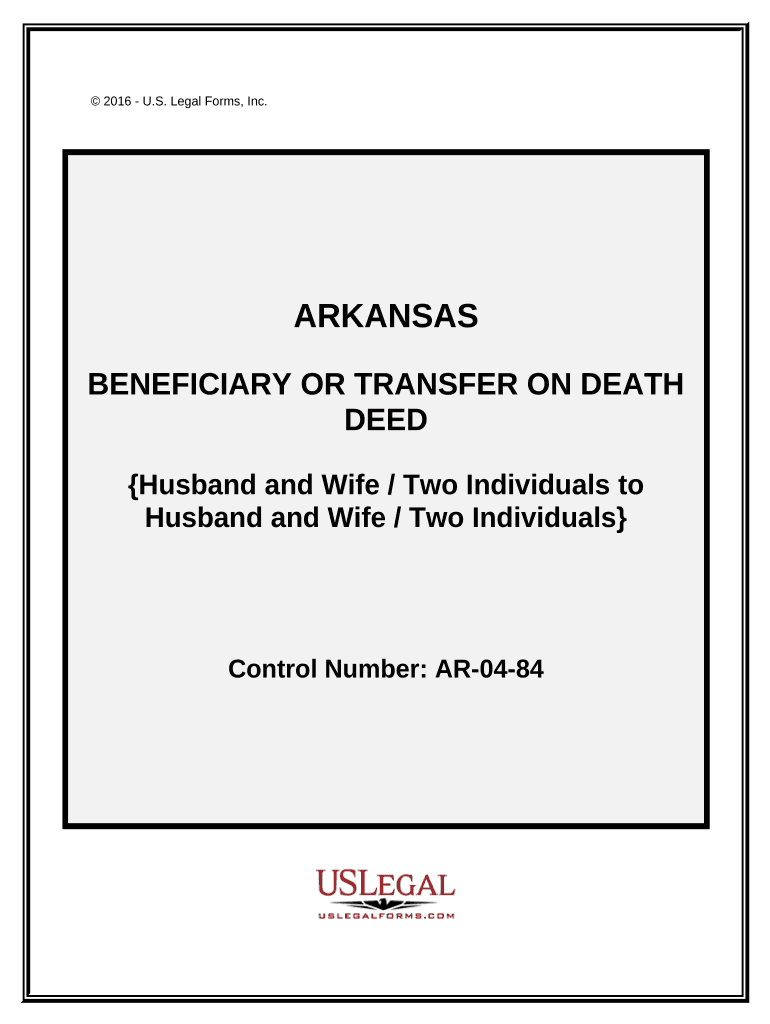
Beneficiary deed form 2025

Get Form
beneficiary deed form Preview on Page 1

Here's how it works

01. Edit your form online
Type text, add images, blackout confidential details, add comments, highlights and more.
02. Sign it in a few clicks
Draw your signature, type it, upload its image, or use your mobile device as a signature pad.
03. Share your form with others
Send it via email, link, or fax. You can also download it, export it or print it out.

How to use or fill out beneficiary deed form with our platform

Form edit decoration
9.5
Ease of Setup
DocHub User Ratings on G2
9.0
Ease of Use
DocHub User Ratings on G2
  1. Click ‘Get Form’ to open the beneficiary deed form in the editor.
  2. Begin by entering the names of the Grantors at the top of the form. Ensure that you specify whether they are Husband and Wife or Two Individuals.
  3. Next, indicate how the Grantees will hold the property. Choose from options such as Tenants in Common, Joint Tenants with Right of Survivorship, or Tenants by the Entirety based on your situation.
  4. Fill in the legal description of the property being conveyed. This is crucial for clarity and should match official records.
  5. Select how to handle situations where a Grantee Beneficiary may predecease you. Choose either option a or b as outlined in the form.
  6. Finally, ensure all signatures are completed and dated at the bottom of the form before saving your changes.

Start using our platform today to easily complete your beneficiary deed form online for free!

be ready to get more

Complete this form in 5 minutes or less

Get form

Got questions?

We have answers to the most popular questions from our customers. If you can't find an answer to your question, please contact us.
Contact us
Generally, the most efficient way for the transfer to happen is at death via a trust. The deed is titled within your family trust or transfer on death deed. The trust transfers the assets to the children at passing. Skips probate.
One of the more accessible and efficient tools available to those looking to bypass probate is a transfer-on-death (TOD) deed. A transfer-on-death deed is a legal document that specifies which beneficiary will inherit the deceaseds real estate after their passing.
A beneficiary deed allows an individual to designate a beneficiary to inherit your real estate upon death. In New Jersey, transferring real property using TOD deeds upon the owners death isnt permitted by law.
The Quitclaim Deed: The quitclaim deed is the worst type of deed because it conveys no warranty whatsoever that the sellers title is good title or that there are no encumbrances on the property.
Although Maryland does not currently allow beneficiary deeds for real estate, those residing in states where they are permitted can follow these steps to obtain one: Consult an Estate Planning Attorney A legal professional can provide guidance on state laws and help draft the appropriate documents.

People also ask

While Simple Beneficiary Designations offer ease and efficiency, they also come with some very serious limitations and major drawbacks: No Control Over Asset Once it goes to Beneficiary: Once the account holder passes away, theres ZERO control over how the beneficiaries use the assets.

Related links