




01. Edit your form online
Type text, add images, blackout confidential details, add comments, highlights and more.

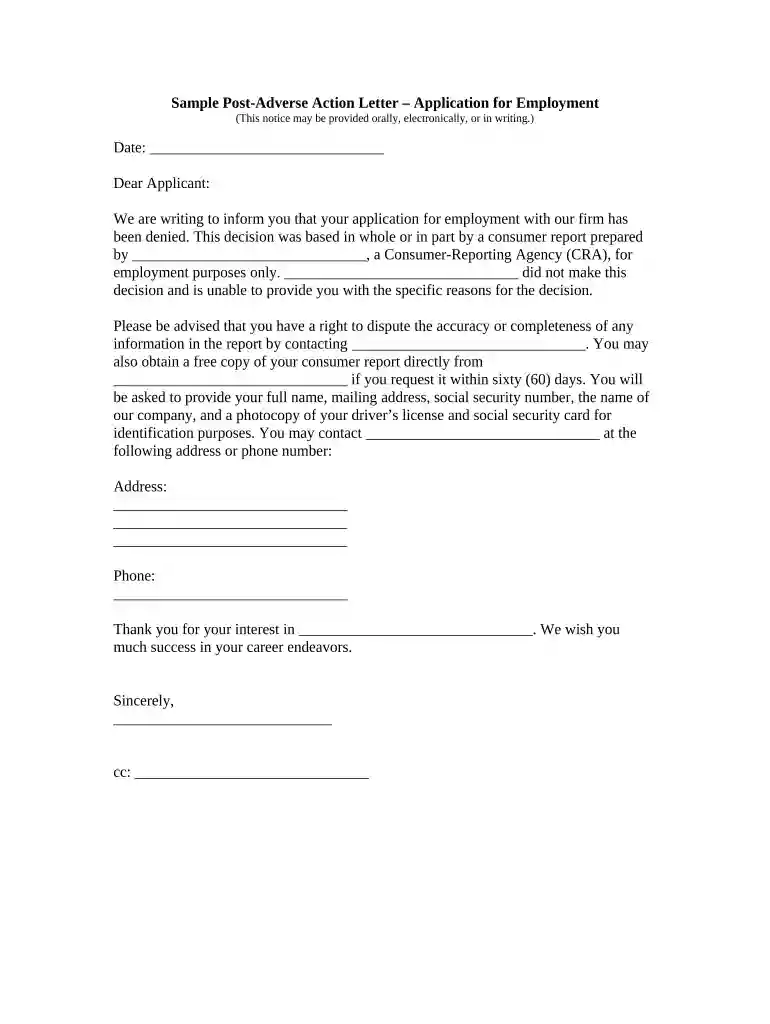
Type text, add images, blackout confidential details, add comments, highlights and more.

Draw your signature, type it, upload its image, or use your mobile device as a signature pad.

Send it via email, link, or fax. You can also download it, export it or print it out.

Start using our platform today to streamline your document editing and ensure efficient communication!
At DocHub, your data security is our priority. We follow HIPAA, SOC2, GDPR, and other standards, so you can work on your documents with confidence.
Sep 15, 2025 The 2025 season confirmed that no-action letter practice will now have a sharper staff focus on detailed company-specific explanations.Read more
Nov 11, 2024 Your friend needs Hungry Letter less than 5, Acquainted With [you]. When Sent Signed and sent Fortunately, postmen are so often lost, betrayed or devoured.Read more


