Type text, add images, blackout confidential details, add comments, highlights and more.
02. Sign it in a few clicks
Draw your signature, type it, upload its image, or use your mobile device as a signature pad.
03. Share your form with others
Send it via email, link, or fax. You can also download it, export it or print it out.
How to use or fill out lump sum settlement with our platform
Ease of Setup
DocHub User Ratings on G2
Ease of Use
DocHub User Ratings on G2
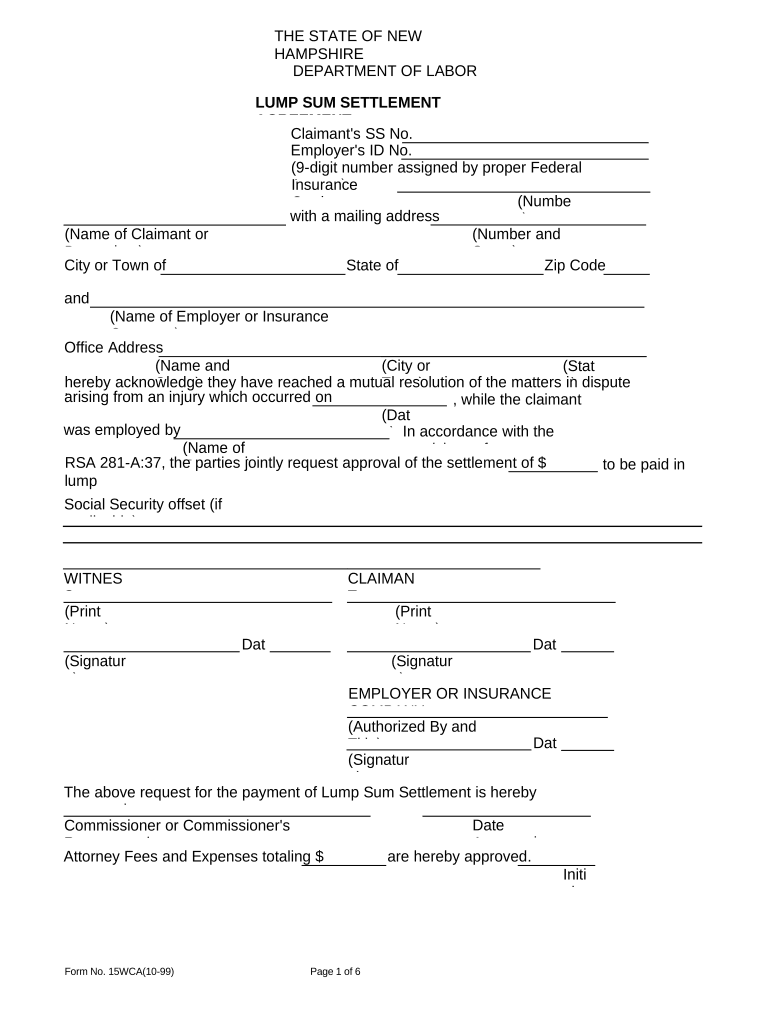
Click ‘Get Form’ to open the lump sum settlement agreement in the editor.
Begin by entering the claimant's name and Social Security number at the top of the form. Ensure accuracy as this information is crucial for identification.
Fill in the employer's ID number and insurance carrier details, including their mailing address. This section establishes the parties involved in the settlement.
In the body of the form, specify the date of injury and confirm that both parties have reached a mutual resolution regarding compensation. Clearly state the agreed lump sum amount.
Complete the Lump Sum Settlement Questionnaire by providing detailed information about medical status, employment history, and any outstanding medical bills. Attach necessary documentation as required.
Review all entries for accuracy before signing. Both claimant and employer/insurance company representatives must sign and date where indicated to finalize the agreement.
Start using our platform today to streamline your lump sum settlement process for free!
Workers compensation lump sum settlement amountsLump sum settlement credit cardWorkers comp lump sum calculatorWhy is structured settlement calling meWhat is a structured settlementStructured settlement examplesStructured settlement debt collectorStructured settlement calculator
Security and compliance
At DocHub, your data security is our priority. We follow HIPAA, SOC2, GDPR, and other standards, so you can work on your documents with confidence.
The lump sum payment in a lawsuit is intended to last for the duration of the effects of the injury. For many cases, this means the rest of the plaintiffsRead more
Employment Information in Connection with Claim for
PENALTY: The law provides severe penalties which include fine or imprisonment, or both, for the willful submission of any statement or evidence of a meterialRead more
What is a Lump Sum Agreement? ✓ A Lump Sum is a contract between you, your employer (where applicable), and your employers workers compensation insurer.Read more
Cookie consent notice
This site uses cookies to enhance site navigation and personalize your experience.
By using this site you agree to our use of cookies as described in our Privacy Notice.
You can modify your selections by visiting our Cookie and Advertising Notice.