Type text, add images, blackout confidential details, add comments, highlights and more.
02. Sign it in a few clicks
Draw your signature, type it, upload its image, or use your mobile device as a signature pad.
03. Share your form with others
Send it via email, link, or fax. You can also download it, export it or print it out.
How to use or fill out pa chapter 13 with our platform
Ease of Setup
DocHub User Ratings on G2
Ease of Use
DocHub User Ratings on G2
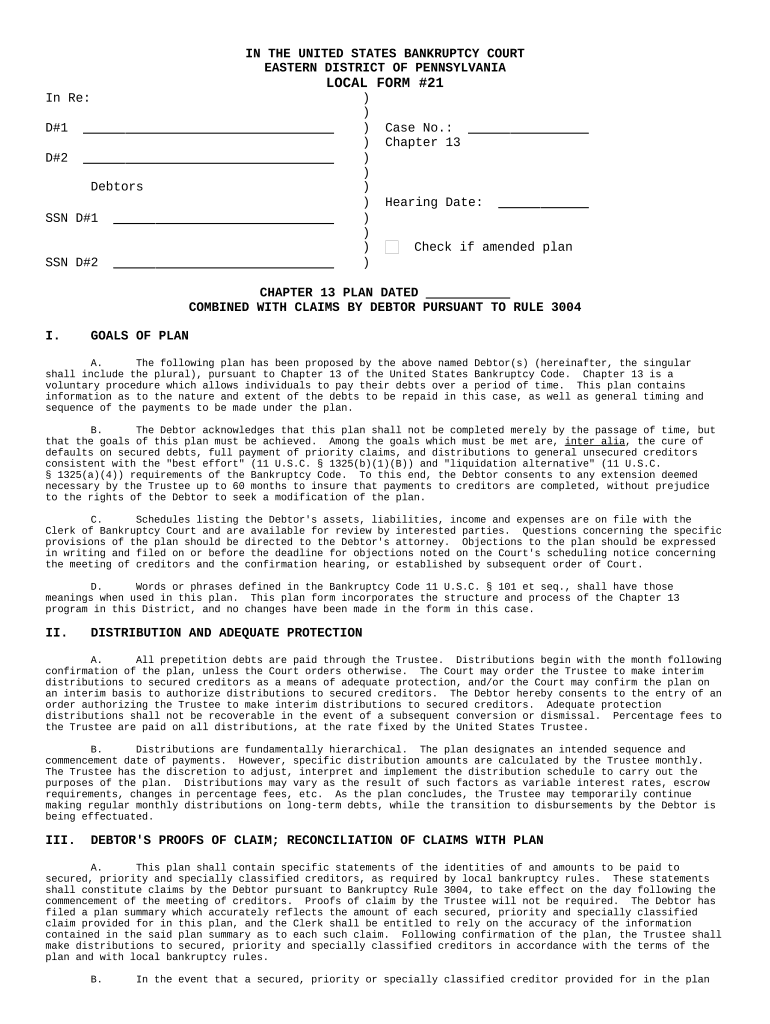
Click ‘Get Form’ to open the PA Chapter 13 plan in the editor.
Begin by entering the names and Social Security Numbers of the debtors in the designated fields at the top of the form.
In Section I, outline your goals for the plan. Clearly state how you intend to address defaults on secured debts and prioritize claims.
Move to Section II and specify how distributions will be made through the Trustee, including any interim distributions if applicable.
In Section III, provide detailed information about proofs of claim for secured, priority, and specially classified creditors. Ensure accuracy as this will guide distributions post-confirmation.
Complete Sections IV through IX by detailing payment amounts, schedules, and any amendments necessary for your plan. Be thorough to avoid complications later.
Finally, review all entries for accuracy before saving or printing your completed form for submission.
Start using our platform today to streamline your PA Chapter 13 form completion!
Chapter 13 ruined my lifeChapter 13 vs Chapter 11How to file Chapter 13 with no moneyTrustee Chapter 13What is Chapter 13Chapter 13 payment plan exampleChapter 13 tips and tricksChapter 13 means test
Security and compliance
At DocHub, your data security is our priority. We follow HIPAA, SOC2, GDPR, and other standards, so you can work on your documents with confidence.
A chapter 13 bankruptcy is also called a wage earners plan. It enables individuals with regular income to develop a plan to repay all or part of their debts.Read more
In addition, the Bankruptcy Code will allow the debtor to keep certain exempt property; but a trustee will liquidate the debtors remaining assets.Read more
Si le panneau comporte des flches blanches, la flche pointera dans la direction de la sortie. La sortie 13 pour la route 22 sera sur le ct gauche de lRead more
Cookie consent notice
This site uses cookies to enhance site navigation and personalize your experience.
By using this site you agree to our use of cookies as described in our Privacy Notice.
You can modify your selections by visiting our Cookie and Advertising Notice.