




01. Edit your form online
Type text, add images, blackout confidential details, add comments, highlights and more.

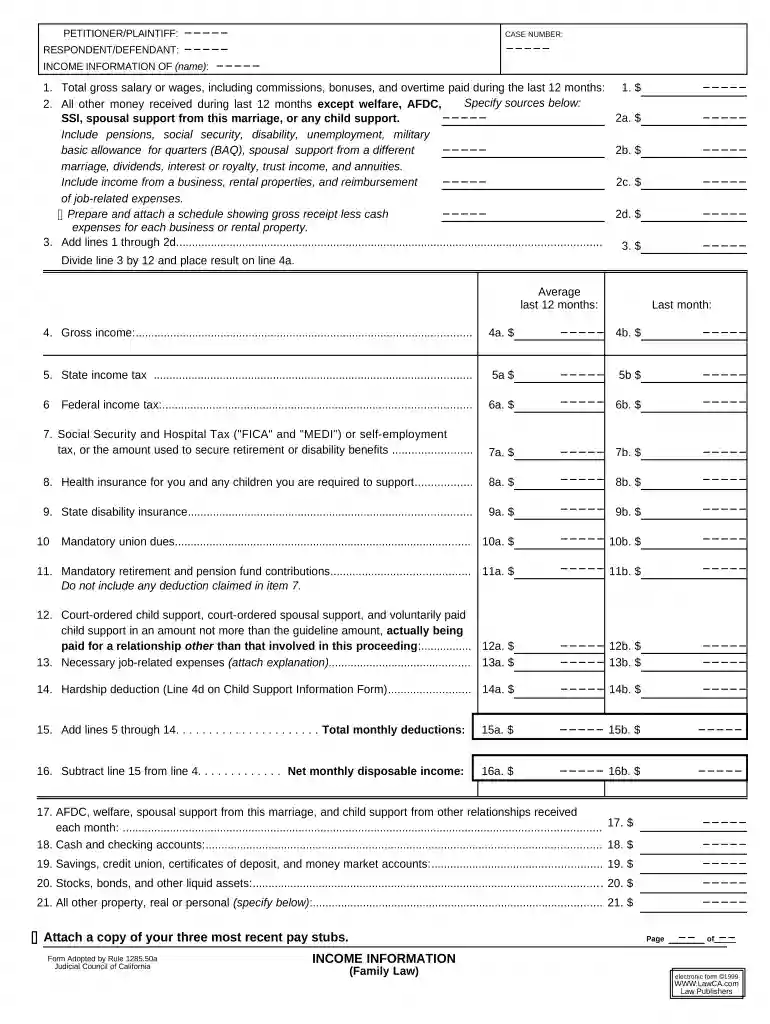
Type text, add images, blackout confidential details, add comments, highlights and more.

Draw your signature, type it, upload its image, or use your mobile device as a signature pad.

Send it via email, link, or fax. You can also download it, export it or print it out.

Start using our editor today for free to simplify your family law documentation process!
At DocHub, your data security is our priority. We follow HIPAA, SOC2, GDPR, and other standards, so you can work on your documents with confidence.
Family law, also referred to as domestic relations in many states, is the broad body of law that covers marriage, divorce, child custody, adoption, domesticRead more
Feb 2, 2015 The term family law is used as a convenient label for the range of legislation by which states seek to regulate the behaviour of familiesRead more
This page provides forms for use in family law and related cases. For information on other types of cases, please visit the self-help information page.Read more


