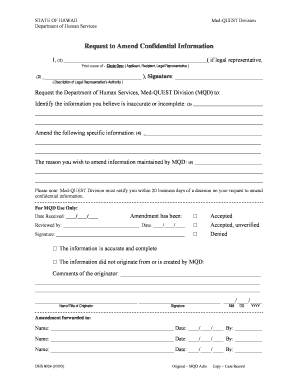
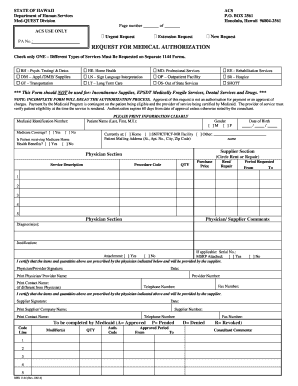
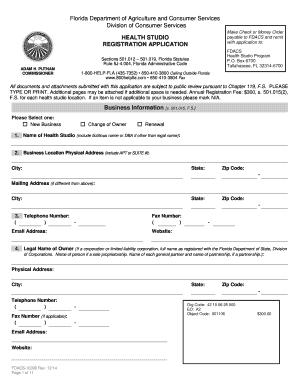
Type text, add images, blackout confidential details, add comments, highlights and more.
02. Sign it in a few clicks
Draw your signature, type it, upload its image, or use your mobile device as a signature pad.
03. Share your form with others
Send it via email, link, or fax. You can also download it, export it or print it out.
How to use or fill out Document Locator and Personal Information Package including burial information form - New Mexico
Ease of Setup
DocHub User Ratings on G2
Ease of Use
DocHub User Ratings on G2
Click ‘Get Form’ to open it in the editor.
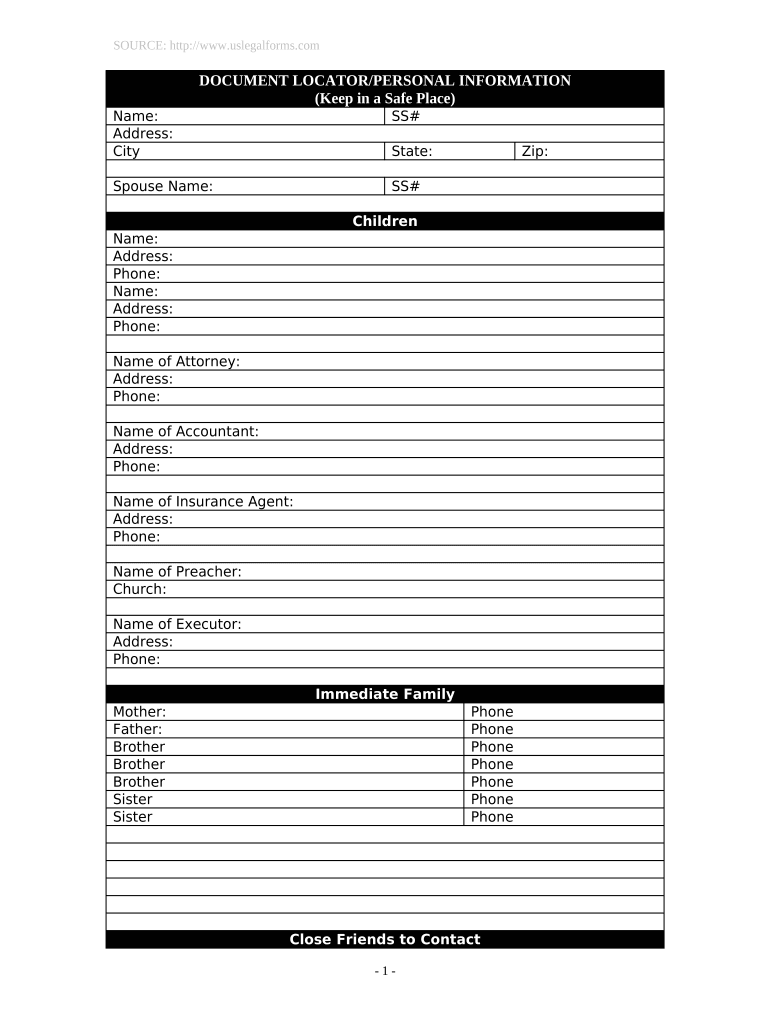
Begin by entering your personal details in the 'Name', 'Address', and 'City' fields. Ensure accuracy as this information is crucial for identification.
Fill in the Social Security numbers for yourself and your spouse, along with their names, to maintain comprehensive records.
List your children’s names, addresses, and phone numbers in the designated sections. This helps keep important contacts organized.
Provide details for immediate family members, including parents and siblings, ensuring you include their contact numbers.
In the 'Location of Important Documents' section, specify where key documents like wills, birth certificates, and insurance policies are stored.
Complete the burial information section by entering the cemetery name and location. Indicate if a deed exists.
Finally, add any notes or messages to loved ones at the end of the form to convey personal sentiments.
Start using our platform today to easily complete your Document Locator and Personal Information Package!
Fill out Document Locator and Personal Information Package including burial information form - New Mexico online It's free
Document Locator is a powerful document management system that improves efficiency and reduces risk. It works right inside Microsoft Windows, making it particularly easy to use. Plus, an optional Web browser interface extends the reach of files beyond the office walls.
How to become a funeral director in New Mexico?
submit satisfactory evidence that the applicant has obtained an associates degree in funeral science requiring the completion of at least 60 semester hours from an institution whose funeral program is accredited by the American Board of Funeral Service Education or any other successor institution offering funeral
How to locate a document?
Search from the taskbar: Type the name of a document (or a keyword from it) into the search box on the taskbar. Youll see results for documents across your PC and OneDrive under Best match.
What is the document locator number on a check?
A DLN is a series of letters and numbers assigned to and imprinted on a return when it is received by an IRS service center. When a return is received with a payment, the same DLN is printed on the return and on the back of the check attached to that return.
What is the document locator number on a tax return?
(1) The document locator number (DLN) is a controlled number assigned to every return or document input through the ADP system. The fourteenth (last) digit is the year of processing and is assigned by the Campus computer at the time of the original input.
Related Searches
Online document locator and personal information package including burial information form new mexicoDocument Source finder
People also ask
What does it mean to track a document?
A document tracking system is an essential feature of document management software. It automates the entire process of monitoring documents and contracts at every stage of their journey. This system serves as a centralized hub to easily locate, access, and manage various document interactions.
Related links
administrative rules and procedures
NOTICE: The NMSU policy system is in transition. Operational rules and procedures that were contained in the former NMSU Policy Manual, now re-titled
Cookie consent notice
This site uses cookies to enhance site navigation and personalize your experience.
By using this site you agree to our use of cookies as described in our Privacy Notice.
You can modify your selections by visiting our Cookie and Advertising Notice.