




01. Edit your form online
Type text, add images, blackout confidential details, add comments, highlights and more.

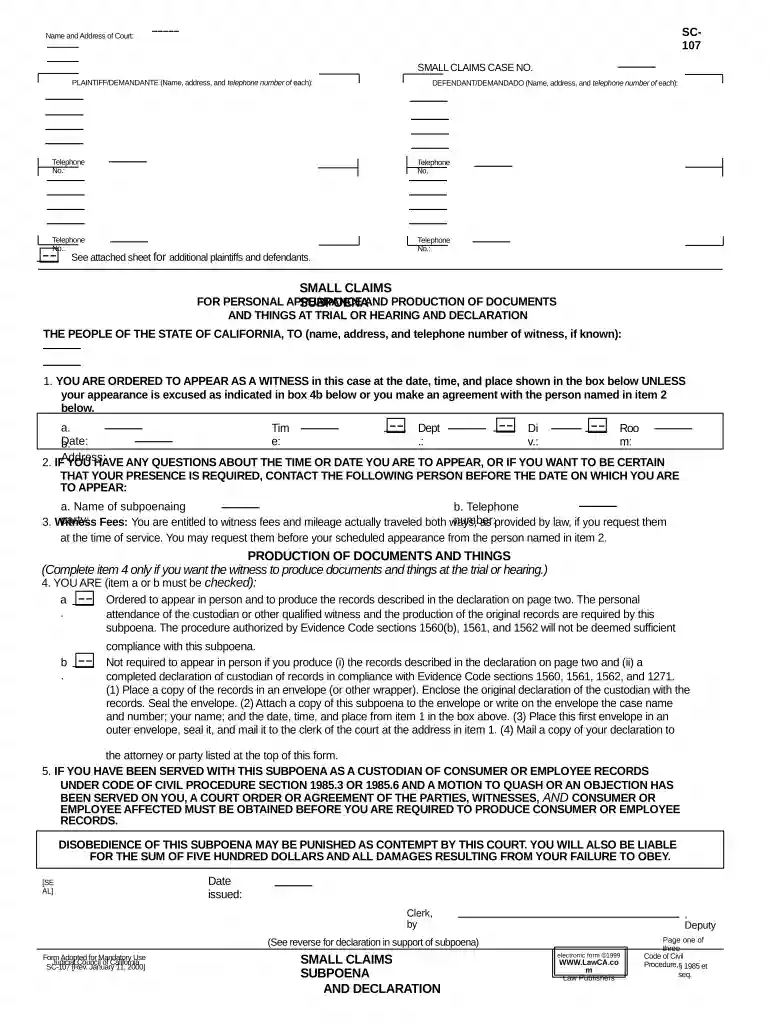
Type text, add images, blackout confidential details, add comments, highlights and more.

Draw your signature, type it, upload its image, or use your mobile device as a signature pad.

Send it via email, link, or fax. You can also download it, export it or print it out.

Start using our platform today to streamline your California Small Claims process for free!
At DocHub, your data security is our priority. We follow HIPAA, SOC2, GDPR, and other standards, so you can work on your documents with confidence.

The costs. The filing fee for a small claims case is between $30-$100. If you cant afford the fee, you can ask the court for a fee waiver.Read more
Small claims court is a special court in California where disputes are resolved quickly and inexpensively. The rules are simple and informal.Read more
Aug 9, 2025 A micronation, sometimes referred to as a model country or new country project, is an entity that claims to be an independent nation or stateRead more


