




01. Edit your form online
Type text, add images, blackout confidential details, add comments, highlights and more.

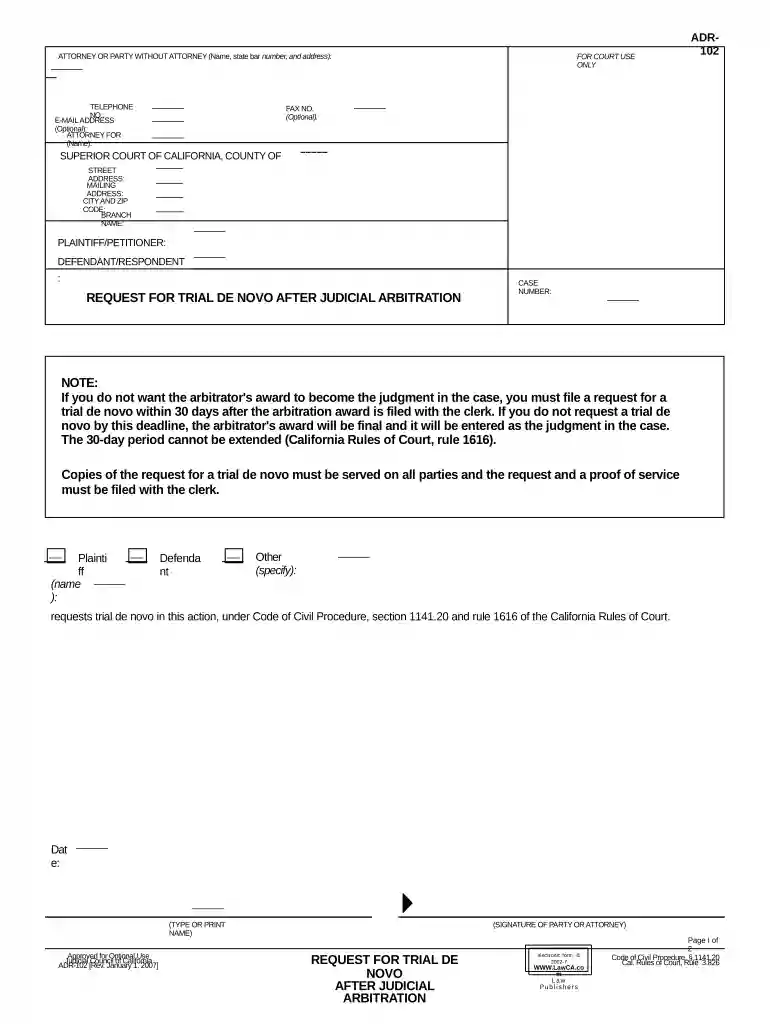
Type text, add images, blackout confidential details, add comments, highlights and more.

Draw your signature, type it, upload its image, or use your mobile device as a signature pad.

Send it via email, link, or fax. You can also download it, export it or print it out.

Start using our platform today to streamline your judicial arbitration process for free!
At DocHub, your data security is our priority. We follow HIPAA, SOC2, GDPR, and other standards, so you can work on your documents with confidence.

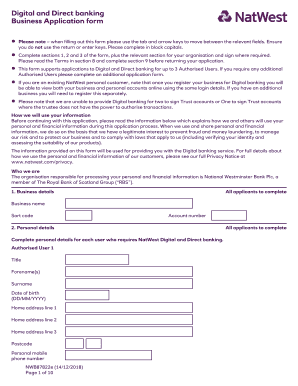
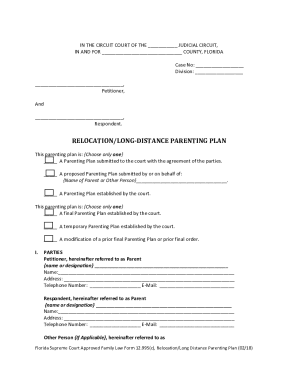


Florida Statute 44.104, entitled Voluntary binding arbitration and voluntary trial resolution provides for private attorneys to be appointed with theRead more
Arbitration is a dispute-resolution process in which the parties select a neutral third party to resolve their claims. Parties typically agree to arbitrateRead more
Judicial Arbitration is like a trial. But it is less formal and there is no jury. Each side presents its case to a neutral person, also called arbitrator.Read more


