




01. Edit your form online
Type text, add images, blackout confidential details, add comments, highlights and more.

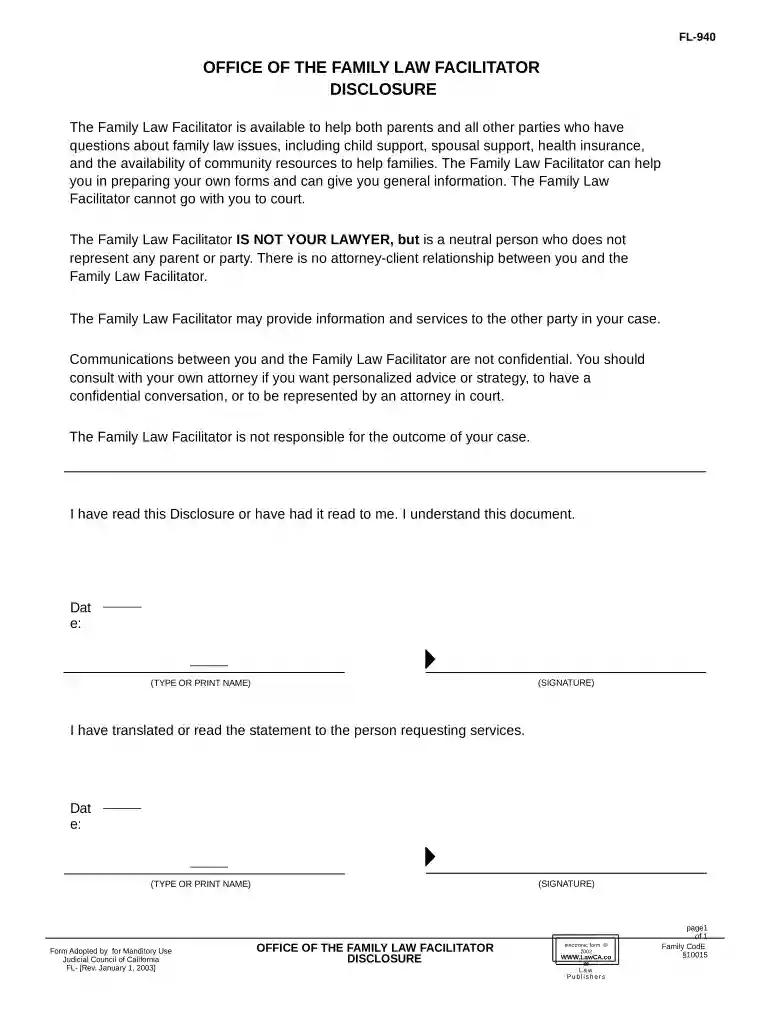
Type text, add images, blackout confidential details, add comments, highlights and more.

Draw your signature, type it, upload its image, or use your mobile device as a signature pad.

Send it via email, link, or fax. You can also download it, export it or print it out.

Start using our platform today for free to streamline your California family law document completion!
At DocHub, your data security is our priority. We follow HIPAA, SOC2, GDPR, and other standards, so you can work on your documents with confidence.

(a) A court of this state has temporary emergency jurisdiction if the child is present in this state and the child has been abandoned or it is necessary in anRead more
The Center for Families, Children the Courts (CFCC) works, at the direction of the Judicial Council, to assist courts throughout the state in handling cases.Read more


