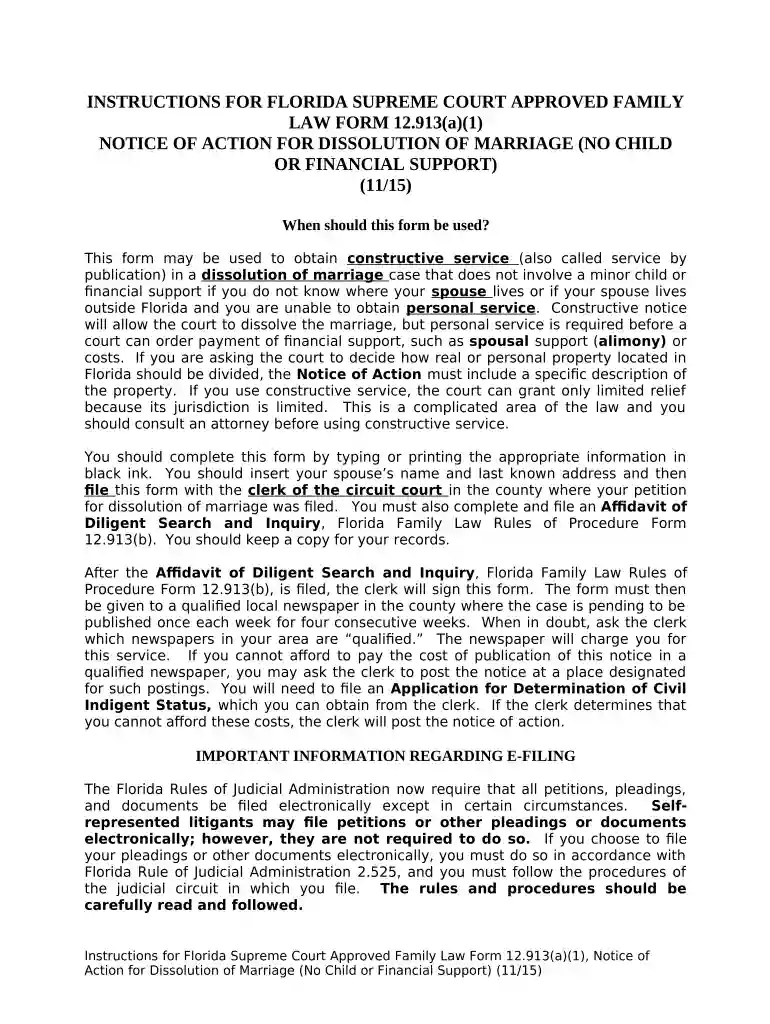
Notice action 2026

Get Form
notice action Preview on Page 1

Here's how it works

01. Edit your form online
Type text, add images, blackout confidential details, add comments, highlights and more.

02. Sign it in a few clicks
Draw your signature, type it, upload its image, or use your mobile device as a signature pad.

03. Share your form with others
Send it via email, link, or fax. You can also download it, export it or print it out.

How to use or fill out notice action with our platform

Form edit decoration
9.5
Ease of Setup
DocHub User Ratings on G2
9.0
Ease of Use
DocHub User Ratings on G2
  1. Click ‘Get Form’ to open the Notice of Action for Dissolution of Marriage in the editor.
  2. Begin by entering your name as the Petitioner and your spouse's name as the Respondent in the designated fields.
  3. Fill in the last known address of your spouse. Ensure this information is accurate, as it is crucial for proper service.
  4. Specify any real or personal property that needs to be divided, or indicate 'none' if applicable.
  5. Review all entered information for accuracy and completeness before proceeding to file.
  6. Once completed, save a copy for your records and follow the instructions to file with the clerk of court.

Start using our platform today to streamline your document editing and filing process for free!

be ready to get more

Complete this form in 5 minutes or less

Get form

Got questions?

We have answers to the most popular questions from our customers. If you can't find an answer to your question, please contact us.
Contact us
I-797C, Notice of Action. Issued to communicate receipt or rejection of an applications or petitions; transfer of files; fingerprint biometric, interview and re-scheduled appointments; additional actions, and re-opening of cases.
A Form I-797 Notice of Action (as compared to I-797A, I-797B, etc) is simply a receipt notice or approval notice. After filing a USCIS petition, you can usually expect to receive a receipt notice within two to three weeks.

Security and compliance

At DocHub, your data security is our priority. We follow HIPAA, SOC2, GDPR, and other standards, so you can work on your documents with confidence.
Learn more
ccpa2
pci-dss
gdpr-compliance
hipaa
soc-compliance