




01. Edit your form online
Type text, add images, blackout confidential details, add comments, highlights and more.

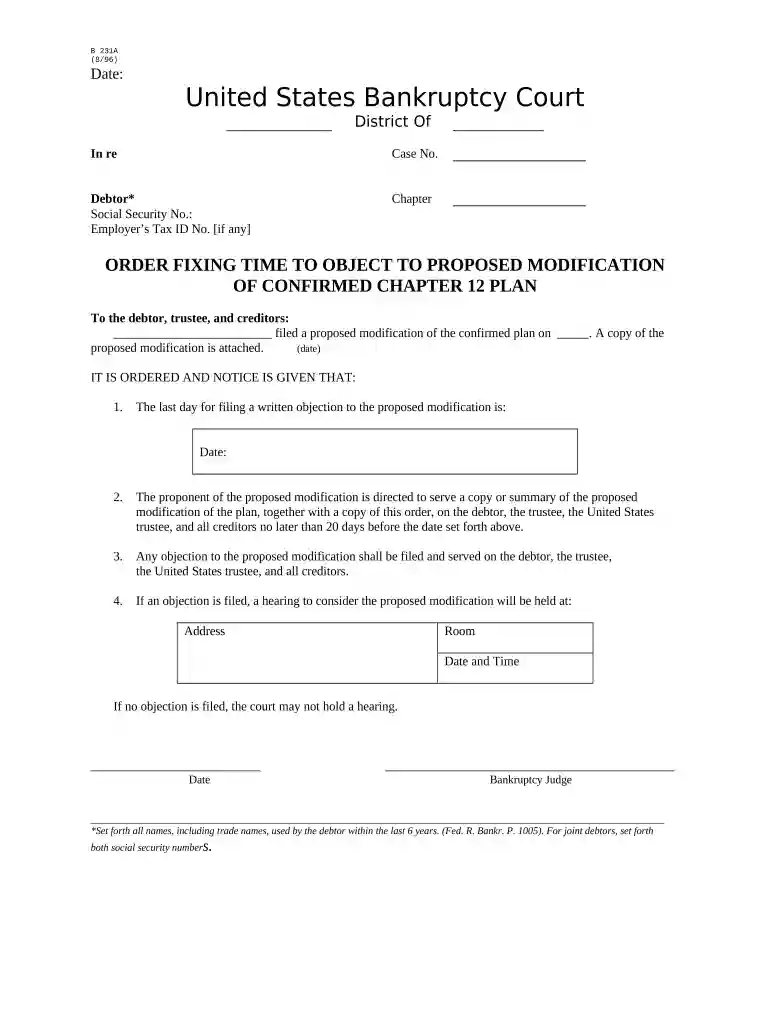
Type text, add images, blackout confidential details, add comments, highlights and more.

Draw your signature, type it, upload its image, or use your mobile device as a signature pad.

Send it via email, link, or fax. You can also download it, export it or print it out.

Start using our platform today to streamline your document editing and ensure a smooth process!
At DocHub, your data security is our priority. We follow HIPAA, SOC2, GDPR, and other standards, so you can work on your documents with confidence.

11 US Code Chapter 12 - ADJUSTMENT OF DEBTS OF A FAMILY FARMER OR FISHERMAN WITH REGULAR ANNUAL INCOMERead more
In our short walks we passed the kitchen where food was prepared for the nurses and doctors. There we got glimpses of melons and grapes and all kinds of fruits,Read more


