




01. Edit your minute order online
Type text, add images, blackout confidential details, add comments, highlights and more.

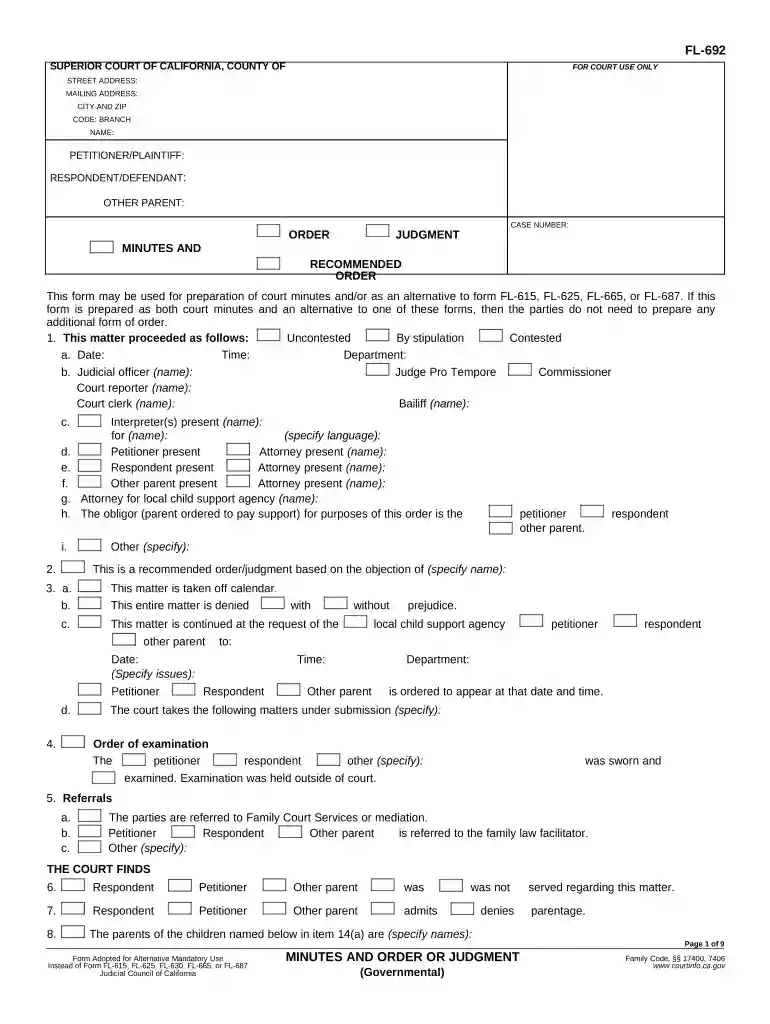
Type text, add images, blackout confidential details, add comments, highlights and more.

Draw your signature, type it, upload its image, or use your mobile device as a signature pad.

Send what is a minute order via email, link, or fax. You can also download it, export it or print it out.

Start using our platform today for free to streamline your document editing and completion process!
At DocHub, your data security is our priority. We follow HIPAA, SOC2, GDPR, and other standards, so you can work on your documents with confidence.
9/11/24 Student Senate Minutes. 1. Call to order at 12:01. 2. Introductions and Attendance: 3. Approval of agenda, and minutes. Both approved at 12:10. 4Read more
Minutes and Order or Judgment (Governmental) (FL-692). Tells you the judges decision after a court hearing. Get form FL-692.Read more
After 2 minutes, discard any remaining eluate and the collection tube. Transfer the column to a new 2 mL collection tube. Add 50 L of elution solution to theRead more


