




01. Edit your nj tort online
Type text, add images, blackout confidential details, add comments, highlights and more.

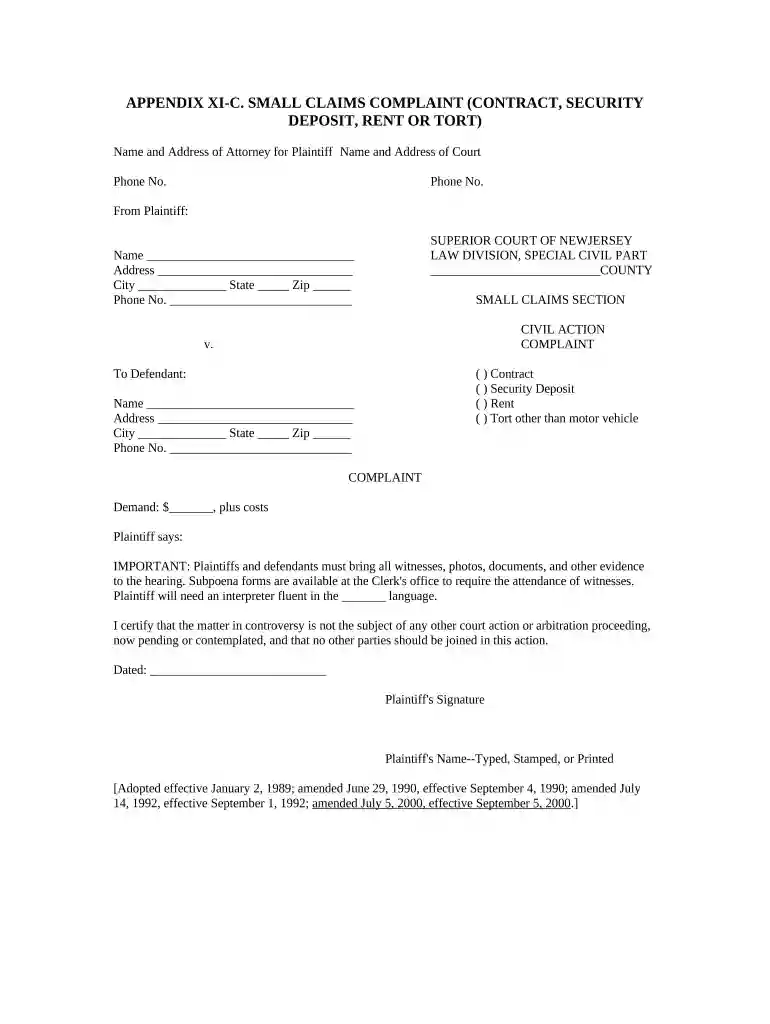
Type text, add images, blackout confidential details, add comments, highlights and more.

Draw your signature, type it, upload its image, or use your mobile device as a signature pad.

Send it via email, link, or fax. You can also download it, export it or print it out.

Start filling out your New Jersey Claims Tort form online for free today!
At DocHub, your data security is our priority. We follow HIPAA, SOC2, GDPR, and other standards, so you can work on your documents with confidence.
Apr 8, 2026 All Tort and Contract Claims must be filed using the digital claim portal on this website by accessing the Tort Claim Login Page (PACFS).Read more
Claims against the State of New Jersey or its employees should be referred to the State of New Jersey, Bureau of Risk Management, PO Box 620, Trenton, NJ 08625.Read more
Astroturf refers to apparently grassroots-based citizen groups or coalitions that are primarily conceived, created and/or funded by corporations.Read more


