




01. Edit your rule 34 montana rules of civil procedure online
Type text, add images, blackout confidential details, add comments, highlights and more.

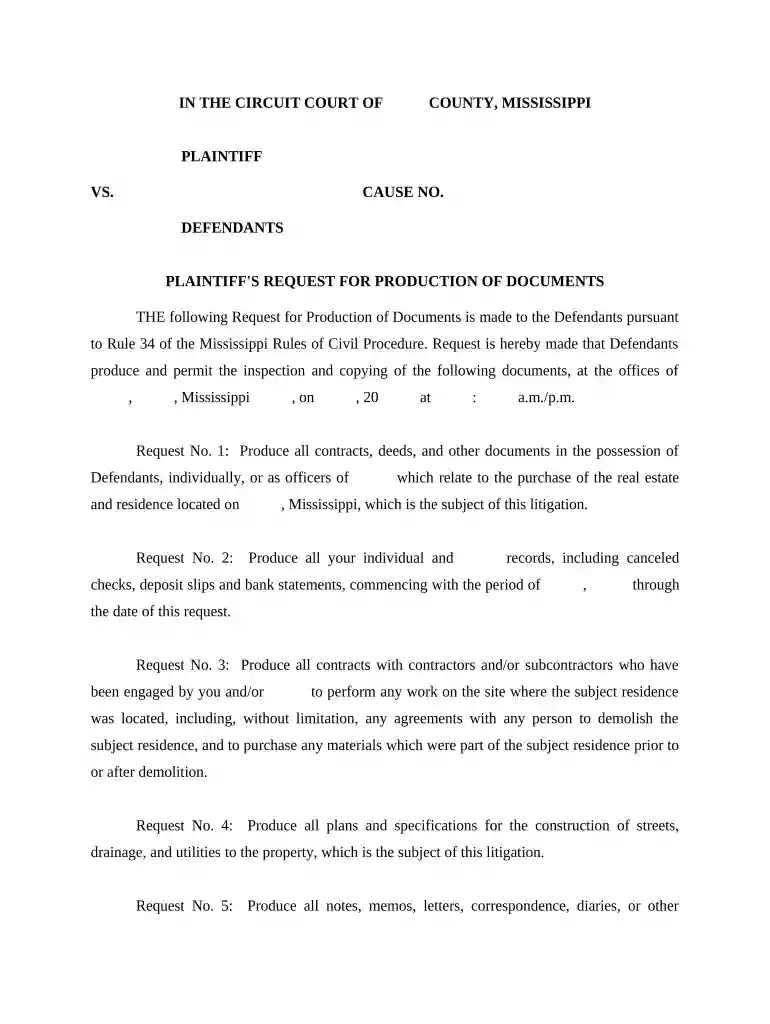
Type text, add images, blackout confidential details, add comments, highlights and more.

Draw your signature, type it, upload its image, or use your mobile device as a signature pad.

Send rule 34 production of documents via email, link, or fax. You can also download it, export it or print it out.

Start using our platform today to streamline your document editing and form completion for free!
Managing your forms with DocHub this way is extremely simple after you have downloaded its extension for Google Chrome. Go to the Chrome Web Store and set up DocHub - Sign PDF from Gmail to obtain it. Give our tool access to your Google account, and then open an email containing pam rule 34 as an attachment and point to the file with your cursor - the DocHub extension key will automatically appear there. Click on it to open your document in our editor. Make any required adjustments, complete the blanks, and click Sign to create your legally-binding eSignature.
You can easily edit fill out your rule 34 pam on any iOS device. Open an internet browser of your liking, go to the DocHub site, authorize or create a new account, add your file for editing, and make your desired changes. Our service is mobile-friendly, so using its functions on your smartphone will be a no-brainer, even on the first try.
At DocHub, your data security is our priority. We follow HIPAA, SOC2, GDPR, and other standards, so you can work on your documents with confidence.
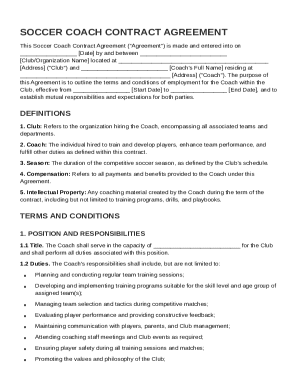

Rule 34 - Production of Documents and Things and Entry Upon Land For Inspection and Other Purposes. (a) Scope. Any party may serve on any other party aRead more
Nov 13, 2025 Upon request of the plaintiff, separate or additional summons shall issue against any defendants. (b) Same: Form. The summons shall be dated andRead more
Jun 7, 2013 Instructions on how to access the proxy materials over the Internet or to request a printed copy by mail may be found in the Notice. PleaseRead more


