




Here's how it works
How to use or fill out promissory note for car sale with our platform

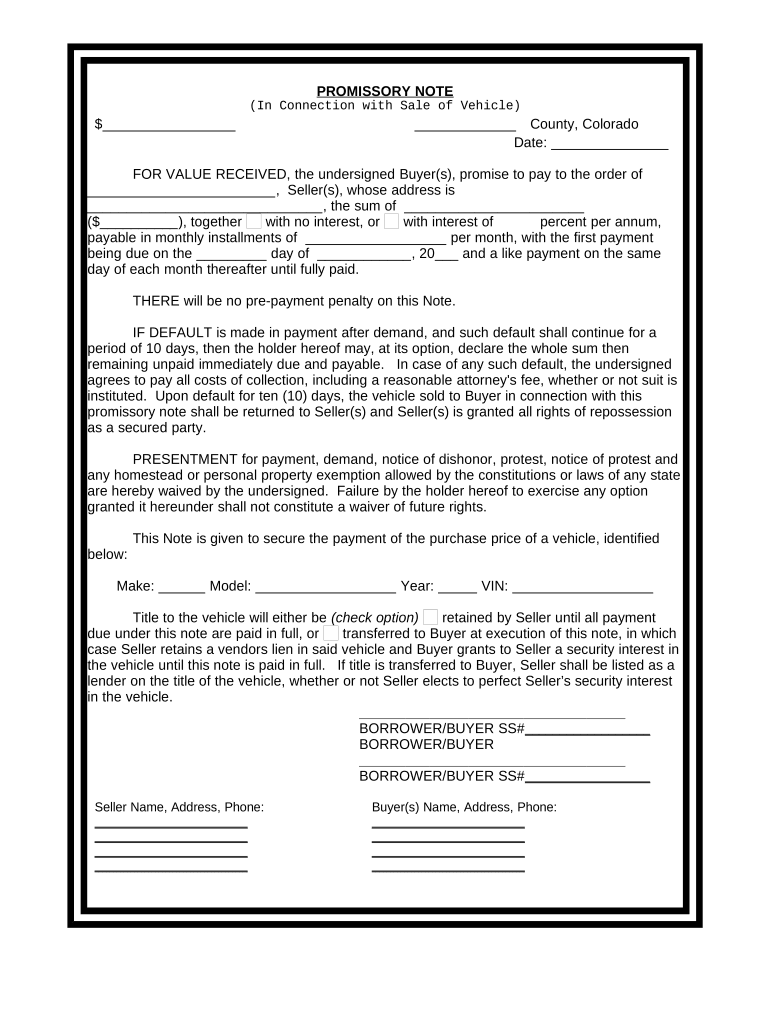
- Click ‘Get Form’ to open the promissory note for car sale in the editor.
- Begin by entering the total amount of the loan in the first blank space, ensuring it reflects the agreed purchase price of the vehicle.
- Fill in the date and county where the agreement is being executed. This establishes the legal jurisdiction of your contract.
- In the section labeled 'FOR VALUE RECEIVED', input the seller's name and address, followed by the buyer's details in their respective fields.
- Specify whether interest will be charged on the loan and indicate the percentage if applicable. Then, detail monthly payment amounts and due dates.
- Complete vehicle identification details including make, model, year, and VIN to ensure clarity on what is being financed.
- Decide on title retention options by checking one of the provided boxes regarding ownership until full payment is made.
- Finally, have all parties sign at designated areas to validate this agreement legally.
Start using our platform today to easily complete your promissory note for car sale online for free!
It's free
Got questions?
How do I sign my how to sell a promissory note for free?
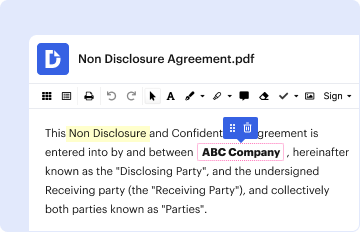
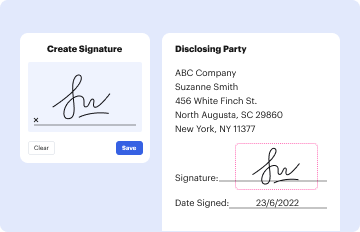
Most eSignature solutions require users to have a paid subscription. With DocHub, there are two options for you to add an electronic signature to your how to sell a promissory note free of charge:
- You can do it during a 7-day trial period;
- You can subscribe to a free plan.
The second option, however, has restrictions on the number of signatures, sign requests, emails, and forms for adjusting available per month. You can check for full information here.
How do you edit promissory note for a car online?
With DocHub, you have several convenient methods to edit your promissory note for a car online. You can drag and drop the form and modify it straight at the DocHub site or use our browser extension to fill out your form immediately. Additionally, you can modify your PDF on your smartphone, as DocHub is compatible with all the accessible mobile platforms.
Security and compliance
At DocHub, your data security is our priority. We follow HIPAA, SOC2, GDPR, and other standards, so you can work on your documents with confidence.
Learn more


