




01. Edit your diabetes worksheet pdf online
Type text, add images, blackout confidential details, add comments, highlights and more.

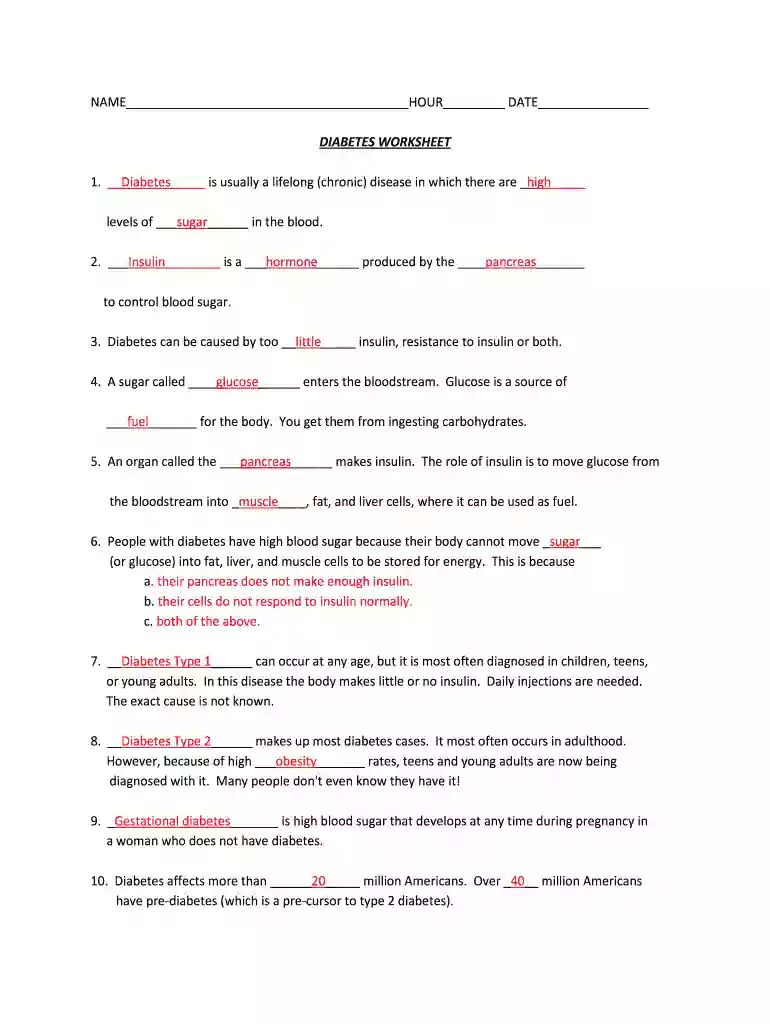
Type text, add images, blackout confidential details, add comments, highlights and more.

Draw your signature, type it, upload its image, or use your mobile device as a signature pad.

Send diabetes worksheet via email, link, or fax. You can also download it, export it or print it out.

Start using our platform today for free to manage your diabetes worksheet efficiently!
We've got more versions of the diabetes worksheet pdf form. Select the right diabetes worksheet pdf version from the list and start editing it straight away!
| Versions | Form popularity | Fillable & printable |
|---|---|---|
| 2013 | 4.6 Satisfied (53 Votes) |
With DocHub, you can easily sign your diabetes quiz pdf or any other paperwork on iOS, even without installing extra programs. You can access your DocHub account from any web-connected browser and fill out and sign your form in any preferred method with just a couple of clicks.
You may complete and eSign your diabetes worksheet for students on the internet, even on a tight deadline. All you need to access top-notch editing tools on any device is a DocHub account, which you can register within a couple of moments. Once you register, add your document or find what you are looking for in our catalog, complete it utilizing the editing tools you want, and place your electronic signature on it at the end.
At DocHub, your data security is our priority. We follow HIPAA, SOC2, GDPR, and other standards, so you can work on your documents with confidence.
You are at increased risk for having prediabetes and are at high risk for type 2 diabetes. However, only your doctor can tell for sure if you.Read more
○ Classroom Activity: Provide a worksheet with a 100 bp DNA sequence. Students mark primer positions, calculate PCR product size, and compare primer versusRead more
Mar 13, 2021 How are Diabetes and Pre-diabetes Diagnosed? ▫ Diabetes. ✓ A1c 6.5%*. ✓ Fasting blood glucose 126 mg/dl *.Read more


