Type text, add images, blackout confidential details, add comments, highlights and more.
02. Sign it in a few clicks
Draw your signature, type it, upload its image, or use your mobile device as a signature pad.
03. Share your form with others
Send it via email, link, or fax. You can also download it, export it or print it out.
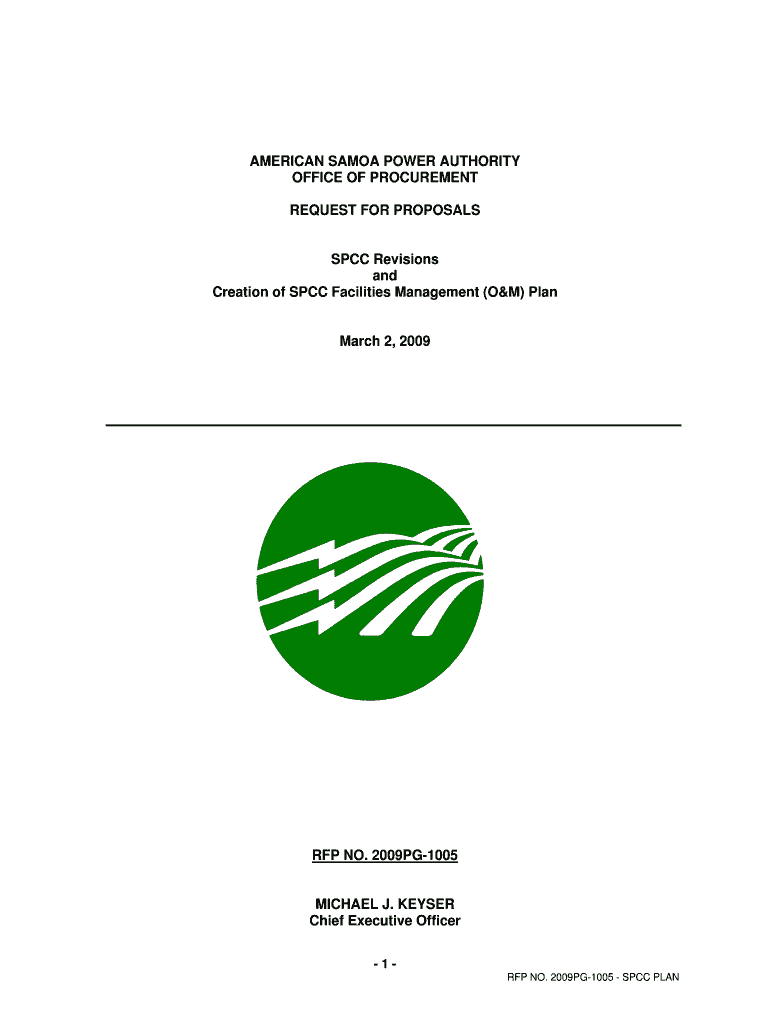
How to use or fill out SPCC Revisions with our platform
Ease of Setup
DocHub User Ratings on G2
Ease of Use
DocHub User Ratings on G2
Click 'Get Form' to open the SPCC Revisions document in the editor.
Begin by reviewing the Proposal Invitation section. Ensure you understand the requirements and deadlines for submission.
Fill out the Proposal Transmittal Form (Attachment A) with your organization’s details, including name, address, and contact information.
Complete the Offeror’s Qualification Data Sheet (Attachment C) by providing necessary information about your business structure, relevant projects, and supervisory personnel.
Incorporate any required technical and cost proposals as outlined in the Scope of Work. Make sure to detail your approach and timeline for completing the tasks.
Review all sections for completeness and accuracy before saving your changes. Utilize our platform's features to highlight or comment on important areas if needed.
Start using our platform today to streamline your SPCC Revisions process for free!
May 10, 2013, is the compliance date for farms to prepare or amend and implement their Spill Prevention, Control, and Countermeasure (SPCC) Plans.Read more
Dec 31, 2024 Astrophotography post-processing enhances and refines images. This process involves multiple steps aimed at improving the images visual appeal.Read more
Cookie consent notice
This site uses cookies to enhance site navigation and personalize your experience.
By using this site you agree to our use of cookies as described in our Privacy Notice.
You can modify your selections by visiting our Cookie and Advertising Notice.