




Here's how it works

01. Edit your arizona repo affidavit online
Type text, add images, blackout confidential details, add comments, highlights and more.

02. Sign it in a few clicks
Draw your signature, type it, upload its image, or use your mobile device as a signature pad.

03. Share your form with others
Send texas emergency detention form via email, link, or fax. You can also download it, export it or print it out.
How to use or fill out az repossession with our platform

- Click ‘Get Form’ to open the az repossession affidavit in the editor.
- Begin by entering the Vehicle Identification Number (VIN) and details such as Year and Make of the vehicle. This information is crucial for identifying the vehicle involved in the repossession.
- Fill in the Registered Owner Names, ensuring they are printed clearly. Next, indicate the Repossession Date and Title State to provide context for the transaction.
- In the certification section, confirm your status as a legal owner and lienholder. Sign where indicated and include your name and company details.
- Proceed to complete the Bill of Sale section by entering Buyer Name, Sale Date, and their address. Ensure you also state the odometer reading accurately to comply with legal requirements.
- Finally, both seller and buyer must sign where required, along with notary acknowledgment if necessary. Review all entries for accuracy before finalizing.
Start using our platform today to streamline your document editing process for free!
Fill out az repossession online
It's free
It's free
See more az repossession versions
We've got more versions of the az repossession form. Select the right az repossession version from the list and start editing it straight away!
| Versions | Form popularity | Fillable & printable |
|---|---|---|
| 2005 | 4.9 Satisfied (58 Votes) |
Security and compliance
At DocHub, your data security is our priority. We follow HIPAA, SOC2, GDPR, and other standards, so you can work on your documents with confidence.
Learn more


Related forms
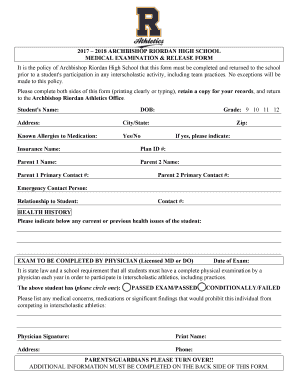
MEDICAL EXAMINATION and RELEASE FORM
The document is a Medical Examination and Release Form for students at Archbishop Riordan High School, required for part ...
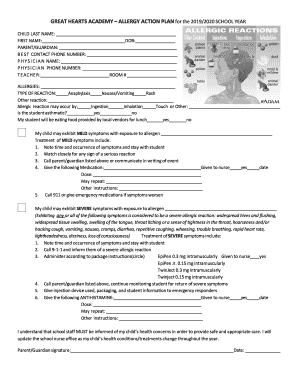
GREAT HEARTS ACADEMY ALLERGY ACTION PLAN for the 2019 2020 SCHOOL YEAR
The document is an Allergy Action Plan for Great Hearts Academy for the 2019/2020 school year, detailing procedures for ...

Moorestownvna PDFs Camp Firefly 2021Camp Firefly 2021 INQUIRY FORM - moorestownvna
Camp Firefly is a free one-day camp for bereaved children aged 7-14, taking place on August 28, 2021, at YMCA of the Pin ...
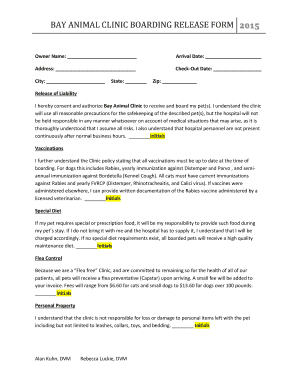
BAY ANIMAL CLINIC BOARDING RELEASE FORM
The document is a boarding release form for Bay Animal Clinic, outlining the responsibilities and liabilities of pet own ...
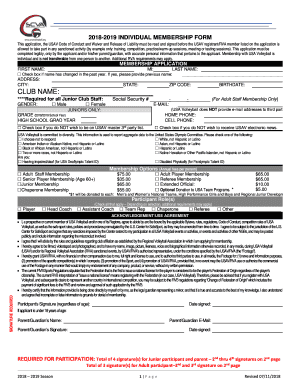
2018 2019 Individual Membership Form
The document is a membership application form for USA Volleyball for the 2018-2019 season. It outlines the requirements ...

2018 FAMU Verification Worksheet (Independent)
The document is a Verification Worksheet for independent students applying for federal financial aid at Florida A&M Univ ...

2019-20 Small Business Form
The document is the 2019-20 Small Business Form required for students to report business and farm investments on their F ...

1617 DepWorksheet V1pdf - Mercy College - mercy
The document is a 2016–2017 Verification Worksheet for dependent students, required for confirming the accuracy of infor ...