




01. Edit your danbury police department reviews online
Type text, add images, blackout confidential details, add comments, highlights and more.

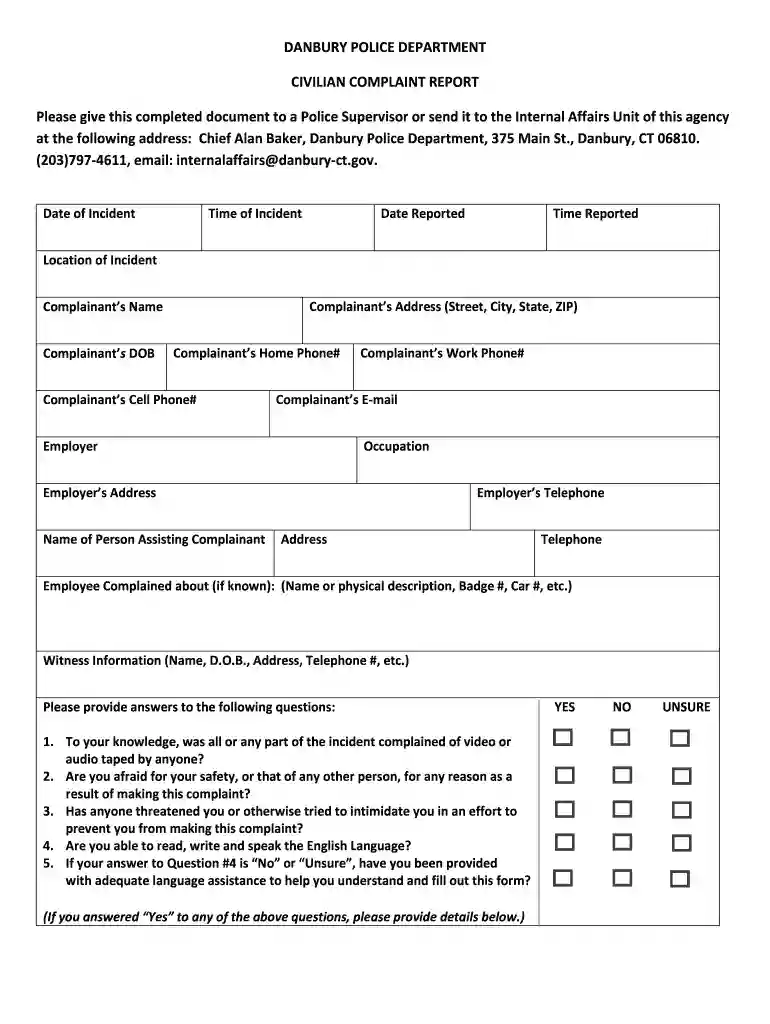
Type text, add images, blackout confidential details, add comments, highlights and more.

Draw your signature, type it, upload its image, or use your mobile device as a signature pad.

Send danbury ct police blotter via email, link, or fax. You can also download it, export it or print it out.

Start filling out your complaint report today using our platform for free!
Sign in to your DocHub account and import your danbury ct police facebook to our editor using one of its upload methods - from your device, cloud storage, secure URL, or your DocHub folders if you have already managed your form before. Open our editor, click the Sign button in the upper toolbar, and decide on your signing method. You can upload a picture of your handwritten signature, draw it, type in your name, or use a QR code instead.
You can easily edit fill out your danbury police on any iOS gadget. Open an internet browser of your choice, visit the DocHub site, authorize or create a new account, add your file for editing, and make your desired adjustments. Our service is mobile-friendly, so utilizing its features on your smartphone will be a no-brainer, even on the first try.
At DocHub, your data security is our priority. We follow HIPAA, SOC2, GDPR, and other standards, so you can work on your documents with confidence.
DANBURY POLICE DEPARTMENT. CIVILIAN COMPLAINT REPORT. Please give this completed document to a Police Supervisor or send it to the Internal Affairs Unit of thisRead more
Western Connecticut State University Police Department. CIVILIAN COMPLAINT REPORT. Please give this completed document to a Police Supervisor or send it to


