




01. Edit your peer presentation feedback form pdf online
Type text, add images, blackout confidential details, add comments, highlights and more.

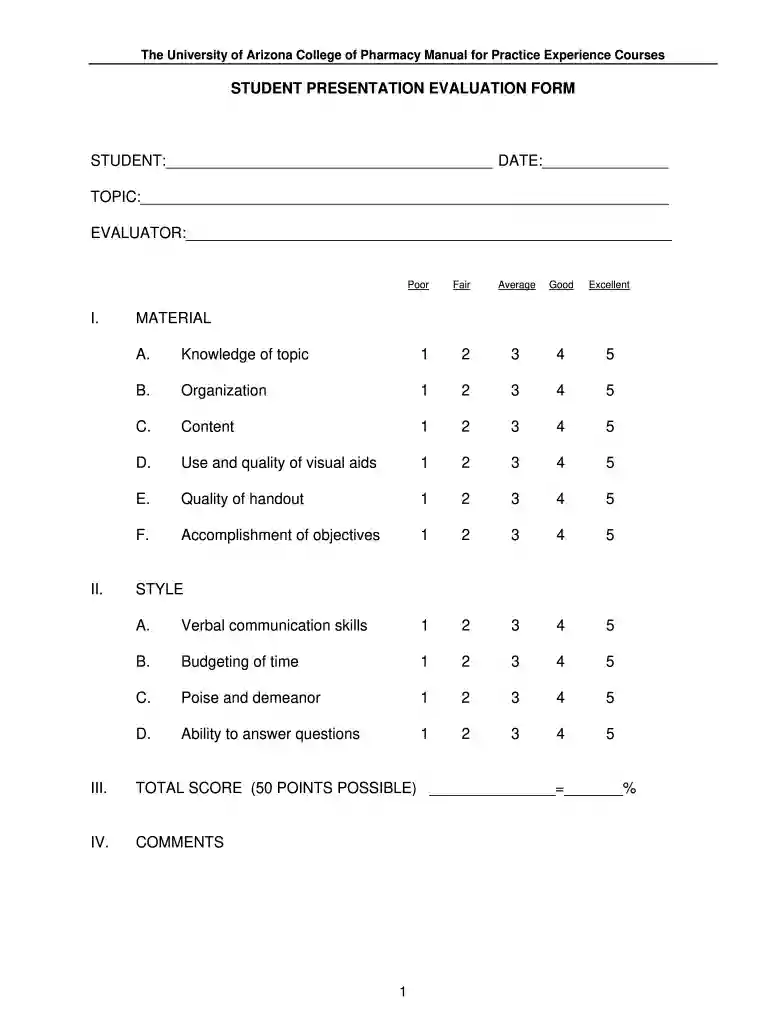
Type text, add images, blackout confidential details, add comments, highlights and more.

Draw your signature, type it, upload its image, or use your mobile device as a signature pad.

Send peer presentation feedback form via email, link, or fax. You can also download it, export it or print it out.

Start using our platform today for free to streamline your document editing and feedback process!
You should use only trusted software solutions with strong data protection compliance to approve your paperwork electronically. DocHub is just the type of service you need! It stores data on Amazon Web Servers and complies with all required security requirements and eSignature laws, so it’s a trusted way to electronically sign your presentation peer feedback form or other documents using this tool.
If you edit your peer presentation feedback form high school with DocHub, you only need a stable internet connection and virtually any web browser installed on your device. No need to install any third-party software or research tutorials. Simply open a tab with DocHub, drag and drop your file, and edit it on the spot.
At DocHub, your data security is our priority. We follow HIPAA, SOC2, GDPR, and other standards, so you can work on your documents with confidence.
Take notes as you listen to each presentation. Complete one form for each presentation, and hand in your feedback to the instructor at the end of class.Read more
Group Presentation Evaluation and Feedback Form. Group Members. Your presentation will be evaluated using the following scale in each of the categories below.Read more
You can create complex printed documents by using Document Composition. Facility (DCF), which is a powerful text-processing program that uses control words andRead more


