




Here's how it works

01. Edit your cpp1 online
Type text, add images, blackout confidential details, add comments, highlights and more.

02. Sign it in a few clicks
Draw your signature, type it, upload its image, or use your mobile device as a signature pad.

03. Share your form with others
Send cpp 1 via email, link, or fax. You can also download it, export it or print it out.
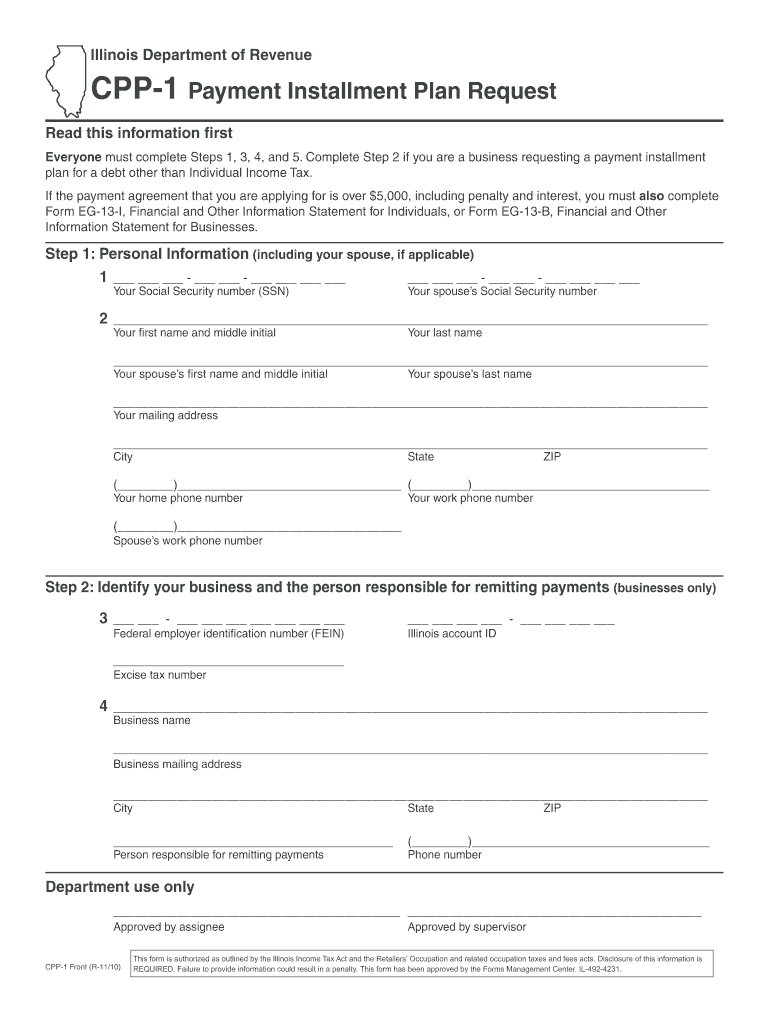
How to use or fill out cpp1 form 2010 with DocHub

- Click ‘Get Form’ to open it in the editor.
- Begin with Step 1 by entering your personal information, including your Social Security number and mailing address. If applicable, include your spouse's details.
- If you are a business, complete Step 2 by providing your Federal Employer Identification Number (FEIN) and business name along with the responsible person's contact information.
- In Step 3, indicate whether all tax returns have been filed. Specify the tax periods covered and detail your unpaid tax liability. Include a good faith down payment amount.
- Step 4 requires you to provide your financial institution's details for ACH payments. Ensure all fields are filled accurately.
- Finally, in Step 5, read the statement carefully and sign to authorize the payment plan. This step is crucial for processing your request.
Start using our platform today to fill out the cpp1 form 2010 easily and for free!
Fill out cpp1 form 2010 online
It's free
It's free
See more cpp1 form 2010 versions
We've got more versions of the cpp1 form 2010 form. Select the right cpp1 form 2010 version from the list and start editing it straight away!
Security and compliance
At DocHub, your data security is our priority. We follow HIPAA, SOC2, GDPR, and other standards, so you can work on your documents with confidence.
Learn more


Related forms

Home of the Best Co-workers Anywhere
The document is an employment application for FATZ, a restaurant seeking kitchen and service personnel. It outlines the ...
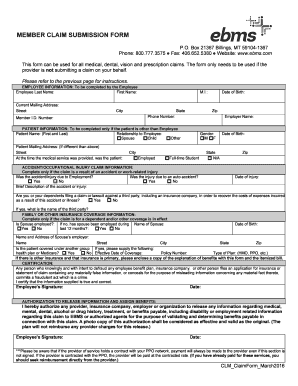
CLM ClaimForm March2016 doc
The document provides detailed instructions for filing a claim for medical, dental, vision, and prescription services. I ...

Student entry form
The document is a Student Entry Form for Seminole County Public Schools in Florida, designed for parents or guardians to ...

YFCAMP SUNSTREAM HEALTH, CONSENT AND RELEASE
The document is a Health, Consent, and Release Form for participants of the YFCAMP at SUNSTREAM organized by Youth for C ...
EXCEL PHYSICAL THERAPY PATIENT DATA SHEET
The document is a comprehensive patient data sheet for Excel Physical Therapy, requiring personal, insurance, and medica ...

Steps to obtain an Appointment:
The document outlines the appointment process for producers and agencies seeking to represent Metropolitan Life Insuranc ...

Sunlife fillable enrolment forms
The document is a Group Benefits Enrollment Form for plans that include Optional Life and Critical Illness coverage. It ...

Nar fee form ryerson
The document outlines the Non-Academic Requirements (NAR) fee process for the 2017 admissions cycle at Ryerson Universit ...