




01. Edit your employment history ssa online
Type text, add images, blackout confidential details, add comments, highlights and more.

Type text, add images, blackout confidential details, add comments, highlights and more.

Draw your signature, type it, upload its image, or use your mobile device as a signature pad.

Send online work history report via email, link, or fax. You can also download it, export it or print it out.

Start using our platform today to effortlessly complete your work history report online for free!
Electronic signatures are a great alternative to traditional signing, as they save time, effort, and money people spend on printing, scanning, and paper delivery. You can eSign your social security employment history utilizing a trustworthy and robust online document management services like DocHub. It complies with main eSignature policies (ESIGN and UETA), so all documents approved there are legally binding and have the same validity as physically signed ones.
You can find the latest and most relevant version of the social security employment history online in our DocHub forms collection. Browse it by categories or utilize the search field to find the exact template that fits your situation. You can open this form for editing after you find it.
At DocHub, your data security is our priority. We follow HIPAA, SOC2, GDPR, and other standards, so you can work on your documents with confidence.
Total nonfarm payroll employment increased by 315,000 in August, and the unemployment rate rose to 3.7 percent. Notable job gains occurred in professional and ...
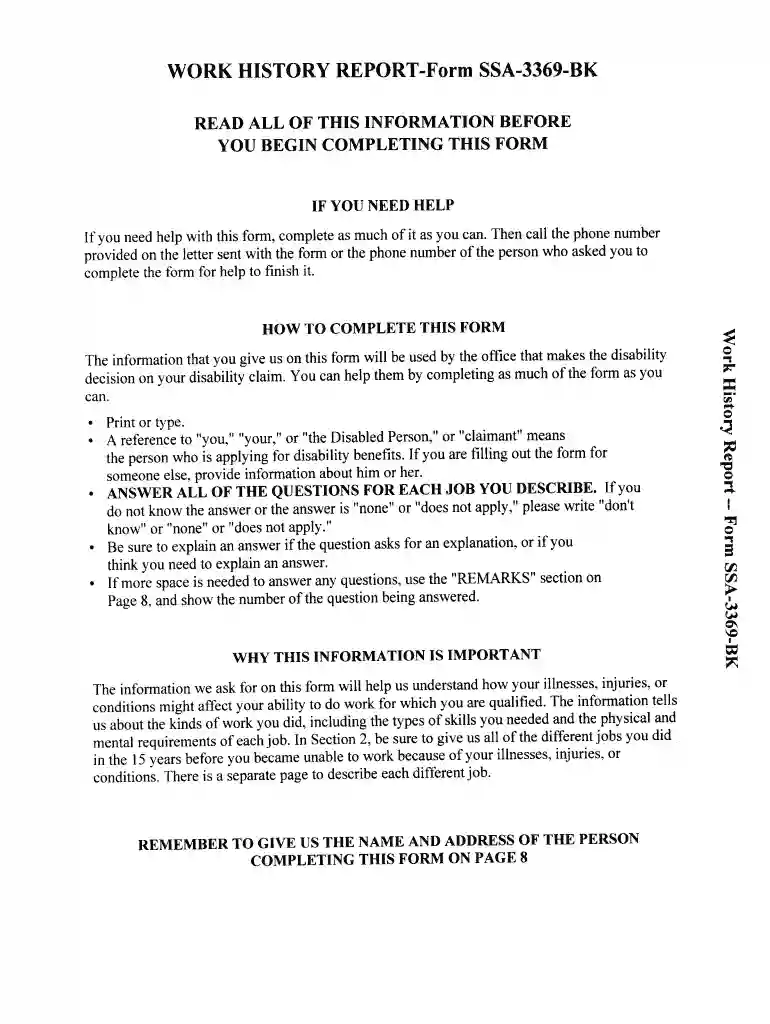
The Work History Report (SSA-3369) helps Disability Determination Services (DDS) to obtain detailed vocational information about the jobs the applicant held ...
Employment screening — Results of a background check typically include past employment verification, credit history, and criminal history.


