




Here's how it works

01. Edit your form online
Type text, add images, blackout confidential details, add comments, highlights and more.

02. Sign it in a few clicks
Draw your signature, type it, upload its image, or use your mobile device as a signature pad.

03. Share your form with others
Send it via email, link, or fax. You can also download it, export it or print it out.
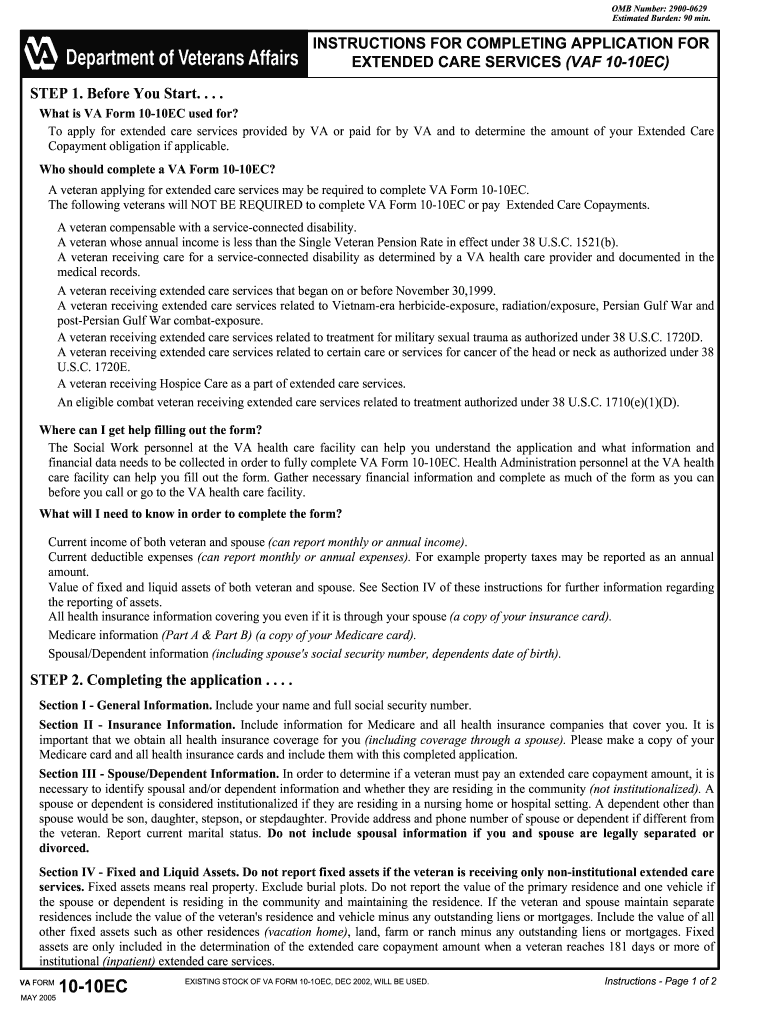
How to use or fill out OMB Number: 2900-0629 with our platform

- Click ‘Get Form’ to open the OMB Number: 2900-0629 in the editor.
- Begin with Section I - General Information. Enter your full name and Social Security number accurately.
- Proceed to Section II - Insurance Information. Provide details for Medicare and any other health insurance coverage, ensuring you include copies of relevant cards.
- In Section III - Spouse/Dependent Information, list all applicable details about your spouse and dependents, including their Social Security numbers and current residency status.
- Move to Section IV - Fixed and Liquid Assets. Report your financial assets as instructed, noting which assets are excluded based on your care type.
- Complete Section VI - Current Gross Income of Veteran and Spouse by detailing all income sources, ensuring accuracy for proper copayment assessment.
- Finalize by signing Sections VIII, IX, and X. Attach necessary documentation before submitting your application to the designated VA personnel.
Start using our platform today to simplify filling out the OMB Number: 2900-0629 for free!
Fill out OMB Number: 2900-0629 online
It's free
It's free
Security and compliance
At DocHub, your data security is our priority. We follow HIPAA, SOC2, GDPR, and other standards, so you can work on your documents with confidence.
Learn more


