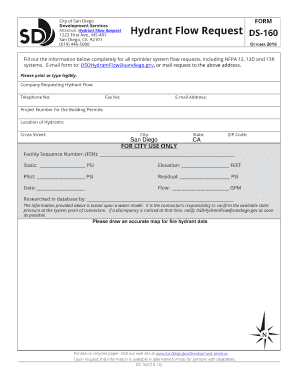
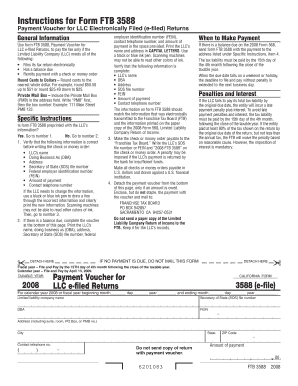
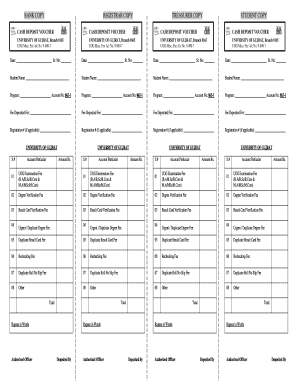
01. Edit your toolbox meeting template excel online
Type text, add images, blackout confidential details, add comments, highlights and more.
02. Sign it in a few clicks
Draw your signature, type it, upload its image, or use your mobile device as a signature pad.
03. Share your form with others
Send vanguard beneficiary claim via email, link, or fax. You can also download it, export it or print it out.
How to use or fill out Vanguard Transfer on Death Form PDF with DocHub
Ease of Setup
DocHub User Ratings on G2
Ease of Use
DocHub User Ratings on G2
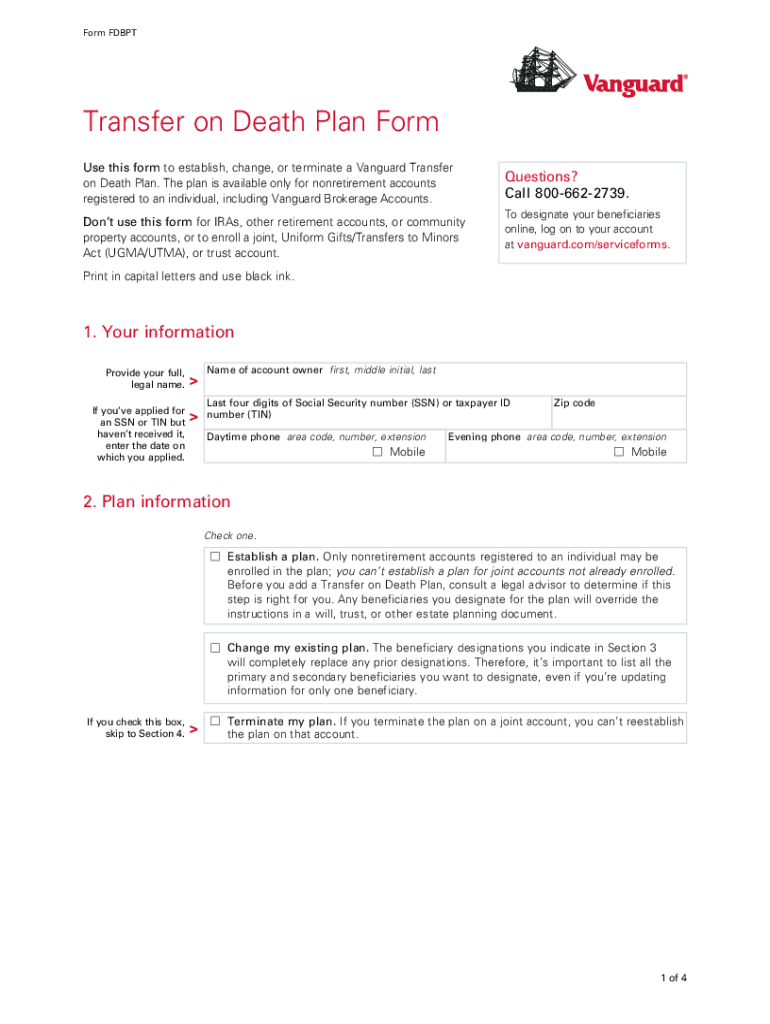
Click ‘Get Form’ to open the Vanguard Transfer on Death Form in our platform's editor.
Begin by entering your personal information in Section 1. Provide your full legal name, last four digits of your Social Security number, and contact details.
In Section 2, select whether you want to establish a new plan, change an existing one, or terminate your plan. Make sure to read the implications of each choice carefully.
Proceed to Section 3 where you will designate your primary and secondary beneficiaries. Clearly indicate the percentage of assets each beneficiary will receive, ensuring that the total equals 100%.
Review all entries for accuracy before signing in Section 4. Your signature confirms acceptance of the terms outlined in the agreement.
Finally, save your completed form and follow the instructions for mailing it back to Vanguard using the provided envelope.
Start filling out your Vanguard Transfer on Death Form today for free using our platform!
Fill out vanguard transfer on death form pdf online It's free
Vanguard transfer on death form pdf downloadVanguard beneficiary forms download pdfVanguard forms pdf downloadVanguard Withdrawal Form pdfVanguard change of ownership FormVanguard spousal consent form pdfVanguard beneficiary claimVanguard beneficiary phone number
Security and compliance
At DocHub, your data security is our priority. We follow HIPAA, SOC2, GDPR, and other standards, so you can work on your documents with confidence.
The Vanguard Section 403(b)(7) Custodial Account (for
If you are transferring assets from another financial institution, complete a 403(b)(7) Account. Exchange/Transfer Authorization Form and mail it with this formRead more
Apr 5, 2016 This summary does not contain all of the information that you should consider and you should read the entire Proxy Statement carefully beforeRead more
Files are no longer lost due to system errors in transferring files between the regional office and the outpatient clinic. Processing time for cases 180 days orRead more
Cookie consent notice
This site uses cookies to enhance site navigation and personalize your experience.
By using this site you agree to our use of cookies as described in our Privacy Notice.
You can modify your selections by visiting our Cookie and Advertising Notice.