




01. Edit your evacuation registration form online
Type text, add images, blackout confidential details, add comments, highlights and more.

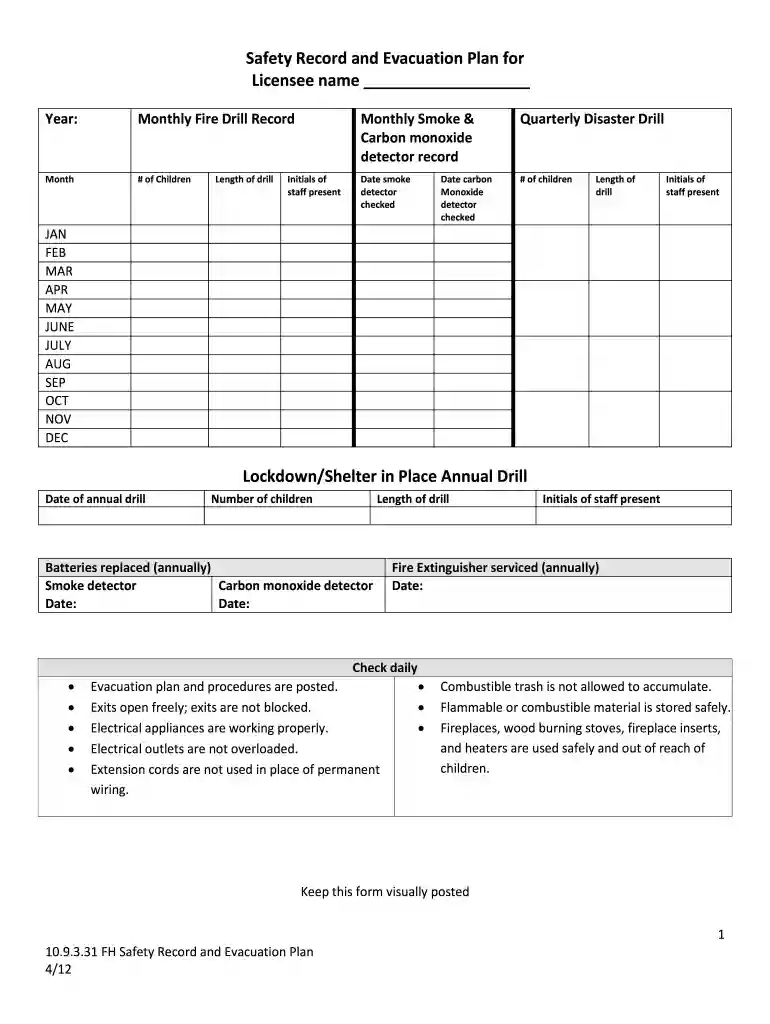
Type text, add images, blackout confidential details, add comments, highlights and more.

Draw your signature, type it, upload its image, or use your mobile device as a signature pad.

Send emergency evacuation headcount checklist via email, link, or fax. You can also download it, export it or print it out.

Start using our platform today to streamline your safety record and evacuation plan!
We've got more versions of the evacuation registration form form. Select the right evacuation registration form version from the list and start editing it straight away!
At DocHub, your data security is our priority. We follow HIPAA, SOC2, GDPR, and other standards, so you can work on your documents with confidence.
Dec 12, 2025 Emergency evacuation plans safeguard lives and communities by ensuring an effective, timely response to various emergencies and disasters.
Emergency plan for animal bite incidents (ABCD). A. Immediately use the first aid kit for disinfection and hemostasis/bleeding control. Send severe cases to theRead more
Safety Record and Evacuation Plan. Form Number 15-859. Form File. English (Word) English (PDF) Somali (fillable PDF) Spanish (fillable PDF)Read more


