




01. Edit your unusual incident report online
Type text, add images, blackout confidential details, add comments, highlights and more.

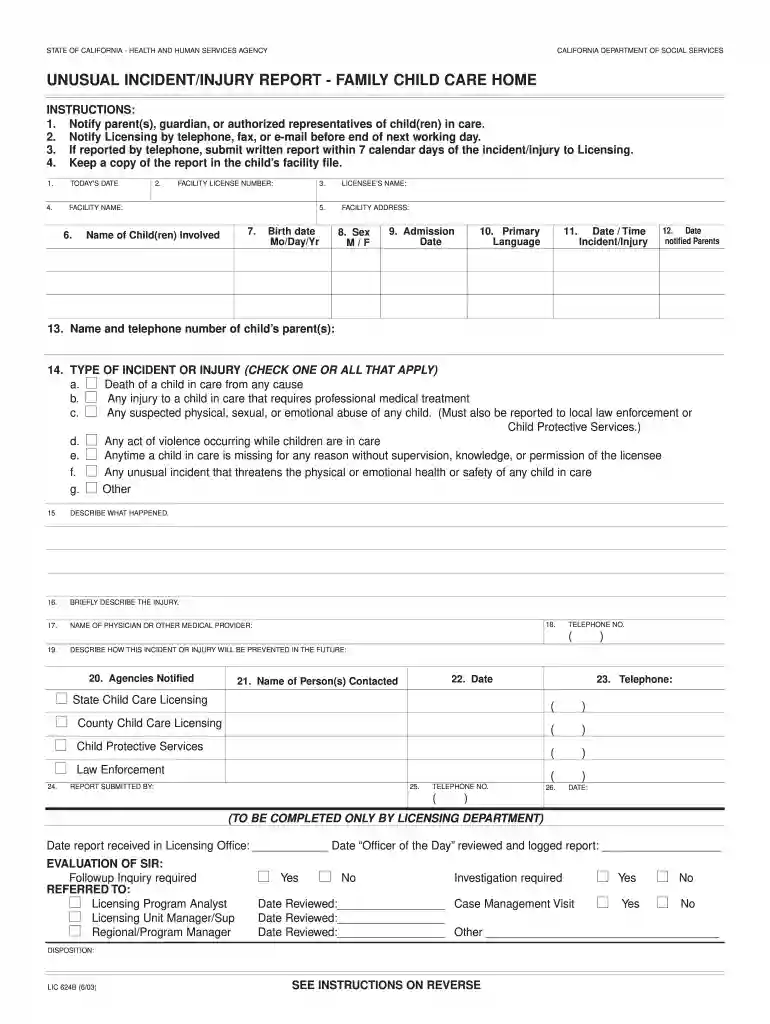
Type text, add images, blackout confidential details, add comments, highlights and more.

Draw your signature, type it, upload its image, or use your mobile device as a signature pad.

Send unusual incident report child care via email, link, or fax. You can also download it, export it or print it out.

Start using our platform today to streamline your form completion process for free!
At DocHub, your data security is our priority. We follow HIPAA, SOC2, GDPR, and other standards, so you can work on your documents with confidence.
Apr 27, 2026 English, Spanish. LIC 624B, Unusual Incident/Injury Report Family Child Care Home (pdf; 127.96 KB) LIC 624B (SP), Reporte de incidenteRead more
by W Nussbaum 2015 Cited by 7 The tool is appropriate for use with youth being charged with an act of family violence against a parent or caregiver. There may be occasions, however, when theRead more
SUBMIT WRITTEN REPORT WITHIN 7 DAYS OF OCCURRENCE. RETAIN COPY OF REPORT IN CLIENTS FILE. NAME OF FACILITY. FACILITY FILE NUMBER. TELEPHONE NUMBER.Read more


