




01. Edit your biomedical waste operating plan online
Type text, add images, blackout confidential details, add comments, highlights and more.

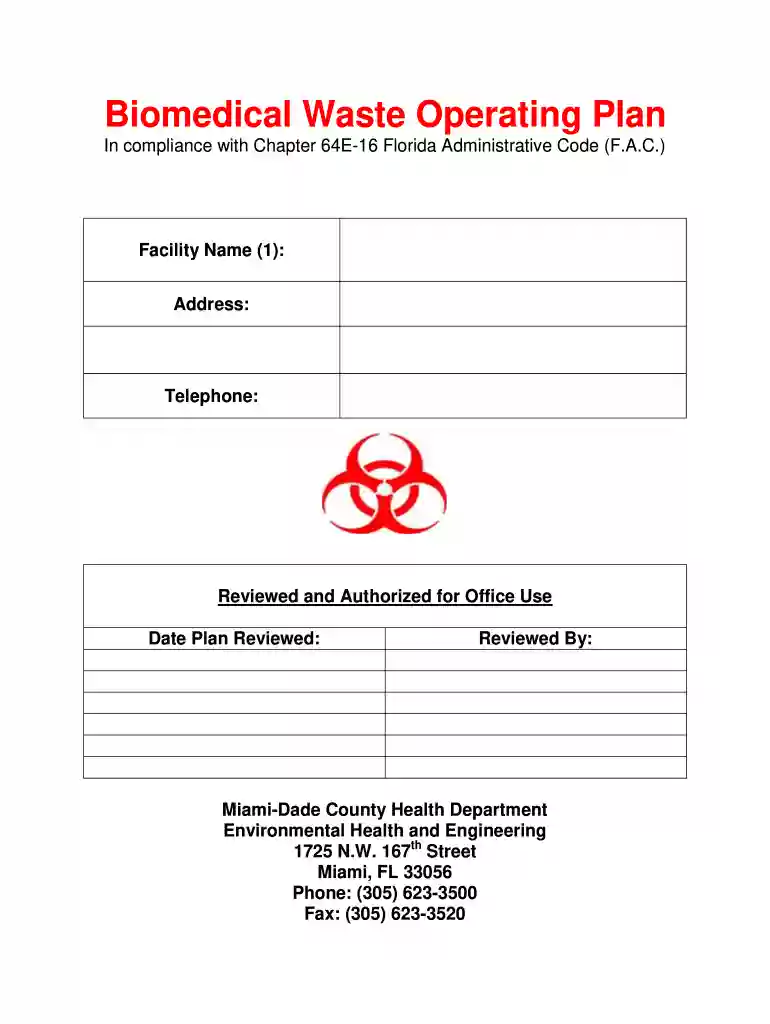
Type text, add images, blackout confidential details, add comments, highlights and more.

Draw your signature, type it, upload its image, or use your mobile device as a signature pad.

Send biomedical waste plan via email, link, or fax. You can also download it, export it or print it out.

Start using our platform today to streamline your biomedical waste plan completion for free!
At DocHub, your data security is our priority. We follow HIPAA, SOC2, GDPR, and other standards, so you can work on your documents with confidence.
Waste Classification. Domestic waste and laboratory waste shall not be thrown into the same trash can, and need to be thrown into a separate trash canRead more
All biomedical waste facilities are required to develop and maintain a current operating plan that complies with subsection 64E-16.003(2), Florida.Read more
The purpose of this Biomedical Waste Plan is to provide guidance and describe requirements for the proper management of biomedical waste generated by FIU sites.Read more


