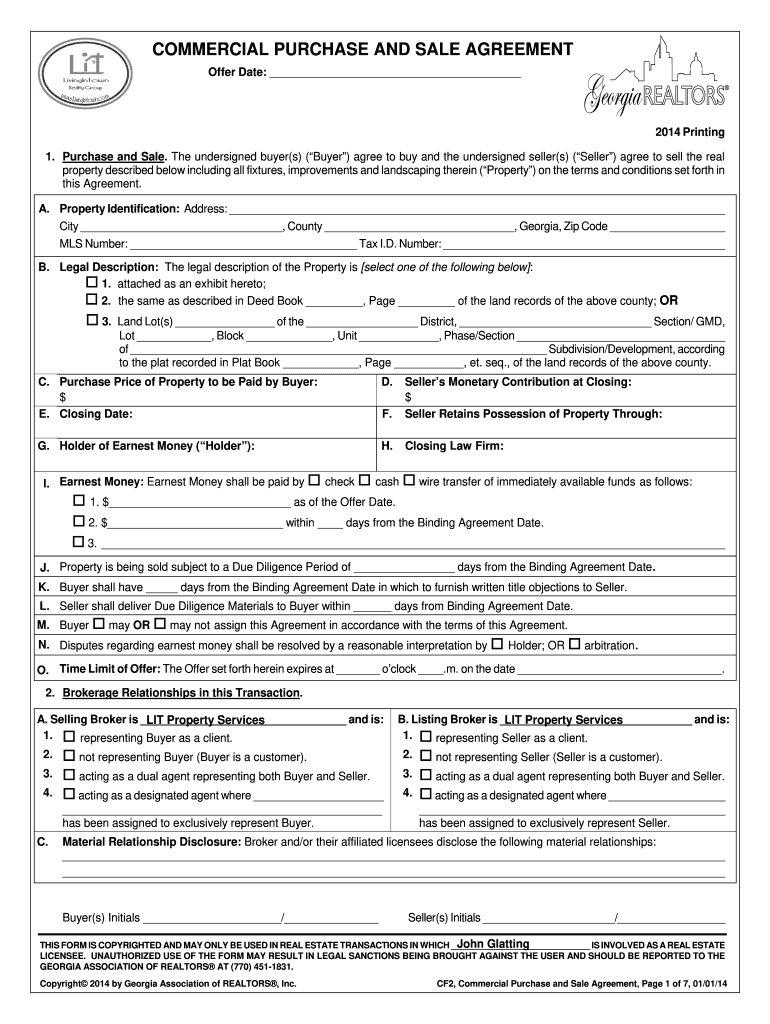
Start using our platform today to fill out your Georgia Purchase and Sale Agreement easily and for free!
Sure, a typed name is accepted as a valid electronic signature when you create it on your paperwork using a compliant solution like DocHub. Simply upload your commercial real estate purchase agreement form to our editor, click Sign in the top tool pane → Create your signature → Type your name in the appropriate tab, and select how it will look on your document.
If you go for analog ways of completing your commercial real estate purchase agreement pdf, it is simple to download your file for printing. Search DocHub’s Forms & Templates catalog to locate the exact file template you require and open it for editing or download it on your gadget in the format of your liking. It is possible to complete your form electronically and place your handwritten signature on it right after printing or eSign your file with DocHub.
At DocHub, your data security is our priority. We follow HIPAA, SOC2, GDPR, and other standards, so you can work on your documents with confidence.
Learn more