




Here's how it works

01. Edit your hawaiian airlines medical waiver online
Type text, add images, blackout confidential details, add comments, highlights and more.

02. Sign it in a few clicks
Draw your signature, type it, upload its image, or use your mobile device as a signature pad.

03. Share your form with others
Send hawaiian airlines medical waiver form via email, link, or fax. You can also download it, export it or print it out.
How to use or fill out airlines medical waiver with our platform

- Click ‘Get Form’ to open the airlines medical waiver in the editor.
- Begin by entering the Passenger Name(s) in the designated field. Ensure that all names are spelled correctly to avoid any issues.
- Fill in the Original Departure Date and Original Return Date. Use the date picker for convenience.
- Input your Flight #(s) accurately, as this information is crucial for processing your request.
- Provide your Email address and Mailing Address to ensure you receive updates regarding your waiver request.
- Enter the Reservation Confirmation Code(s), which consists of six letters, to link your request with your booking.
- Complete the section regarding the Name of Hospitalized Patient, Relation to Traveler, Date Admitted, and Date Released. This information is essential for validating your claim.
- Fill in details about the Name of Attending Physician, their Address, and Phone number. This will facilitate communication if further information is needed.
- Ensure that the Signature of Attending Physician is included along with the Date. This confirms their endorsement of your claim.
- Finally, review all entries for accuracy before signing at the bottom. If applicable, a Guardian’s Signature should be provided for patients under 18 years old.
Start filling out your airlines medical waiver today on our platform for free!
Fill out airlines medical waiver online
It's free
It's free
See more airlines medical waiver versions
We've got more versions of the airlines medical waiver form. Select the right airlines medical waiver version from the list and start editing it straight away!
| Versions | Form popularity | Fillable & printable |
|---|---|---|
| 2014 | 4.9 Satisfied (492 Votes) |
Security and compliance
At DocHub, your data security is our priority. We follow HIPAA, SOC2, GDPR, and other standards, so you can work on your documents with confidence.
Learn more


Related forms

2018-2019 Income Property Verification Worksheet
The document is a 2018-2019 Income Property Verification Worksheet for students whose FAFSA was selected for verificatio ...
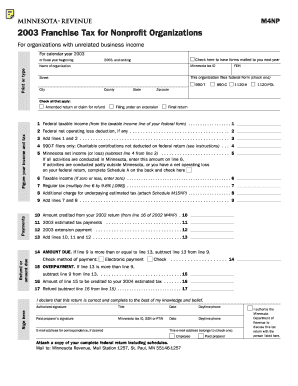
M4np
The document is the 2003 Franchise Tax form for Nonprofit Organizations in Minnesota, specifically for those with unrela ...
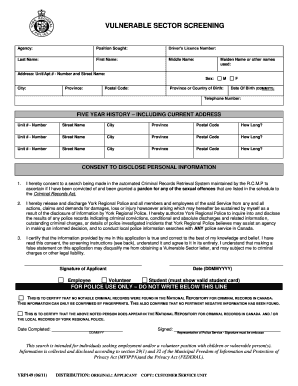
How does a vulnerable sector screening form look like
The document outlines the process for Vulnerable Sector Screening conducted by York Regional Police, which is required f ...

PDF EMAIL TO: Engineeringhollister ca
The document is an email addressed to the engineering department of Hollister, California, likely seeking information or ...
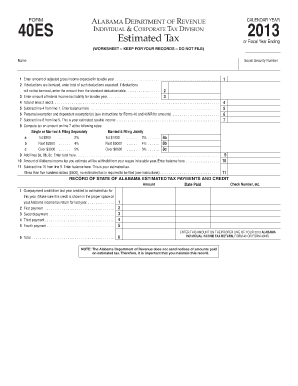
Form 40es 2015 alabama estimated tax
The document is a worksheet and instructions for the Alabama Department of Revenue's Estimated Tax Form 40ES for the yea ...
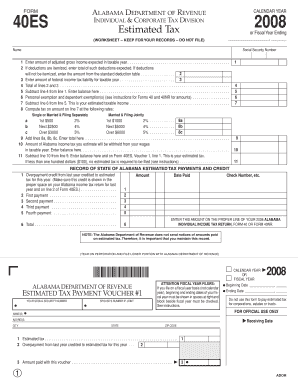
ALABAMA DEPARTMENT OF REVENUE FORM 40ES CALENDAR YEAR 2008 INDIVIDUAL andamp - ador state al
ALABAMA DEPARTMENT OF REVENUE FORM 40ES CALENDAR YEAR 2008 INDIVIDUAL andamp - ador state al
The document is a worksheet and payment voucher for estimated tax payments for the year 2008, issued by the Alabama Depa ...

Dmv vehicle removal certificate in va 2011 form
The Vehicle Removal Certificate (VSA 40) is a form used to document the removal and disposition of motor vehicles, trail ...
Fillable US Washington Tax Forms Samples to Complete
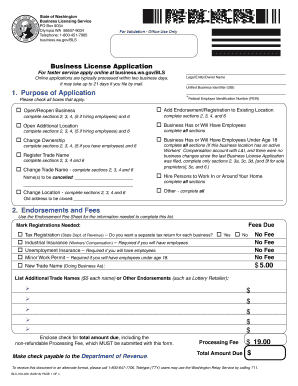
The document is a Business License Application for the State of Washington, detailing the process for applying for vario ...