Printable aha 2026

Get Form
aha form Preview on Page 1

Here's how it works

01. Edit your aha form online
Type text, add images, blackout confidential details, add comments, highlights and more.

02. Sign it in a few clicks
Draw your signature, type it, upload its image, or use your mobile device as a signature pad.

03. Share your form with others
Send aha form pdf via email, link, or fax. You can also download it, export it or print it out.

How to use or fill out printable aha with our platform

Form edit decoration
9.5
Ease of Setup
DocHub User Ratings on G2
9.0
Ease of Use
DocHub User Ratings on G2
  1. Click ‘Get Form’ to open the printable aha in the editor.
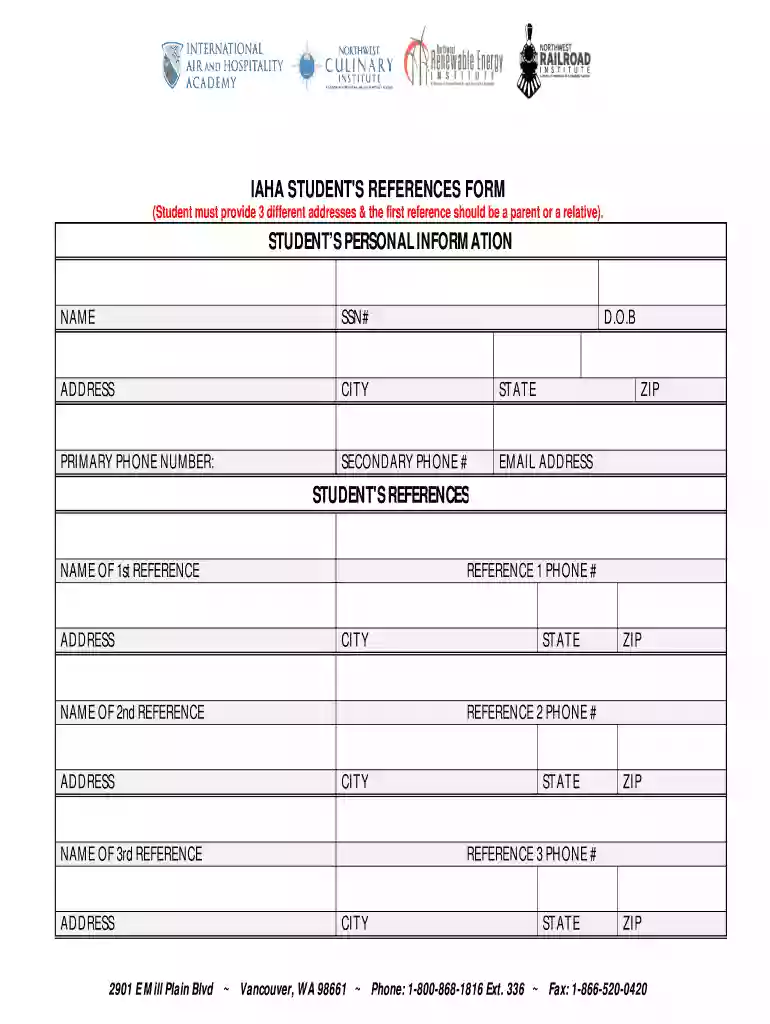
  2. Begin by entering your personal information. Fill in your name, Social Security Number (SSN), date of birth (D.O.B), and address details including city, state, and zip code.
  3. Provide your primary and secondary phone numbers along with your email address to ensure accurate communication.
  4. Next, move on to the references section. Start with the first reference, which should be a parent or relative. Enter their name, address, phone number, city, and zip code.
  5. Repeat the process for the second and third references. Ensure that all fields are filled out completely for each reference to avoid any delays.

Start using our platform today to easily fill out your printable aha form for free!

be ready to get more

Complete this form in 5 minutes or less

Get form

Got questions?

We have answers to the most popular questions from our customers. If you can't find an answer to your question, please contact us.
Contact us
Heartcode ACLS Online. HeartCode ACLS Online is a self-directed, comprehensive eLearning program that uses adaptive learning technology to allow learners to acquire and demonstrate Advanced Cardiac Life Support skills using a personalized learning path that adapts in real time to a learners performance.
Visit the AHA Website: Go to the official American Heart Association website () or the AHAs online learning platform . Log In: If you have an existing account, log in using your username and password. If you dont have an account, you may need to create one.
Open the app and login to your account with your AHA login credentials. Your bookshelf with your purchased titles will open upon successful login. 4. Tap on the eBook you wish to read to download the book to your device for offline viewing.
Our easy-to-use CPR card lookup tool lets you quickly find your CPR card in three different ways: Using your email address at the time the training took place. Entering your name and course completion date. Inputting your certificate ID number.
Go to the eBookstore (ebooks.heart.org). If you already have an account (with the AHA Instructor Network or through My. Once you are successfully logged in, you will be redirected to your Bookshelf. Enter your access code in the Redeem field (Do not include any spaces.

Security and compliance

At DocHub, your data security is our priority. We follow HIPAA, SOC2, GDPR, and other standards, so you can work on your documents with confidence.

Learn more
ccpa2
pci-dss
gdpr-compliance
hipaa
soc-compliance
be ready to get more

Complete this form in 5 minutes or less

Get form

People also ask

How to Claim and View your AHA eCard You will receive an email from eCards@heart.org with a link inviting you to claim your eCard online. Set up your security question and answer. Complete the survey on the course you just completed. After you complete the survey, your eCard will display.

american heart association printable handouts