Start using our platform today for free to streamline your form completion process!
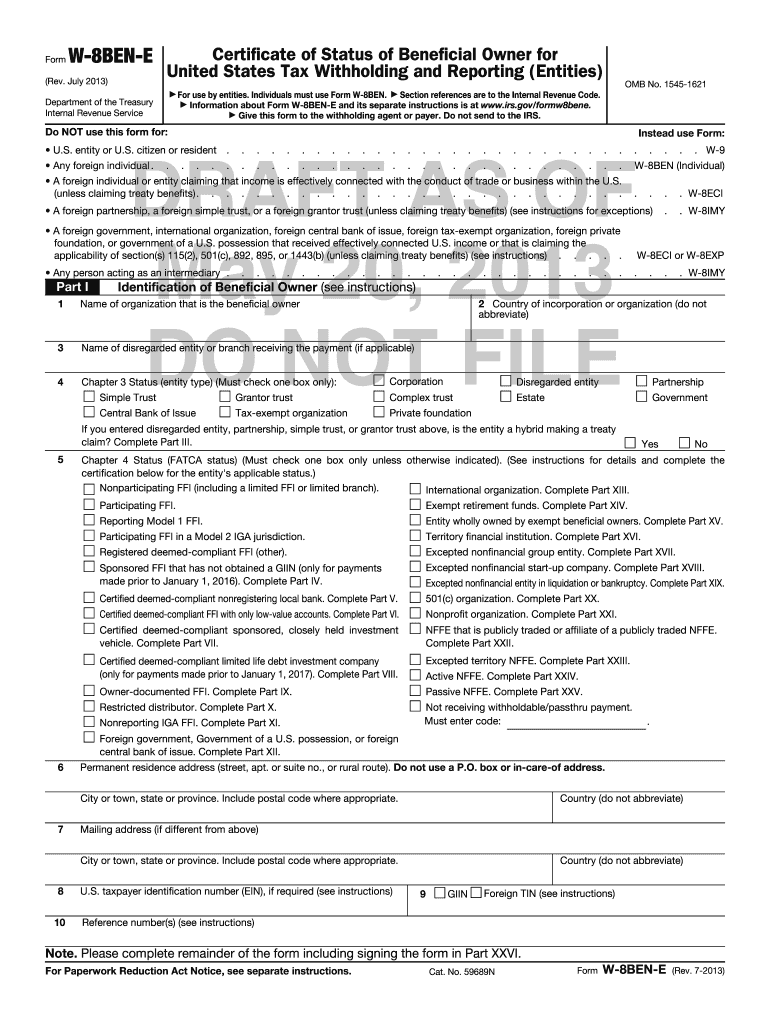
Upload your fw8bene to DocHub (once you’ve set up an account for this). If you need to complete fields in it, use appropriate tools from the top pane. For instance, add Signature Fields, assign each to specific person, and click on Sign → Request signatures from others. Customize your message for your recipients and click Send Request. You can also send your paperwork by fax or as a Signing link instead of using email (you’ll find these options by navigating to the Menu → Send)
You can easily complete, modify, and even eSign your fw8bene using DocHub. Create a new account and start your free trial. After that, you may upload the file with the form and easily make all the necessary edits. No need to print on paper or use a third-party application to sign it, as you can place your electronic signature on your document quicker via DocHub.
At DocHub, your data security is our priority. We follow HIPAA, SOC2, GDPR, and other standards, so you can work on your documents with confidence.
Learn more