




01. Edit your intent to withdraw form online
Type text, add images, blackout confidential details, add comments, highlights and more.

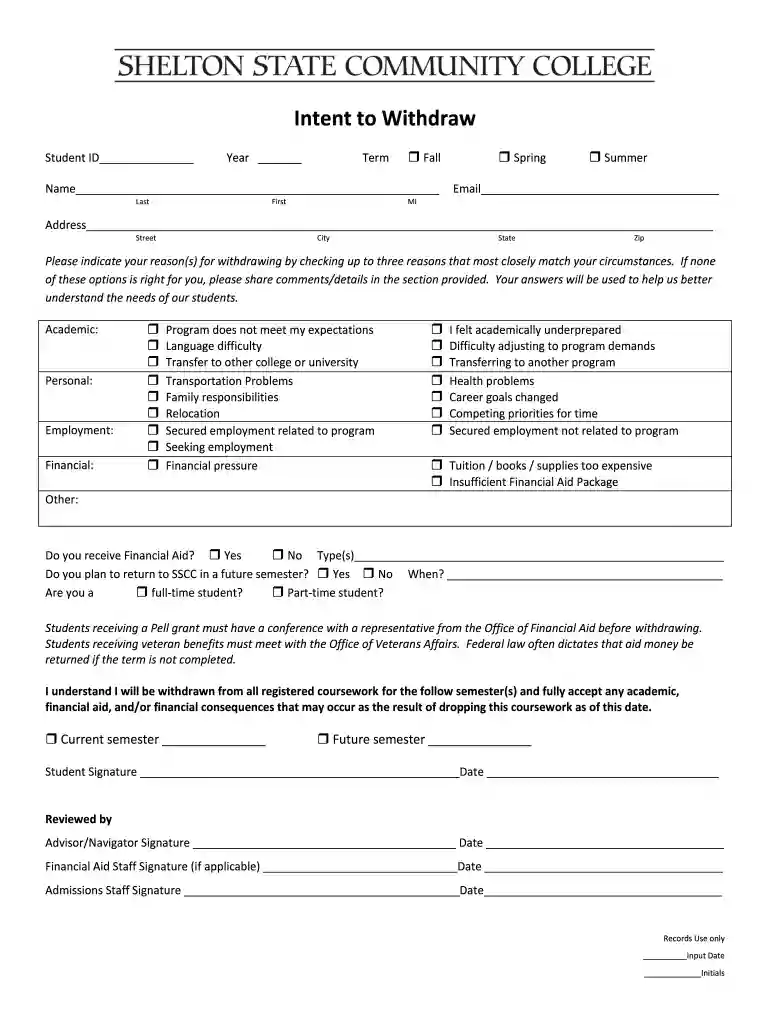
Type text, add images, blackout confidential details, add comments, highlights and more.

Draw your signature, type it, upload its image, or use your mobile device as a signature pad.

Send it via email, link, or fax. You can also download it, export it or print it out.

Start using our platform today to fill out your state intent withdraw form easily and for free!
At DocHub, your data security is our priority. We follow HIPAA, SOC2, GDPR, and other standards, so you can work on your documents with confidence.
Students who wish to withdraw their Intent to Graduate must complete the following form. Please note: Students who have requested to be enrolled in a futureRead more
The nonrefundable filing fee for this form is $70. Checks should be made payable to the Department of State. Checks must contain a commercially pre-printed nameRead more
All statements regarding IBMs future direction or intent are subject to change or withdrawal without notice, and represent goals and objectives only. ThisRead more


